HOME / SIMULATORS / SIMULATOR // BIOMETRIC LOCK & SOLENOID TWIN
Arduino Uno R3 · AS608 Optical Scanner · 5V Relay · 12V Solenoid · 1602 LCD

Biometric Fingerprint Sensor, Relay & Solenoid Lock Simulator

Test the complete biometric security loop in your browser: touch the optical scanner to simulate authorized vs unknown fingerprints, watch the 5V optoisolated relay click closed, observe the 12V electromagnetic solenoid bolt retract against its spring, and track animated LCD glyphs with live UART telemetry.

BUILD SPECIFICATIONS
MCU BOARD:Arduino Uno R3 / WiFi Rev2
BIOMETRIC SENSOR:AS608 Optical (57600 baud, Pins 2/3)
ACTUATOR COIL:12V Solenoid Door Strike (Relay Pin 7)
FEEDBACK:1602 I2C LCD, LEDs (9/10), Buzzer (8)
02 // Bill of Materials

Bench Parts & Hardware Components

CO-ENGINEERED WITH GEMINI ADVANCED · 60,671 VIEWS ON PROJECT HUB
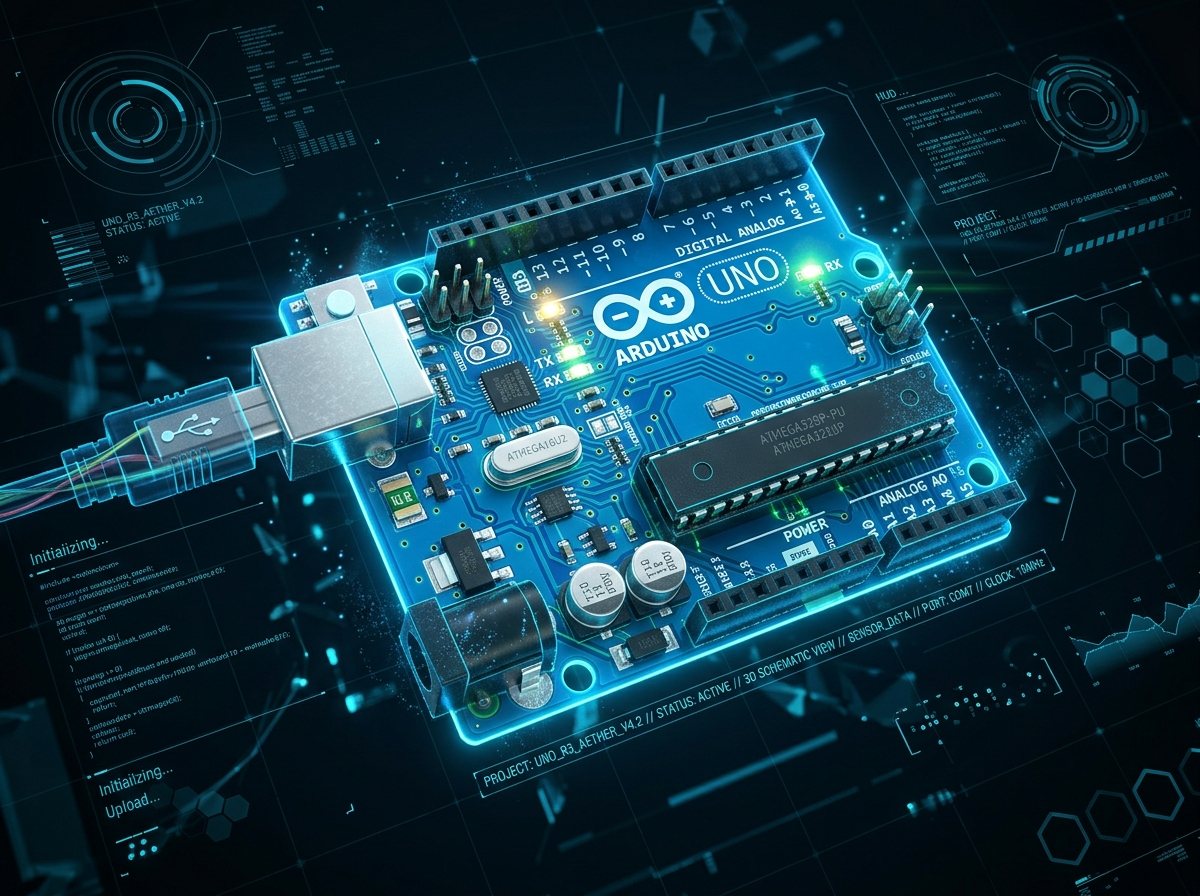
Arduino Uno R3 MCU
CONTROLLER BOARD

Arduino Uno

Runs the fingerprint state machine, arbitrates SoftwareSerial on Pins 2/3, and triggers Relay Pin 7.
Master Controller
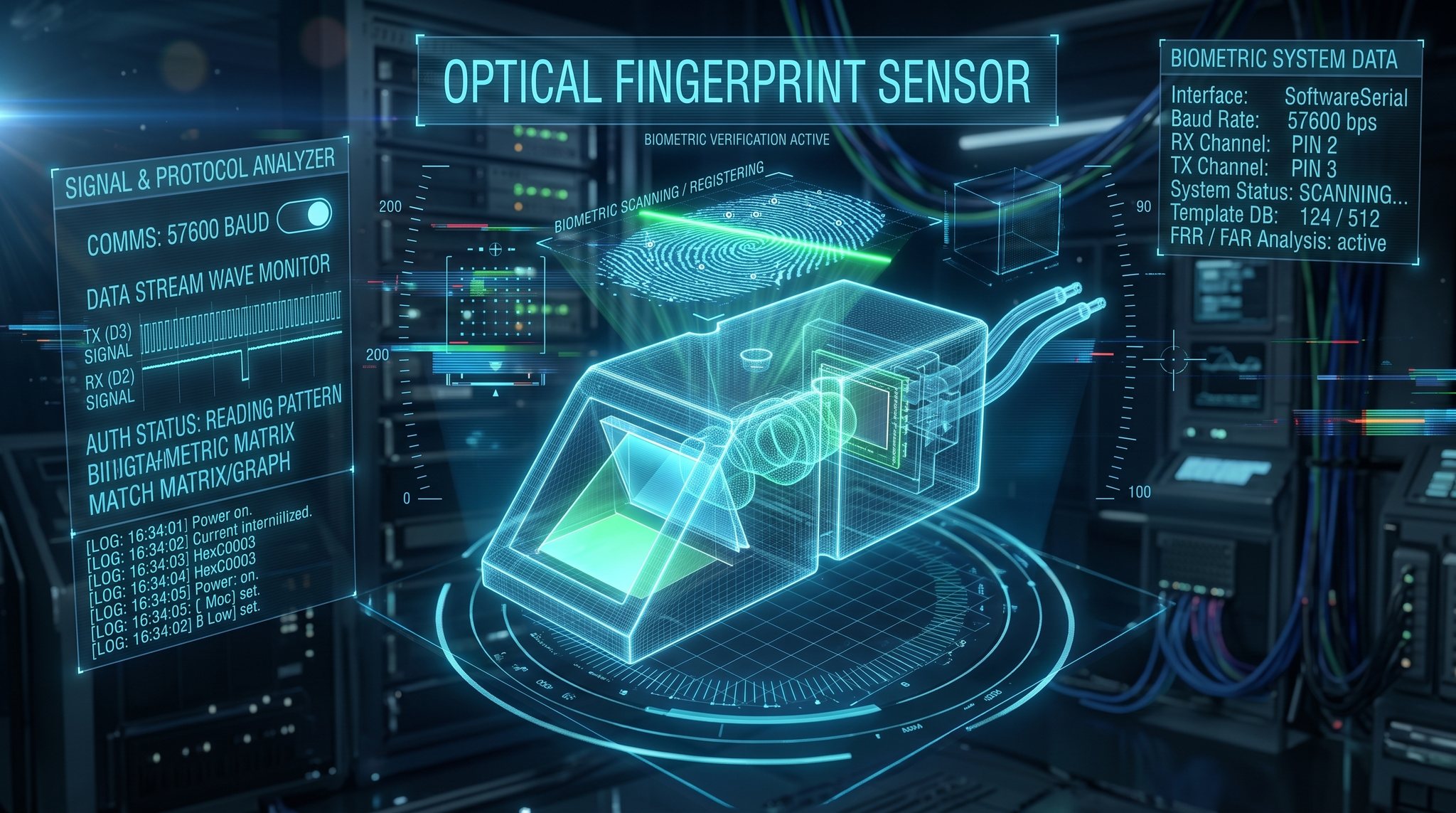
Optical Fingerprint Reader Sensor BIOMETRIC
OPTICAL SCANNER

AS608 Fingerprint Reader

Captures high-res fingerprint images, compares against stored templates, and returns match ID.
SoftwareSerial 57600
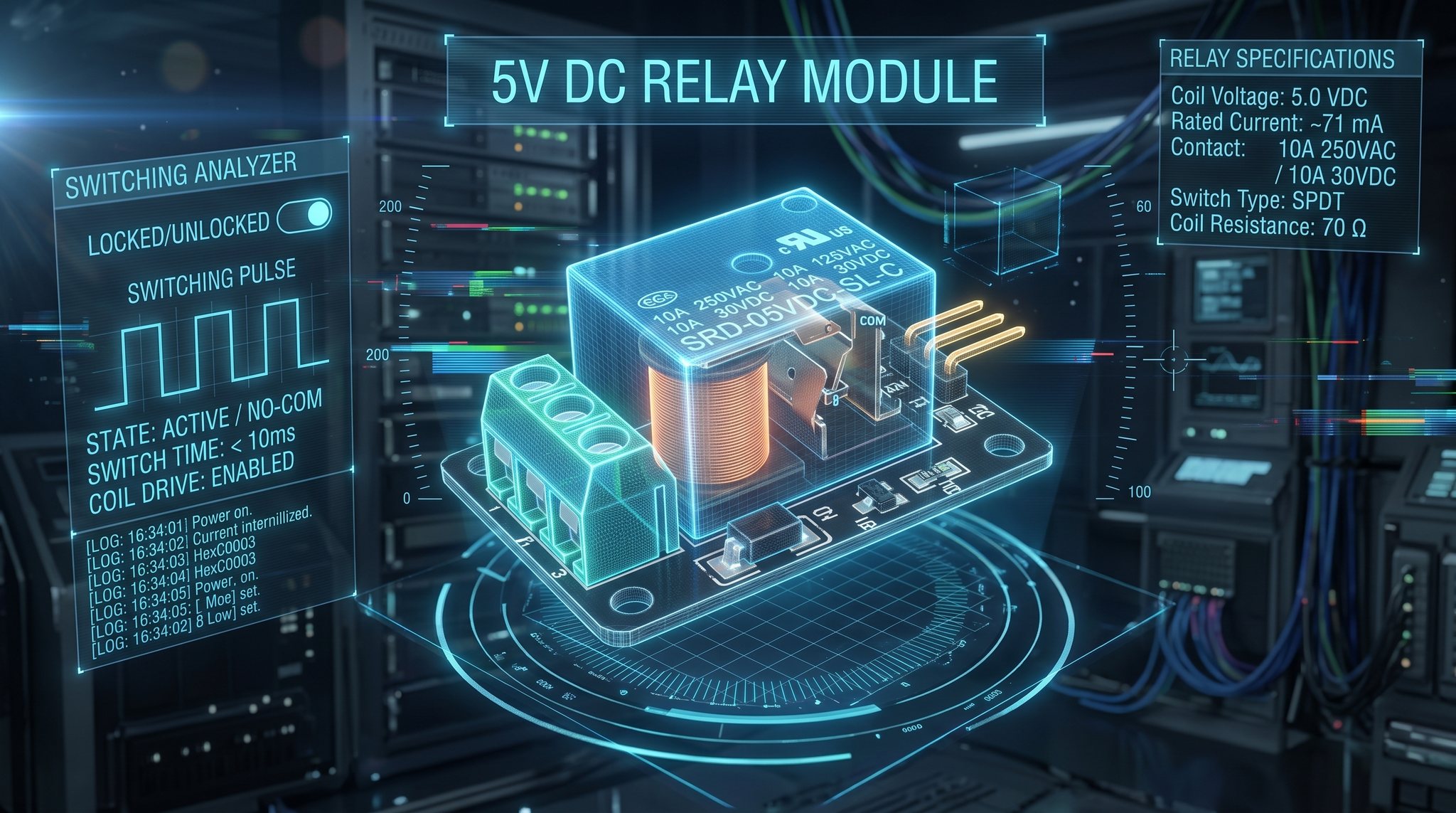
5V Optoisolated Relay Module SWITCH
POWER ISOLATION

1-Channel Relay Module

Optocoupler isolation protects the 5V Arduino circuitry from 12V inductive kickback spikes.
Digital Pin 7 Trigger
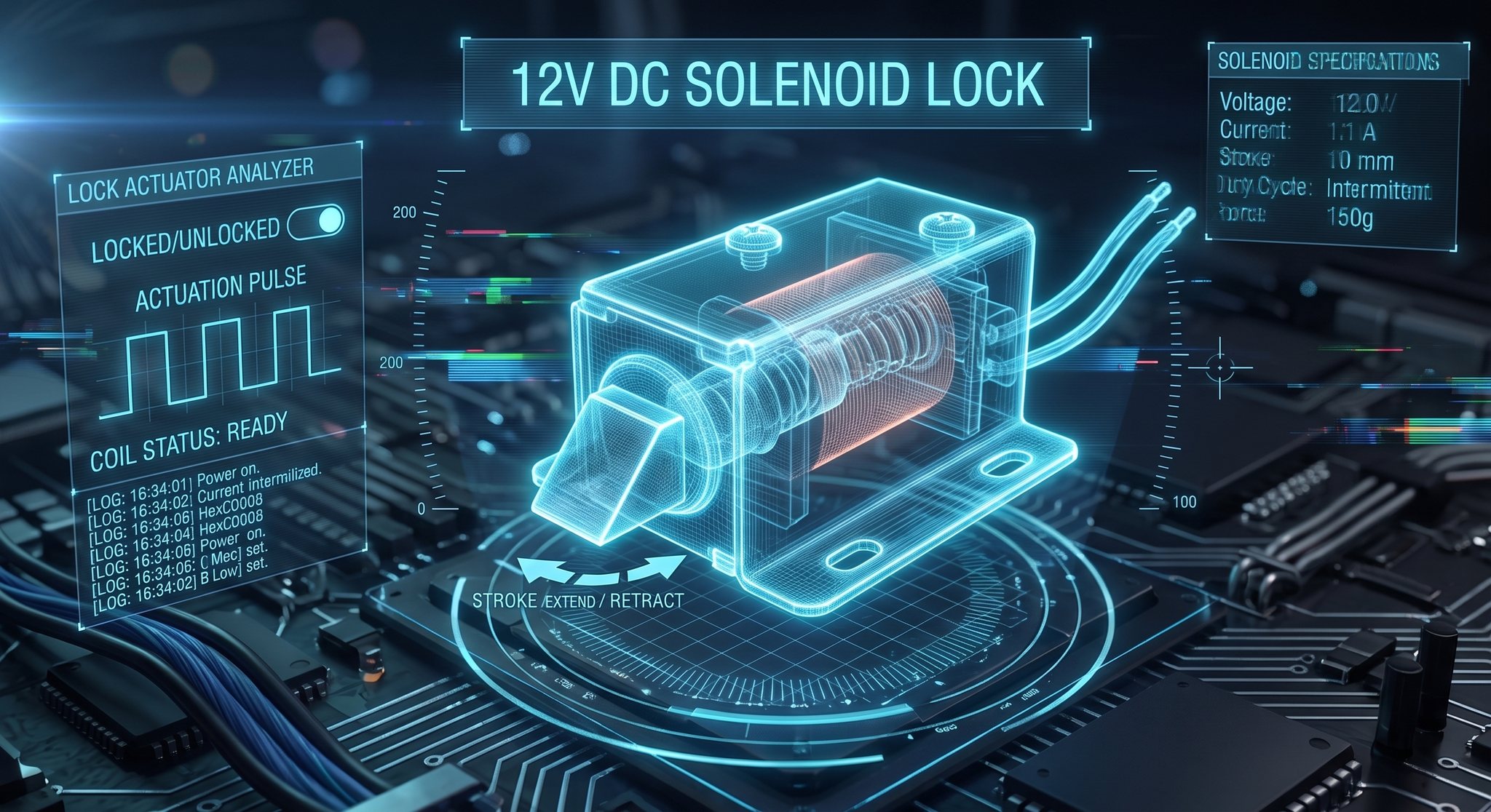
12V Solenoid Door Strike Lock ACTUATOR
DOOR ACTUATOR

12V Solenoid Strike

Heavy-duty electromagnetic coil retracts spring-loaded bolt when energized to release door latch.

12V DC Auxiliary Supply
03 // Circuit Architecture & Live Bench Test

Interactive Fingerprint & Solenoid Simulator

OPTICAL SCANNER · RELAY ARMATURE · 12V SOLENOID BOLT · LCD ANIMATION
AS608 Optical Scanner Glass IDLE // STANDBY
TOUCH GLASS
Circuit Node Indicators
PIN 9 (GRN) OFF
PIN 10 (RED) OFF
PIN 8 (BUZZ) SILENT
HD44780 16×2 LCD Display Simulator I2C ADDR: 0x27
1:VSS2:VDD3:V04:RS5:RW6:E···15:A16:K
VideotronicMaker
Touch Sensor
12V Solenoid Door Strike & Relay Armature
High-Speed Electromagnetic Latch Retraction
LOCKED // BOLT EXTENDED
SONGLE 5VDC RELAY 10A 250VAC PWR/IN JF-0530B · 12VDC · 10mm / 5N DOOR JAMB
UART SERIAL MONITOR (9600 / 57600 BAUD) STREAM ONLINE
[0.000s] Serial.begin(9600) initialized.
[0.010s] mySerial.begin(57600) online. Fingerprint sensor is ready.
[0.020s] LCD initialized: 'VideotronicMaker' / 'Touch Sensor'
[0.030s] Awaiting biometric placement on optical sensor...
04 // Firmware Architecture

Verified Arduino C++ Firmware

VTM_Finger_LCD.ino
/* Fingerprint Access Control System Code Created by Spark - VideotronicMaker's Personal AI Assistant AI directed by VideotronicMaker Date: May 5, 2024 */ #include <Wire.h> #include <LiquidCrystal_I2C.h> #include <Adafruit_Fingerprint.h> #include <SoftwareSerial.h> SoftwareSerial mySerial(2, 3); // RX (Pin 2), TX (Pin 3) LiquidCrystal_I2C lcd(0x27, 16, 2); Adafruit_Fingerprint finger(&mySerial); const int buzzerPin = 8; const int relayPin = 7; const int greenLEDPin = 9; const int redLEDPin = 10; void setup() { Serial.begin(9600); lcd.init(); lcd.backlight(); pinMode(buzzerPin, OUTPUT); pinMode(relayPin, OUTPUT); pinMode(greenLEDPin, OUTPUT); pinMode(redLEDPin, OUTPUT); mySerial.begin(57600); finger.begin(57600); } void loop() { if (finger.getImage() == FINGERPRINT_OK) { int id = getFingerprintIDez(); if (id == -1) { handleAccessDenied(); } else { handleAccessGranted(); } resetState(); } } void handleAccessGranted() { digitalWrite(relayPin, HIGH); // Energize solenoid lock digitalWrite(redLEDPin, LOW); digitalWrite(greenLEDPin, HIGH); lcd.clear(); lcd.setCursor(0, 0); lcd.print("Access Granted"); Serial.println("Access Granted - Authorized fingerprint."); tone(buzzerPin, 1000, 3000); // 3-second confirmation chime delay(3000); } void handleAccessDenied() { digitalWrite(relayPin, LOW); digitalWrite(redLEDPin, HIGH); digitalWrite(greenLEDPin, LOW); lcd.clear(); lcd.setCursor(0, 0); lcd.print("Access Denied"); Serial.println("Access Denied - Unauthorized fingerprint."); // 3 short warning beeps for (int i = 0; i < 3; i++) { tone(buzzerPin, 1000, 200); delay(300); } } void resetState() { digitalWrite(relayPin, LOW); digitalWrite(redLEDPin, LOW); digitalWrite(greenLEDPin, LOW); lcd.clear(); lcd.setCursor(0, 0); lcd.print("VideotronicMaker"); lcd.setCursor(0, 1); lcd.print("Touch Sensor"); } int getFingerprintIDez() { uint8_t p = finger.image2Tz(); if (p != FINGERPRINT_OK) return -1; p = finger.fingerFastSearch(); if (p != FINGERPRINT_OK) return -1; Serial.print("Fingerprint ID: "); Serial.println(finger.fingerID); return finger.fingerID; }
SIMULATOR FAQ // HARDWARE TWIN SPECS

Frequently Asked Questions

Technical details on how this digital twin models physical relay switching, solenoid bolt throw, Web Audio buzzer synthesis, and C++ sketch execution.

1. How does this simulator model the physical hardware? +
This simulator models the complete electronic loop of an Arduino Uno access control system: optical fingerprint image capture (image2Tz), relay coil triggering on Digital Pin 7, electromagnetic solenoid armature retraction with 25px physical stroke, status LEDs on Pins 9 & 10, active piezo buzzer feedback on Pin 8 via native Web Audio synthesis, and real-time UART serial telemetry output.
2. Can I use the C++ code shown on this page directly on physical hardware? +
Yes. The embedded sketch is production-ready Arduino C++. Wire your AS608 optical sensor to Pins 2 & 3 (SoftwareSerial), 5V optoisolated relay module to Pin 7, buzzer to Pin 8, and green/red LEDs to Pins 9 & 10 with 330Ω current-limiting resistors, then upload the sketch via the Arduino IDE.
3. Why does the solenoid bolt retract by -48px in the simulator? +
In real physical installations, the strike bolt must extend at least 15mm to 20mm into the door frame jamb pocket for secure locking engagement. When energized, the solenoid plunger pulls the bolt tip completely clear of the strike plate face (407 coordinate vs 430 jamb line) to allow the door to swing open cleanly without catching.
4. Why is the Web Audio buzzer synthesizing square waves instead of playing an audio file? +
Physical electronic buzzers emit acoustic oscillations generated directly by microsecond microcontroller PWM pulses (tone(buzzerPin, frequency, duration)). Synthesizing a native square wave via the browser's Web Audio API emulates the genuine electronic timbre of a physical workbench buzzer with zero network loading latency.