Arduino Voltage & Frequency Simulation
Explore the core relationship between analog voltage, resistance, and oscillating audio frequency in your browser. Rotate the virtual 10k potentiometer, observe real-time telemetry updates on the 1602 I2C LCD and 7-segment display, and hear the piezo buzzer sweep across the audio spectrum—powered by Autodesk Tinkercad Circuits.
Virtual Bench Hardware Components
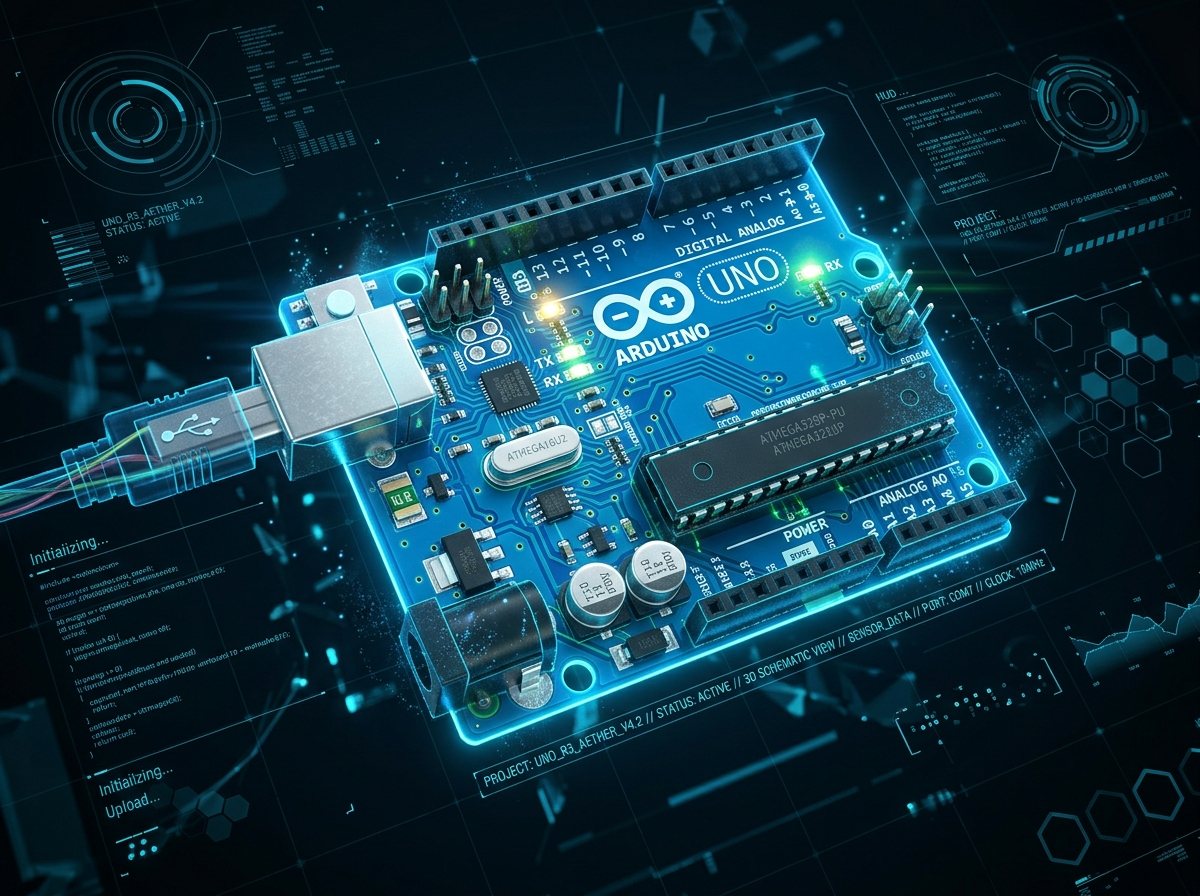 MCU
MCU
Arduino Uno R3
Samples analog voltage on ADC pin A0, computes linear frequency mapping, and generates audio square wave via Timer PWM.
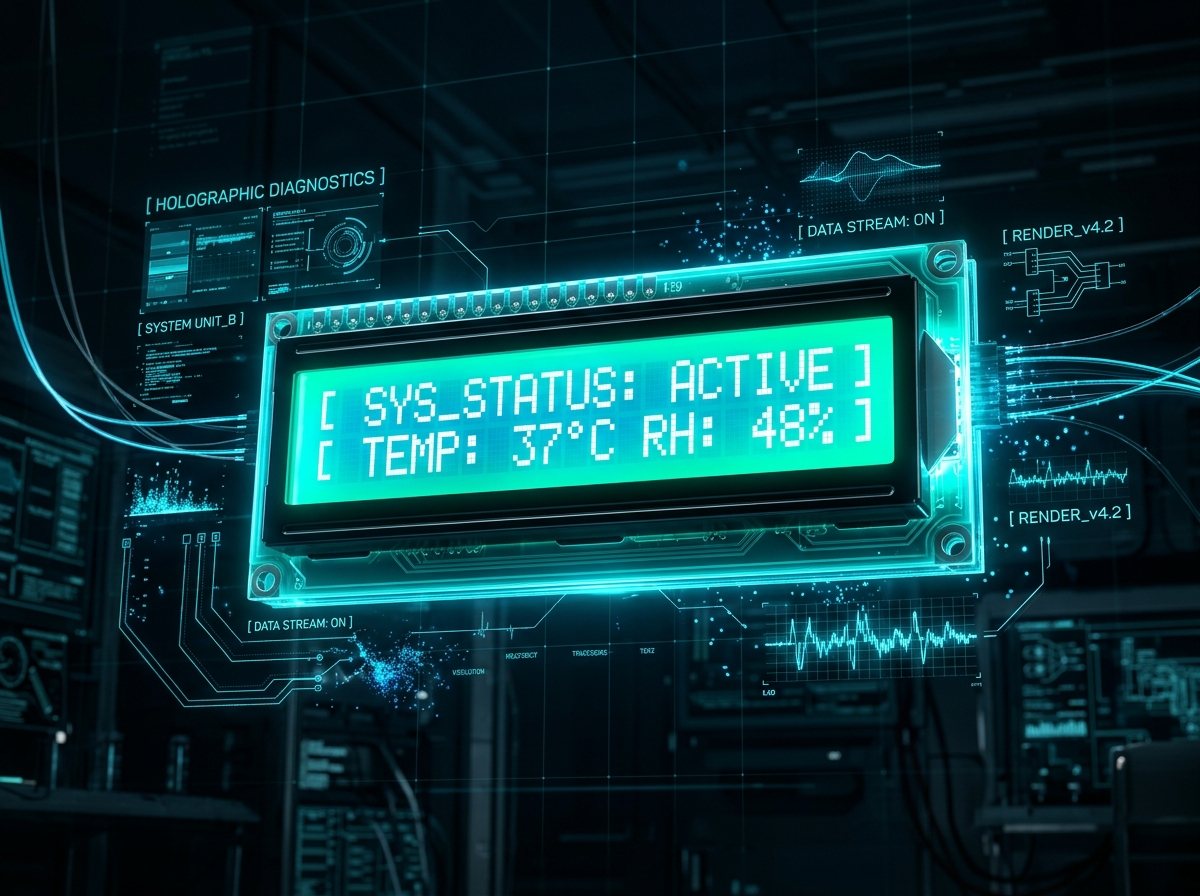 DISPLAY
1602 Character LCD
Connected over 2-wire I2C bus (A4 SDA / A5 SCL) displaying live measured input voltage and active oscillation frequency in Hertz.
 AUDIO
AUDIO
Piezo Buzzer / Speaker
Driven on Digital Pin 8 via the Arduino tone() function to convert voltage-proportional pulses into audible acoustic frequencies.
 PROTOTYPE
10kΩ Potentiometer
Provides a continuous 0V–5V variable voltage divider rail feeding ADC Pin A0, demonstrating analog control over digital frequency synthesis.
Live Autodesk Tinkercad Circuits Simulator
Start Simulation
Click the Start Simulation button in the top-right corner of the Tinkercad window to boot the Arduino firmware.
Turn the Potentiometer
Click and drag the virtual 10k potentiometer knob clockwise and counter-clockwise to alter the input voltage between 0.0V and 5.0V.
Observe Dual Telemetry
Watch the 16x2 I2C LCD display and 7-segment display update in real time with calculated voltage and mapped frequency in Hertz.
Hear the Audio Tone Sweep
Listen as the piezo speaker oscillates faster or slower, giving immediate acoustic feedback of analog circuit behavior.
Voltage-to-Frequency Conversion Principles
Analog-to-Digital Quantization
The Arduino Uno uses an onboard 10-bit Successive Approximation Register (SAR) ADC. It maps the 0V to 5V rail into 1024 discrete integer steps:
When the 10k wiper is centered, the ADC reads ~512, producing an exact 2.5V input.
Linear Scaling Function
The firmware scales the raw 10-bit integer reading into an acoustic audio frequency band using the built-in Arduino linear mapping formula:
This maps 0V to 100 Hz (deep bass hum) up to 5.0V to 5000 Hz (high-pitched treble whistle).
Piezo Square-Wave Drive
The Arduino tone(8, freq) function uses an internal 8-bit hardware timer (Timer2) in CTC (Clear Timer on Compare Match) mode:
This triggers a 50% duty-cycle hardware interrupt on Pin 8 without blocking the main CPU loop from updating the LCD.
Arduino Firmware Source Code
/*
 * ============================================================================
 * Project: Arduino Voltage and Frequency Simulation
 * Platform: Autodesk Tinkercad Circuits / Arduino Uno R3
 * Author: Tishin (VideotronicMaker)
 * ============================================================================
 * Hardware Wiring:
 * - A0: Center wiper of 10k Potentiometer (0V - 5V)
 * - Pin 8: Piezo Buzzer / Speaker Positive Terminal
 * - I2C SDA (A4) / SCL (A5): HD44780 1602 LCD (Addr 0x27)
 * ============================================================================
 */

#include <Wire.h>
#include <LiquidCrystal_I2C.h>

// Initialize 16x2 LCD at I2C address 0x27
LiquidCrystal_I2C lcd(0x27, 16, 2);

const int potPin = A0;      // Analog input from 10k potentiometer
const int buzzerPin = 8;    // Output pin for piezo speaker tone

int rawADC = 0;
float voltage = 0.0;
int frequency = 0;

void setup() {
    Serial.begin(115200);

    // Initialize LCD with backlight
    lcd.init();
    lcd.backlight();
    lcd.clear();

    // Welcome splash
    lcd.setCursor(0, 0);
    lcd.print("VideotronicMaker");
    lcd.setCursor(0, 1);
    lcd.print("Volt-to-Freq Sim");
    delay(1500);
    lcd.clear();

    pinMode(buzzerPin, OUTPUT);
}

void loop() {
    // 1. Read 10-bit analog voltage (0 to 1023)
    rawADC = analogRead(potPin);

    // 2. Convert ADC counts to real-world voltage (0.00V to 5.00V)
    voltage = (rawADC / 1023.0) * 5.0;

    // 3. Map analog reading to acoustic frequency spectrum (100Hz to 5000Hz)
    frequency = map(rawADC, 0, 1023, 100, 5000);

    // 4. Update Piezo Buzzer Tone
    if (frequency > 110) {
        tone(buzzerPin, frequency);
    } else {
        noTone(buzzerPin);
    }

    // 5. Update Visual Telemetry on 1602 LCD
    lcd.setCursor(0, 0);
    lcd.print("Volt: ");
    lcd.print(voltage, 2);
    lcd.print(" V    ");

    lcd.setCursor(0, 1);
    lcd.print("Freq: ");
    lcd.print(frequency);
    lcd.print(" Hz   ");

    // 6. Transmit serial telemetry for VTM Studio Science Mode
    Serial.print("VOLT:");
    Serial.print(voltage, 2);
    Serial.print(",FREQ:");
    Serial.print(frequency);
    Serial.print(",ADC:");
    Serial.println(rawADC);

    delay(50); // 20Hz refresh cadence
}
Tishin's Autodesk Tinkercad Circuits
Understanding Voltage and Frequency
Interactive analog voltage-controlled oscillator demonstrating real-time ADC quantization, display telemetry, and audio frequency mapping.
Autodesk Circuits Maker Portfolio
Explore Tishin's full collection of public electronics prototypes, sensor experiments, and virtual breadboard builds.
Arduino Project Hub Tutorials
Read in-depth engineering write-ups, schematic diagrams, and community discussion for Tishin's featured hardware projects.
Want to run live serial telemetry on your physical bench?
Flash this C++ sketch in VTM Studio Code Mode and plot real-time VOLT:, FREQ:, and ADC: curves at 115200 baud in Science Mode.
Frequently Asked Questions
Technical details on how this digital twin models analog voltage mapping, piezo buzzer audio synthesis, current limiting, and C++ sketch execution.
1. How does an Arduino convert analog potentiometer voltage into audio frequency? +
map() function to scale this value linearly to a frequency range (typically 100 Hz to 5000 Hz) and outputs a square wave to the piezo buzzer via tone().
2. Can I test and modify this Arduino circuit without physical components? +
3. What is the difference between an active buzzer and a passive buzzer in frequency synthesis? +
tone() function) to vibrate the piezoelectric diaphragm across variable pitches and melodies.
4. Why should you place a series resistor with a piezo speaker? +
5. How does this voltage and frequency simulation pair with VTM Studio? +
tone() and analogRead() sketches). In Science Mode, the mapped frequency and raw ADC voltage stream live into interactive dials and oscilloscope graphs without leaving the workbench.