
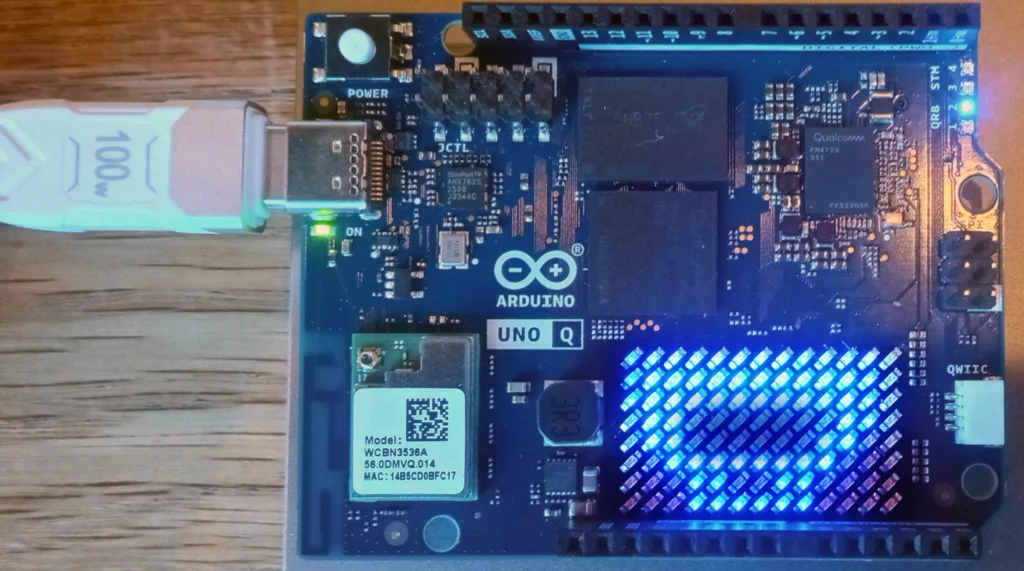
Controlling the Arduino Uno Q with Python
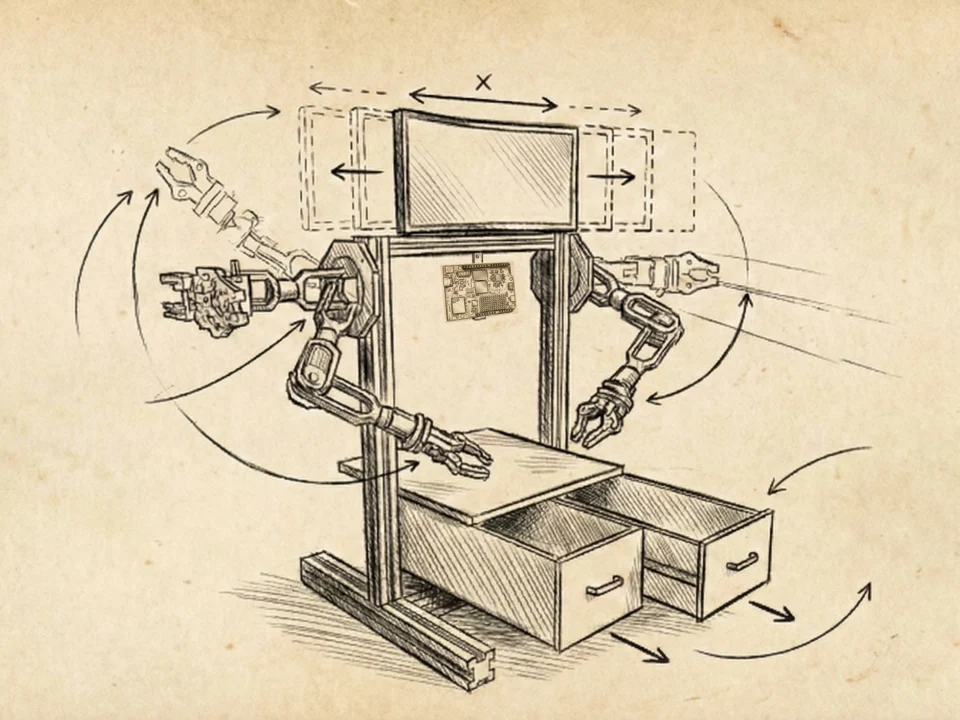
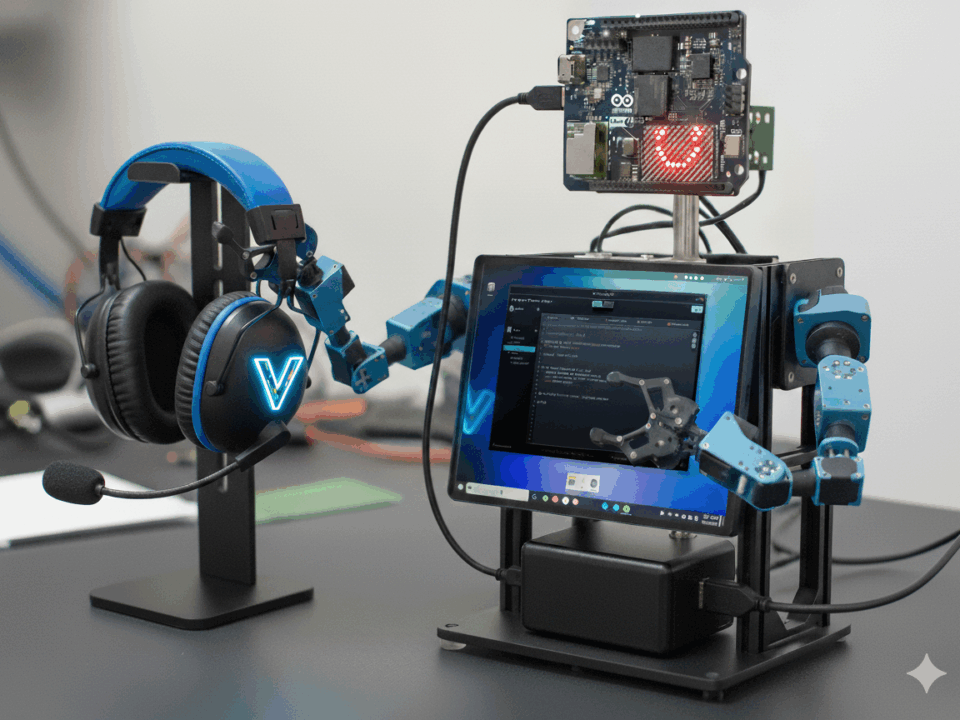
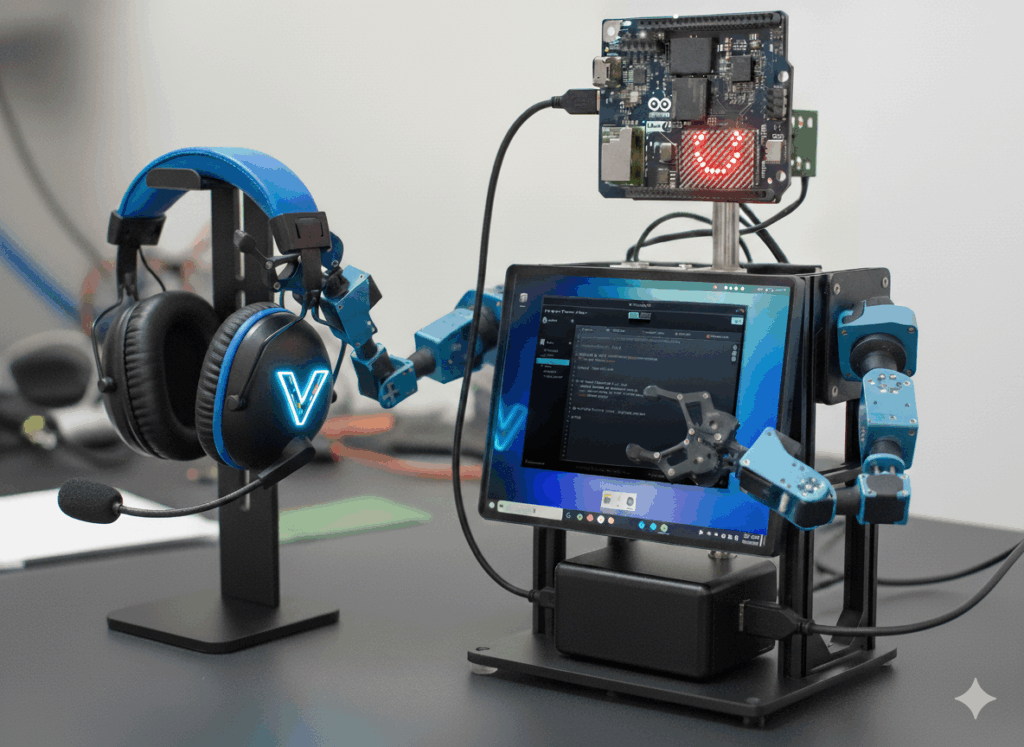
If you’ve been following the build for the VTM Desk Bot, you know the goal isn't to create a single-task toy. The vision for this Arduino Uno Q project is a versatile robot that actually helps you build—a companion that can grow and take on more complex jobs as the system expands.
| Component | Architecture | System Role |
|---|---|---|
| MPU (Brain) | Qualcomm QRB2210 | Linux OS, Python Environment, SLM Processing |
| MCU (Body) | STM32U585 | Real-time I/O, PWM Control, LED LED array Driver |
| LED LED array | 13 x 8 (104 LEDs) | Physical HUD / Mouth Visual Feedback |
| VIEW FULL ARDUINO UNO Q SPECIFICATIONS | ||
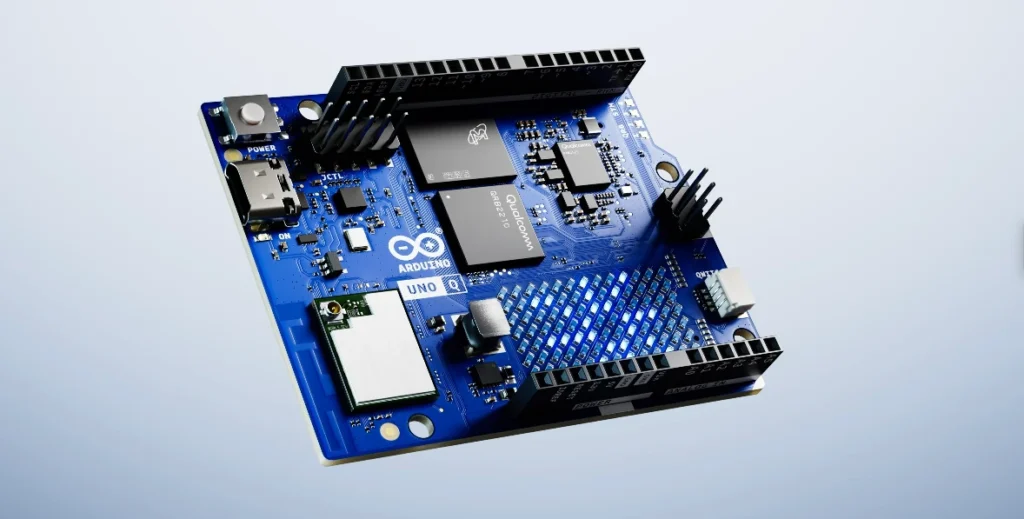
The Arduino Uno Q features a high-performance Qualcomm QRB2210 microprocessor (MPU) running Linux, which includes the Adreno 702 GPU for dedicated graphics and AI tasks. This MPU is interconnected with an STM32U585 microcontroller (MCU) dedicated to real-time execution.
Because this is a new board, there was no prior code to reference. I let AI give it a shot, and the results were way off. It tried to generate custom communication scripts, but the serial links were fragile; they would lose the port entirely upon reboot. The solution was found by analyzing the official Arduino_RouterBridge implementation to create a robust RPC (Remote Procedure Call) architecture. You can find more details in the official Arduino App Lab examples.
The Technical Wall: Port Persistence
When I started, the goal was to leverage my previous work, such as my tutorials on local LLM integration.
I also integrated my custom Gemini API AI chat interfaceto get this Arduino Uno Q project running.
My initial attempts with AI-generated communication scripts failed because the serial links were too fragile. The solution was to move away from raw serial streams and implement a robust RPC architecture using the Arduino_RouterBridge. This ensures that even after a reboot, the "Brain" (MPU) never loses the "Body" (MCU).
1. The Body (MCU): Real-Time Reflexes
The STM32 side handles physical execution. In the Desk Bot, this is the LED LED array "mouth." Note that the Arduino Uno Q LED array is a 13 x 8 grid, distinct from the 12 x 8 grid on the R4 WiFi.
2. The Brain (MPU): High-Level Command
The Qualcomm MPU handles the system control and high-level Python commands. Instead of managing raw serial bits, the VTM OS uses the bridge to trigger functions defined in the C++ code on the MCU side.
VTM OS Chat Mode & LED array Synchronization
The core focus of this article is the seamless synchronization between the VTM OS chat control and the physical hardware. In the video below, you can see the 13x8 LED LED array animated in real-time, responding to the AI voice output.
The Direct Hook
By establishing a rock-solid data link between the Linux OS and the MCU, we have created The Direct Hook. If the Linux Brain can successfully command the "face," it can command anything—validating the entire architecture for the next phase of this Arduino Uno Q project: 6-DOF Servo Integration.
The Full MCU Sketch
Below is the complete C++ sketch that lives on the STM32 side of the board. This code manages the RPC handshake and the flicker animation control for the 13x8 LED array.

Frequently Asked Questions
Arduino_RouterBridge RPC protocol, LED matrix animation drivers, 1.8V vs 3.3V logic level isolation, non-blocking polling loops, and VTM Studio Workbench integration.
1. How does Python on the Qualcomm Linux MPU communicate with the STM32 MCU on the Arduino Uno Q? +
Arduino_RouterBridge daemon that routes Remote Procedure Calls (RPC) over a high-speed internal serial bus. When a Python script on the Qualcomm Linux MPU invokes a command (such as board.digital_write(pin, HIGH) or board.analog_read(pin)), the call is serialized into a lightweight binary packet, transmitted to the STM32 real-time coprocessor, and executed at deterministic hardware speeds.
2. How do you drive custom animations or text onto the Uno Q LED matrix using Python? +
matrix.draw_bitmap(frame)). The Python script controls animation timing and frame sequencing while the STM32 handles the high-frequency row-column multiplexing loop.
3. What electrical precautions are required when interfacing Python scripts with external sensor hardware? +
4. How do you prevent high-frequency Python sensor polling from saturating the internal RPC link? +
while True loop can flood the internal UART buffer and spike CPU usage. Always introduce non-blocking event delays using time.sleep(0.01) (10ms) or subscribe to asynchronous event callbacks provided by the bridge library so the STM32 only pushes data packets when sensor thresholds change.