
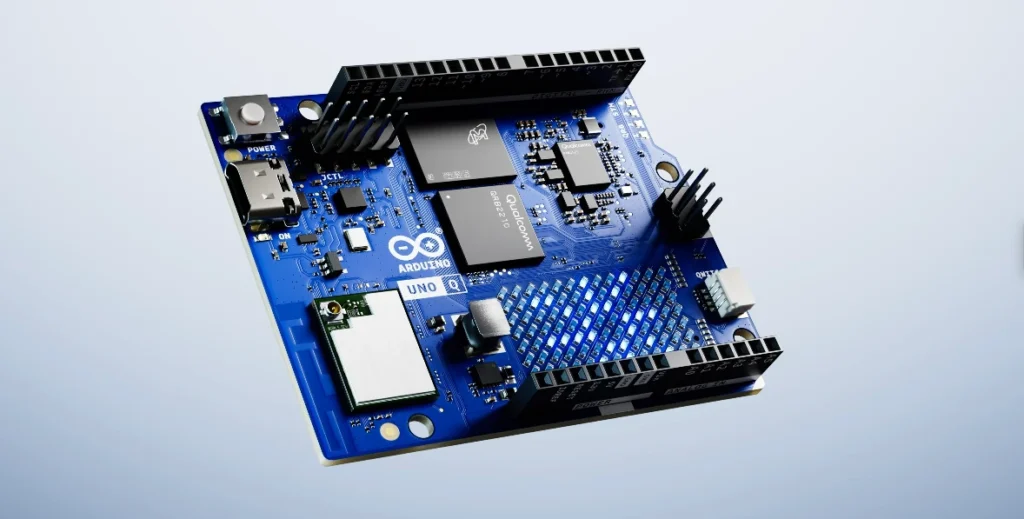
The UNO Q: A Shift in Tools for the Creative Professional
During the landmark announcement of Arduino's acquisition by Qualcomm, executive Nakul Duggal made a statement that validated a fundamental shift for the entire maker community:
Tools are in the hands of smart young people that can program. Programming paradigms are completely changing and the foundation is AI. AI is going to change the way that the next type of product is built.
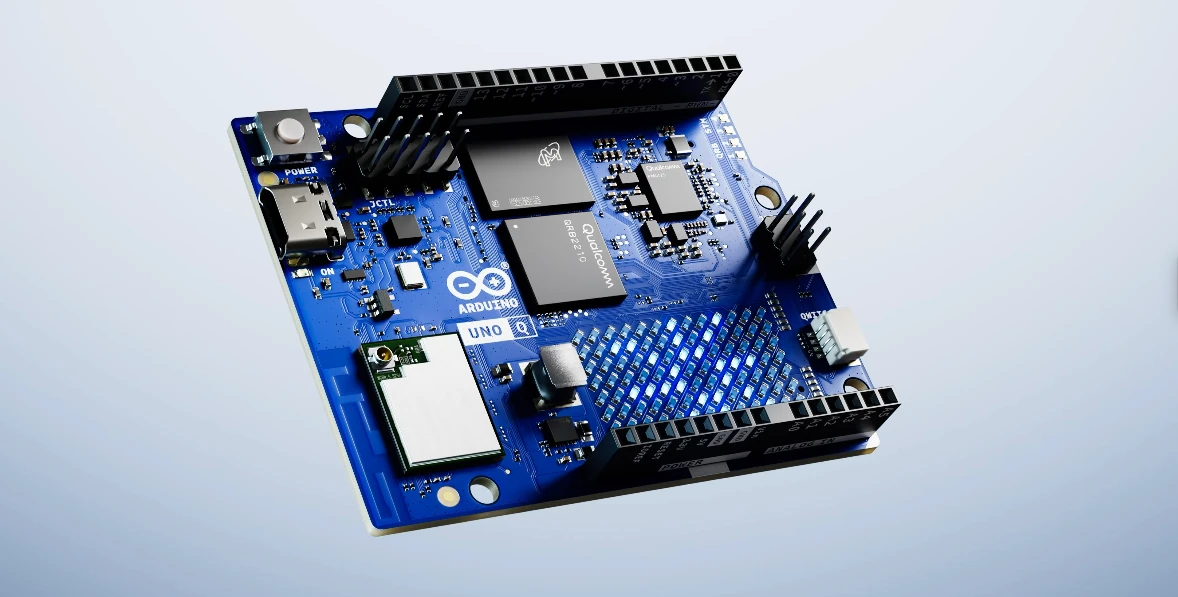
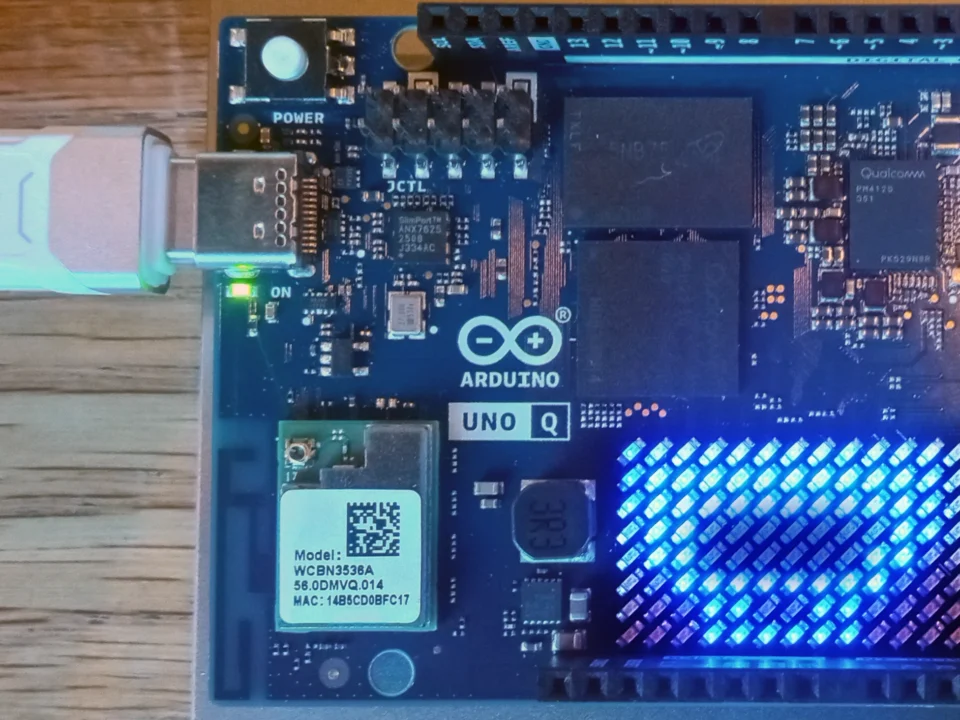
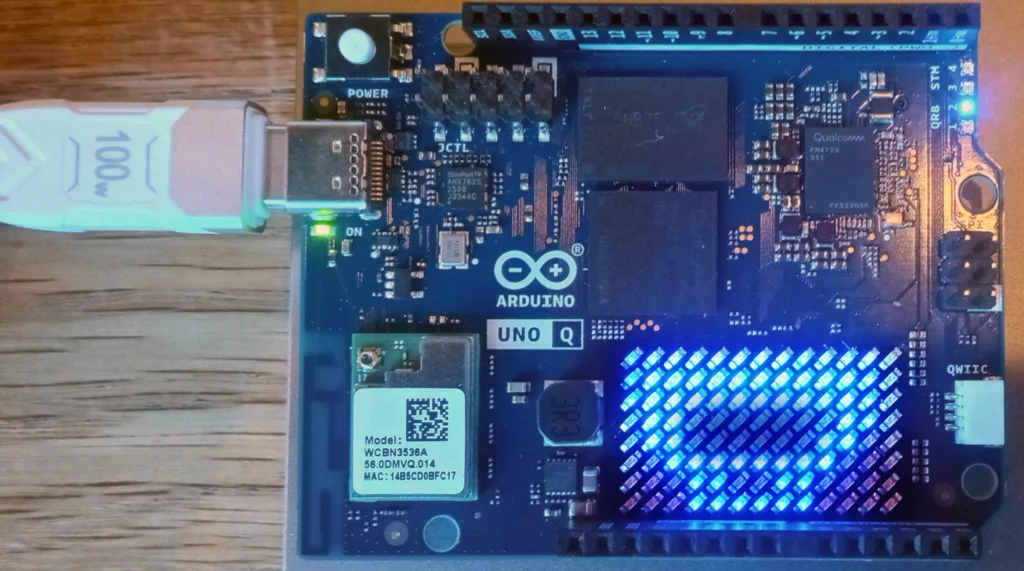
The new Arduino Uno Q SBC
This confirms a renewed focus on building tools for the creative professional, not just the coding expert. For anyone who has ever felt they needed a deep computer science background before starting a project, this announcement signals that the tools are now being designed to close the gap between a great idea and a functional, intelligent device.
New Capabilities of the UNO Q Platform
For those of us familiar with classic Arduino boards, it can be difficult to visualize what the new hardware actually changes. Here is a breakdown of the new capabilities the high-performance processor is designed to provide:
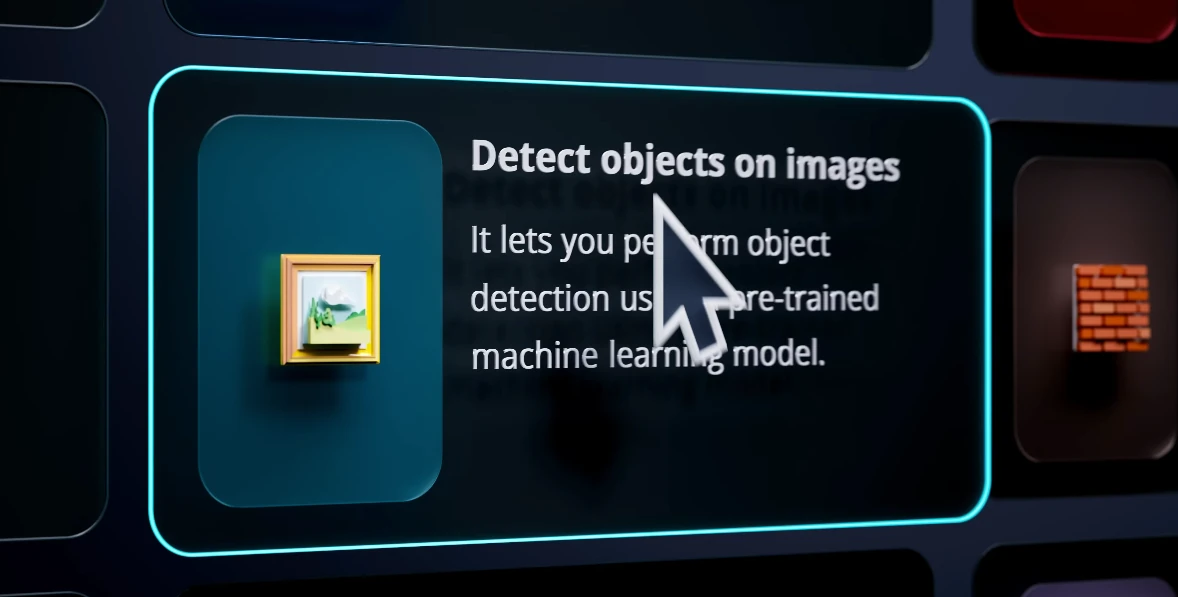
Computer Vision:
It should allow you to use a camera to run an AI model that recognizes a specific person's face or a type of bird. A classic Arduino Uno could never do this; it lacks the processing power, the memory to hold image data, and the dedicated high-speed camera interfaces that the UNO Q's processor provides.
Voice Processing:
It is designed to understand voice commands to trigger actions, such as the "Hey Arduino" wake word demonstrated at the launch event. While a classic Uno could use a microphone to detect a loud noise, it doesn't have nearly enough power to run the AI models required to understand actual words.
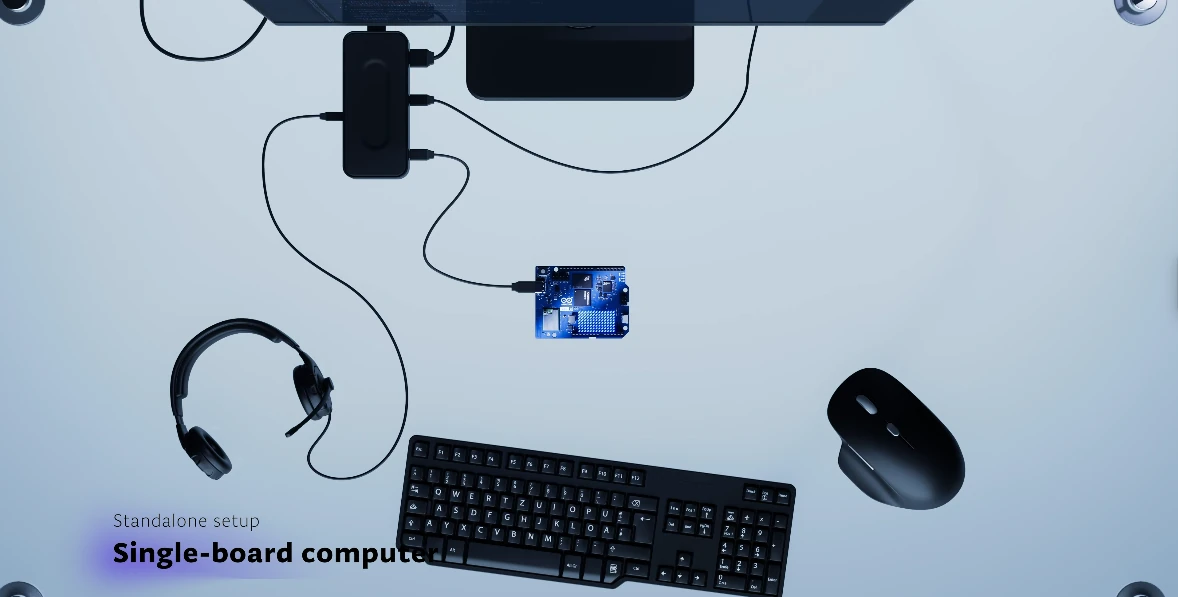
Audio Playback:
It is designed with hardware for audio output, including headphone and line-out signals. This should allow it to play pre-recorded voice alerts, sound effects, or music clips in response to an event. This is a massive leap from a classic Uno, which could only generate simple beeps and tones with a piezo buzzer.
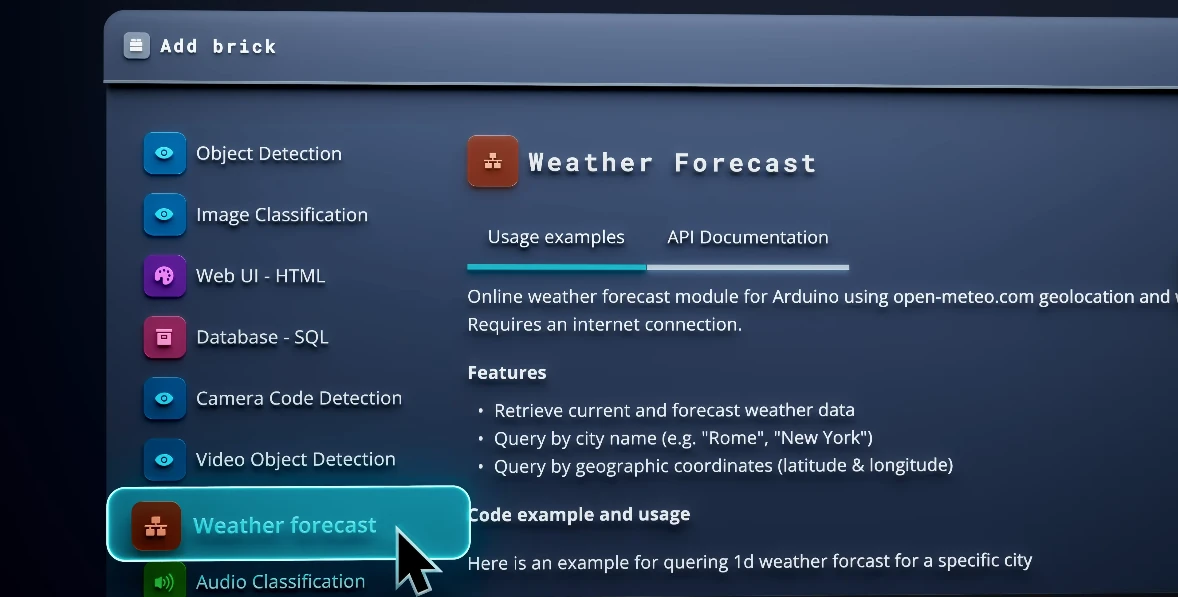
Connectivity:
It's built to seamlessly access the internet to get weather data or send you a notification on your phone. While you could add a Wi-Fi "shield" to an old Uno, its capabilities were very limited. The UNO Q's processor runs a full Linux OS, enabling true computer-level internet access for interacting with complex web services or even hosting a web server—tasks far beyond a traditional micro-controller.
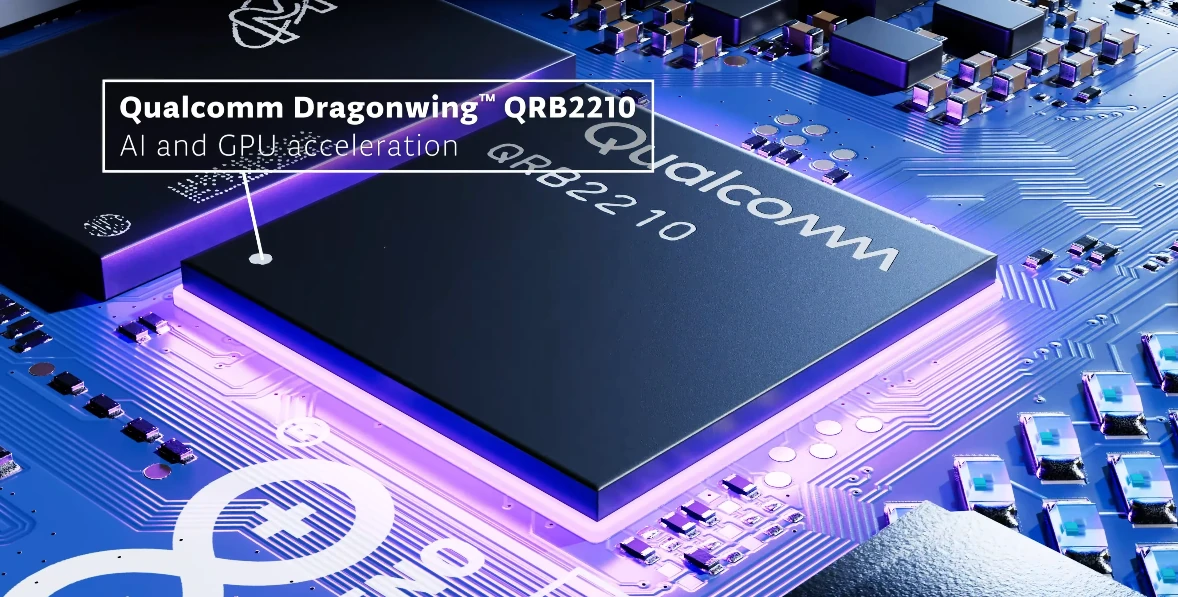
Running AI:
At its core, it's designed to make intelligent, predictive decisions based on the data it gathers. A classic Uno can only follow a strict, pre-written set of "if-then" rules. The UNO Q's processor can run complex AI models, allowing it to learn from data and make nuanced decisions, fundamentally changing the kinds of smart devices a maker can create.
Solving the "Two-Board" Problem
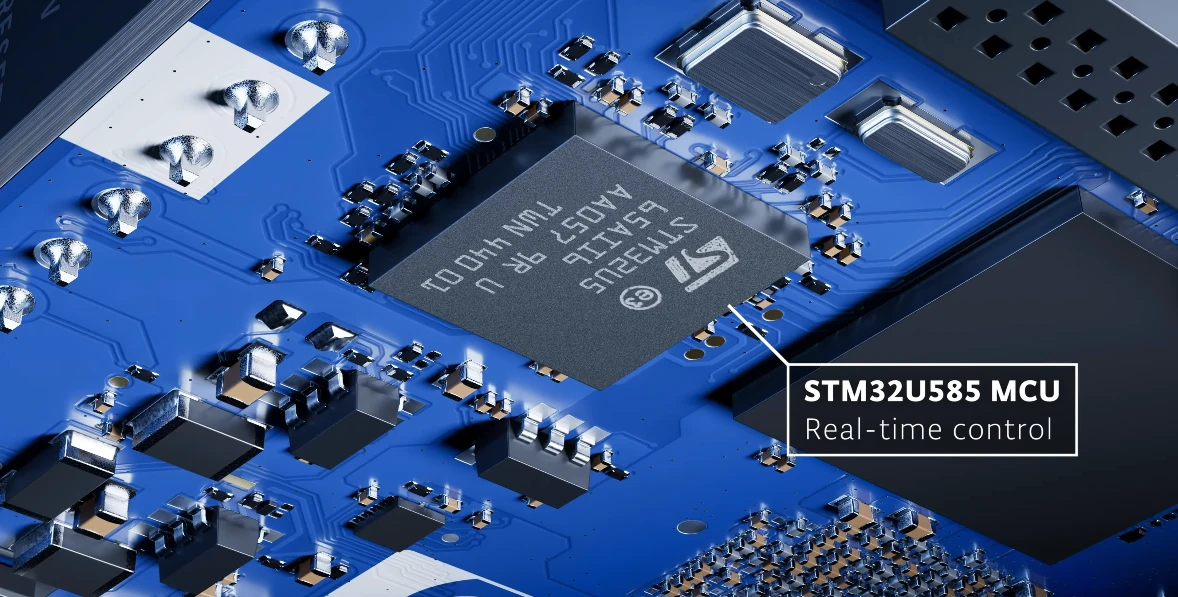
This integration is where the UNO Q has the potential to make a massive impact. Until now, building a smart project that could both run complex software and precisely control hardware has been a significant challenge. It required:
- Buying two separate boards (like a Raspberry Pi and an Arduino UNO).
- Figuring out complex wiring and voltage-level shifting.
- Writing custom code from scratch just to get the two boards to communicate.
With the UNO Q, the hope is that all of that complexity is gone. Its "dual brain" architecture and built-in Arduino Bridge are designed to handle the communication between the high-level Linux environment and the real-time micro-controller seamlessly.
This is the leap from simple control to true intelligence, all on one board. The future is built by those who start doing, and the tools are finally here to support them.
image/photo credit: Arduino
Arduino UNO Q: Key Specifications
1
Microprocessor (MPU)
Qualcomm® Dragonwing™ QRB2210 (4x Arm® Cortex®-A53 @ 2.0 GHz)
2
Microcontroller (MCU)
STMicroelectronics® STM32U585 (Arm® Cortex®-M33 @ 160 MHz)
3
Operating Systems
Debian Linux (on MPU), Zephyr OS with Arduino Core (on MCU)
4
RAM
2 GB or 4 GB LPDDR4X options
5
On-board Storage
16 GB or 32 GB eMMC options
6
Wireless Connectivity
Dual-band Wi-Fi® 5 (802.11a/b/g/n/ac) and Bluetooth® 5.1
7
Video Output
DisplayPort Alt-Mode via USB-C® connector
8
Power Input
USB-C® (5V @ 3A), VIN Pin (7-24 VDC), or 5V Pin
For a complete collection of official resources for the Arduino UNO Q, follow the link below. The page provides full access to tutorials, detailed specifications, compatibility guides, and suggested software libraries. All technical documentation is also available for download, including the user manual, datasheet, pinout diagrams, schematics, and CAD/STEP files. You will also find direct links to purchase the board and download the Arduino App Lab.
Frequently Asked Questions
Qualcomm MPU + STM32 MCU dual-brain architecture, 1.8V vs 3.3V voltage isolation, inter-processor RPC, and Debian Linux workbench deployment.
1. How does the dual-processor architecture of the Arduino UNO Q work? +
2. Can you connect standard 3.3V or 5V sensors directly to the UNO Q JMISC header? +
3. How do the Linux operating system and the real-time microcontroller communicate on the UNO Q? +
4. What software practices protect the UNO Q from MicroSD card corruption and thermal throttling? +
tmpfs RAM drives, avoid tight busy-wait polling loops by using non-blocking event sleeps (time.sleep() or select), and ensure adequate heat-sinking or passive airflow over the Qualcomm SoC.
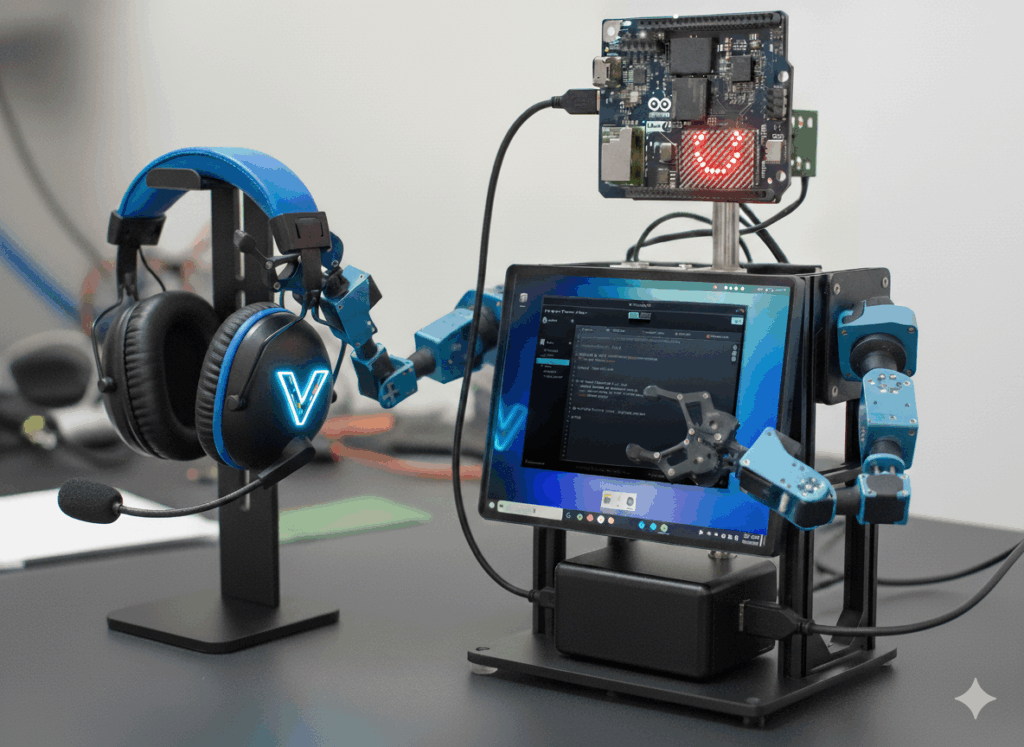
5. How does the Arduino UNO Q integrate with VTM Studio? +
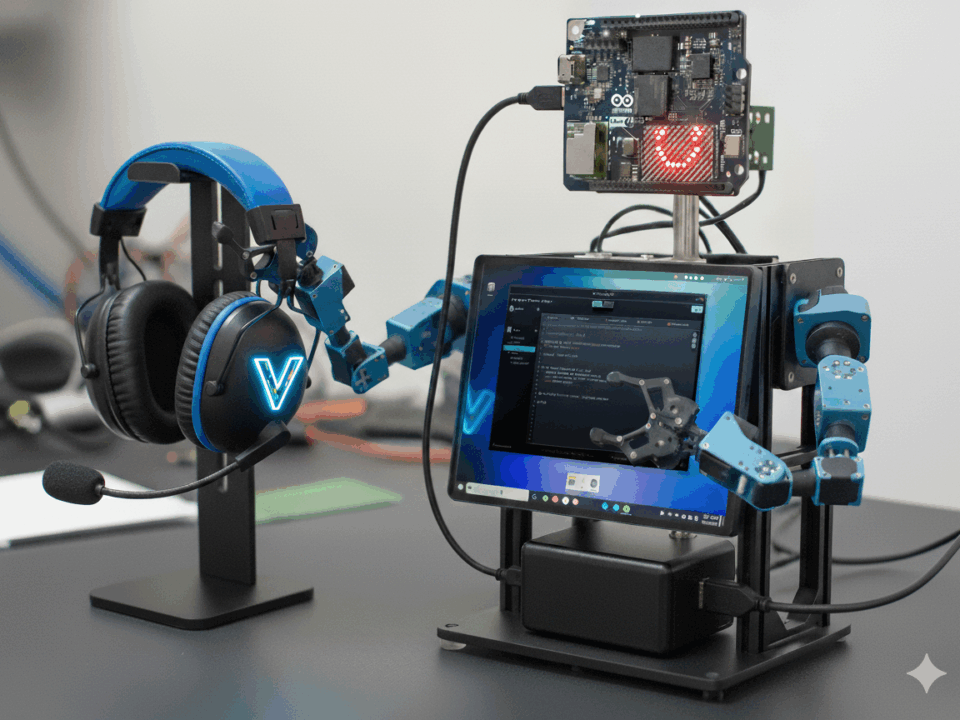
.deb) packaging. The entire VTM Studio desktop workbench (including Code Mode for firmware compilation and Science Mode for high-speed serial telemetry) runs natively on the UNO Q, allowing makers to program, monitor, and control physical robotics directly on the board.