Control a Small Car with an IR Remote & Arduino Protoshield
Breadboard jumper wires inevitably shake loose the moment a wheeled chassis starts vibrating. In this guide, we decode 38kHz NEC infrared remote commands, wire a DIP-16 L293D dual H-bridge motor driver, and migrate the circuit onto a rugged, stackable Arduino Protoshield.
Components, Boards & Hardware
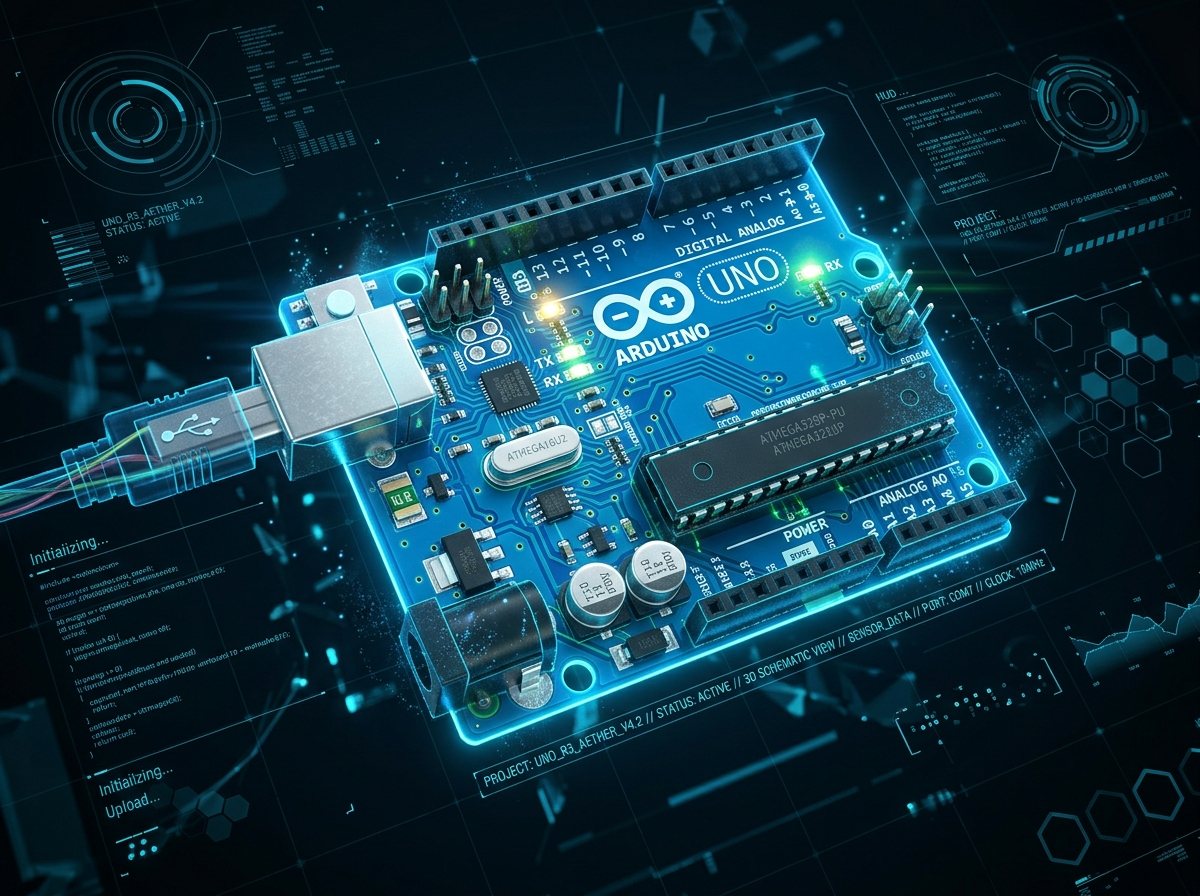
Arduino Uno R3
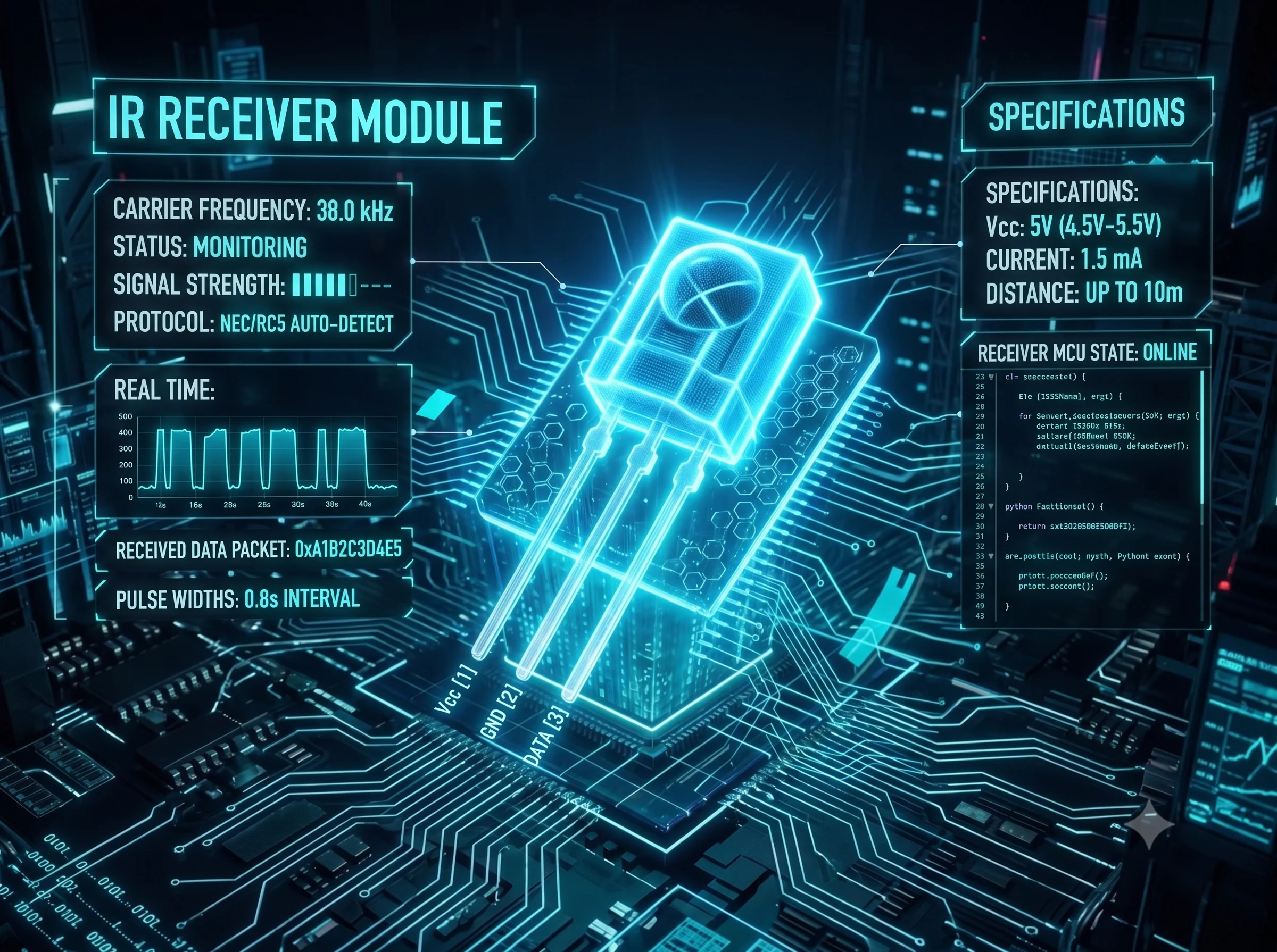
38kHz IR Receiver
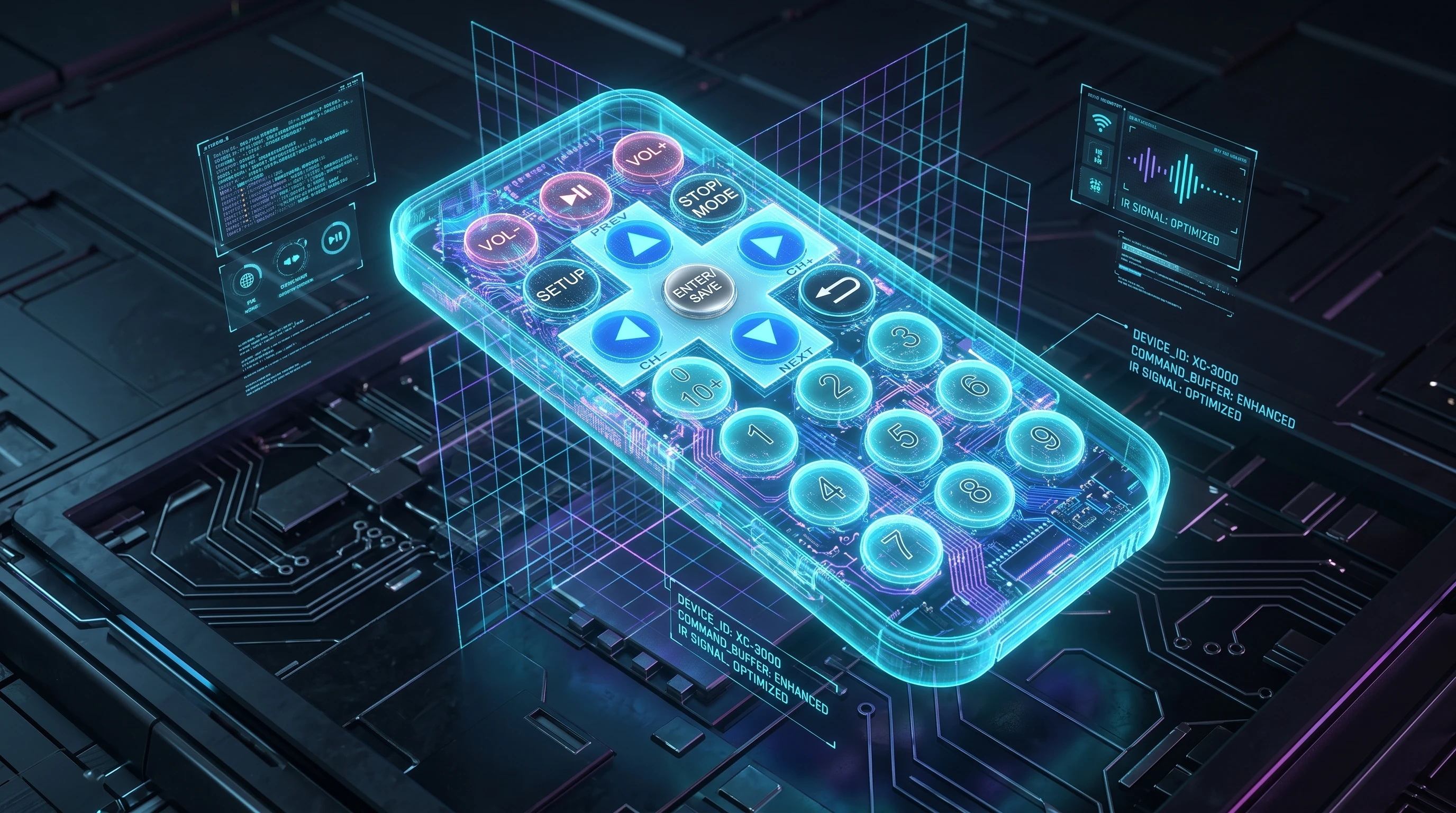
IR Handheld Remote
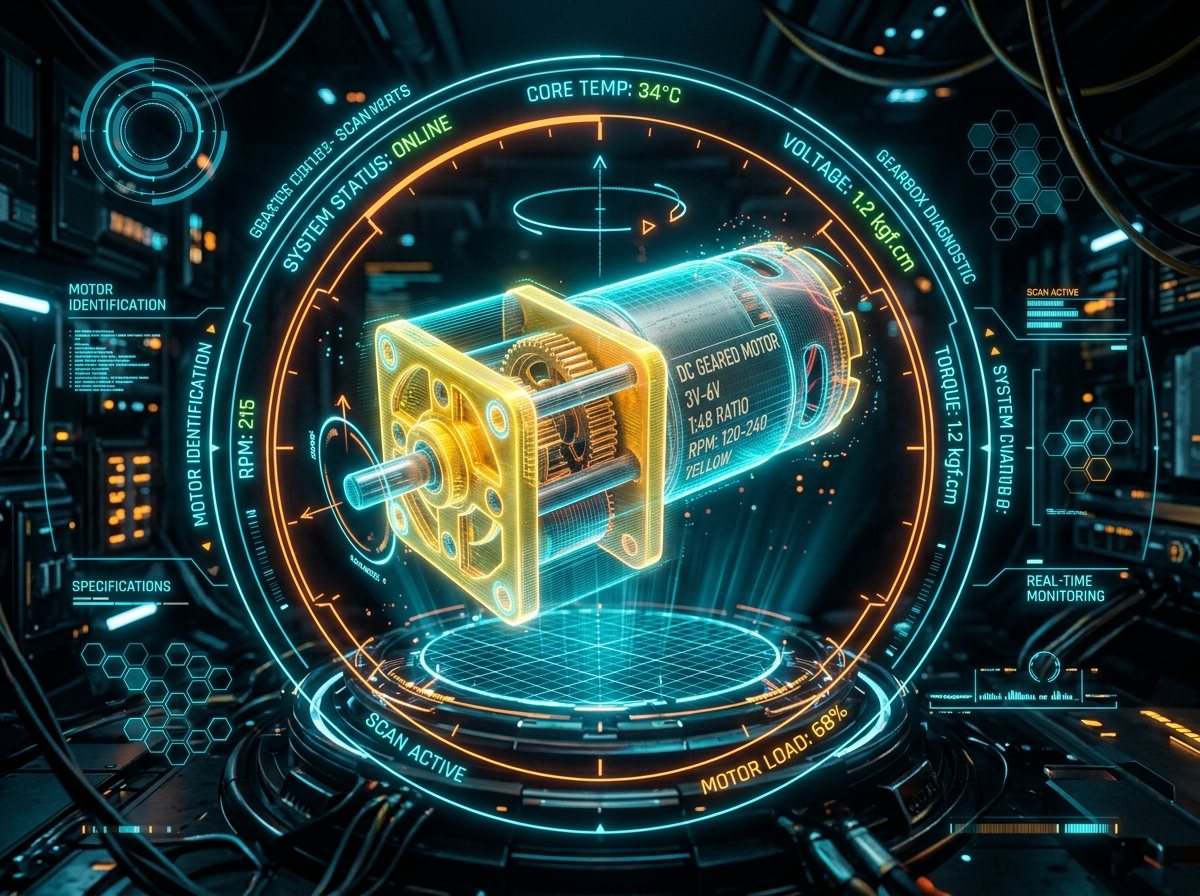
3V-6V Geared Motors
| COMPONENT | QTY | FUNCTION IN CIRCUIT | ENGINEERING NOTE |
|---|---|---|---|
| Arduino Uno R3 / Q | 1 | Main Controller | PWM timer pins 5, 6, 9, 10 for motor H-bridge speed control |
| ElectroCookie Uno Protoshield | 1 | Component Carrier | Headers un-soldered; clean power rails and through-hole solder pads |
| L293D Dual H-Bridge IC + 16-Pin Socket | 1 | Bi-Directional DC Motor Driver | DIP-16 package; drives 2 independent DC motors up to 600mA/channel |
| L7805 Voltage Regulator + Heatsink | 1 | Isolated 5V Power Supply | Powers motors independently to protect Arduino from voltage sags |
| 38kHz IR Receiver (VS1838B / TSOP) | 1 | Remote Command Sensor | Connected to Digital Pin 11; demodulates 38kHz infrared pulses |
| 3V-6V TT Geared Motors + Wheels | 2 | Chassis Propulsion | 1:48 gear ratio provides high torque for 3D printed chassis |
| 10 µF 50V Electrolytic Capacitors | 2 | Noise & Ripple Filter | Placed on input and output of L7805 regulator to suppress motor spikes |
| 3mm Red LED + 1KΩ Resistor | 1 | IR Signal Activity Indicator | Blinks in real time whenever an IR packet is received from remote |
IR receiver pinouts vary between manufacturers! A VS1838B module often uses OUT - GND - VCC, while other 3-pin sensors use OUT - VCC - GND. Double-check your specific sensor datasheet before applying power—reversing VCC and GND will instantly destroy the component.
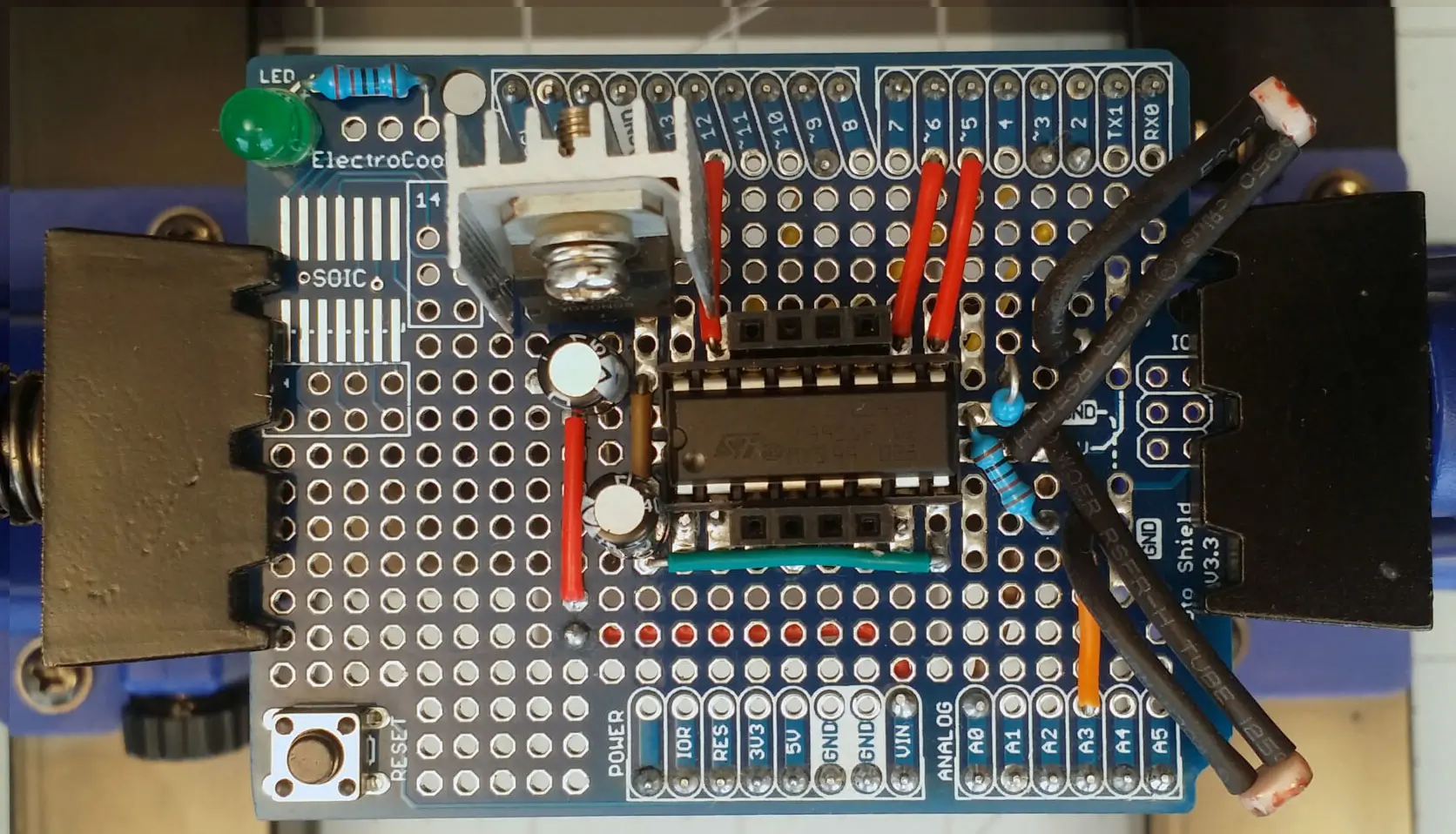
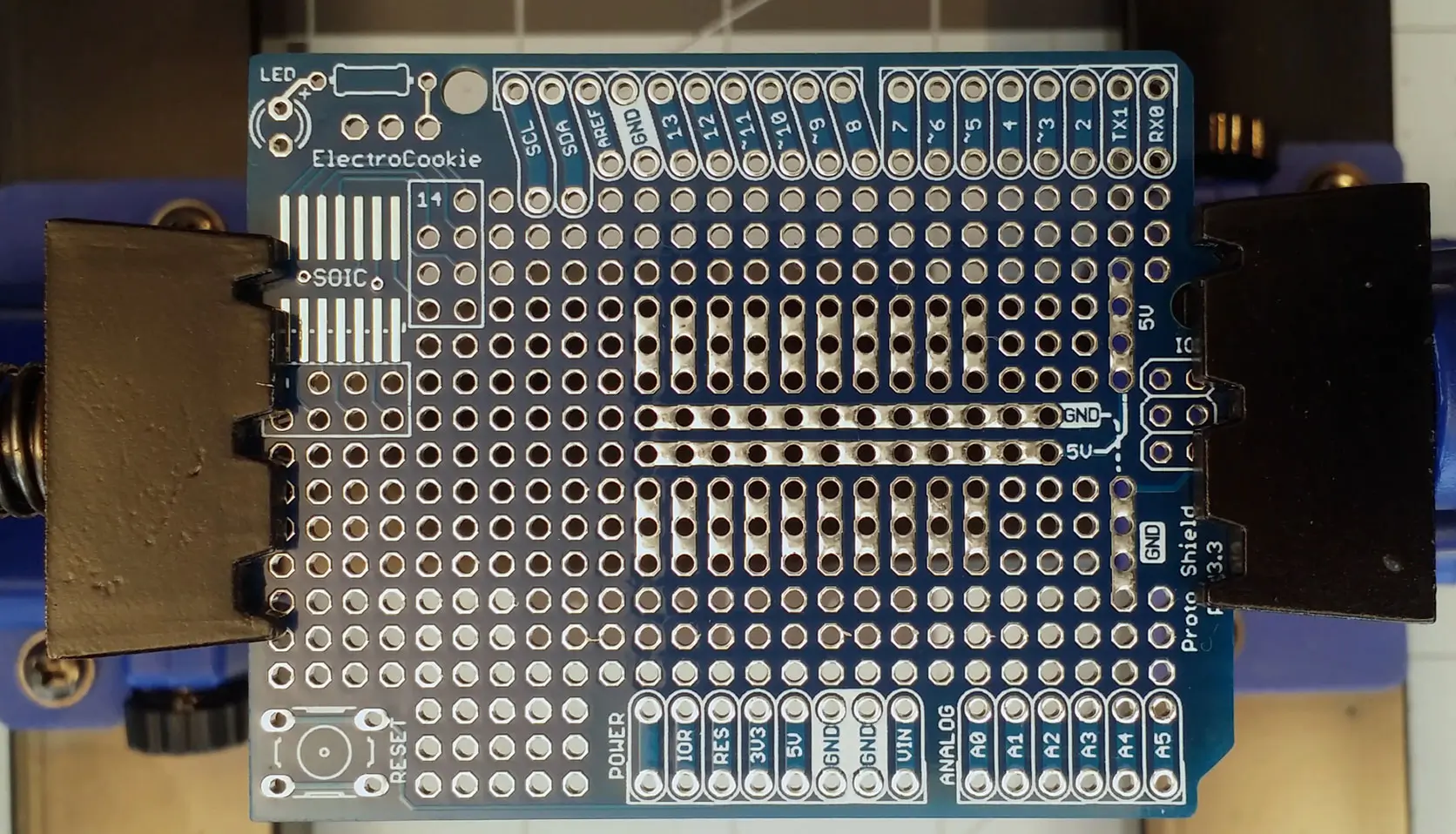
Drag the comparison handle across the ElectroCookie Arduino Protoshield photographs below to inspect the bare PCB alongside the soldered L293D + IR receiver circuit.
 Before
After
Before
After
Interactive NEC IR Remote & L293D Simulator
*"I couldn’t come up with a way to use software to plan the layout for the circuit because I wanted to use both sides, so I decided to just place the components on the shield, visualize the layout, and solder as I thought best. I utilized the existing traces as much as possible."*
Soldering & Pinout Blueprint
Step 1: Isolate Digital 5V from Motor Supply (VCC2)
Connect L293D Pin 16 (VCC1) to the Arduino's regulated 5V rail, and connect L293D Pin 8 (VCC2) to your external 6V–7.4V battery pack. Always tie battery GND and Arduino GND together across the center ground sink pins (Pins 4, 5, 12, and 13).
Step 2: Solder the 16-Pin IC Socket onto the Protoshield
Solder a 16-pin DIP socket straddling the center channel of the Arduino Protoshield before inserting the L293D IC. Place a 0.1µF (104) ceramic decoupling capacitor close to Pin 16 to suppress brush noise from resetting the ATmega328P.
Step 3: Capture Your Remote's NEC Hex Codes
Wire the 38kHz IR receiver signal pin to Arduino D11. Open the Serial Monitor at 115200 baud, press each arrow key on your remote, and verify the hex literals in the C++ sketch.
// VideotronicMaker — IR Remote Car + Arduino Protoshield (L293D)
#include <IRremote.hpp>

const int IR_RECEIVE_PIN = 11;
const int EN_LEFT        = 5;   // L293D Pin 1 (PWM Speed Control)
const int IN1_LEFT       = 6;   // L293D Pin 2 (Direction Logic)
const int IN2_LEFT       = 7;   // L293D Pin 7 (Direction Logic)
const int IN3_RIGHT      = 8;   // L293D Pin 10 (Direction Logic)
const int IN4_RIGHT      = 9;   // L293D Pin 15 (Direction Logic)
const int EN_RIGHT       = 10;  // L293D Pin 9 (PWM Speed Control)

void driveMotors(int l1, int l2, int r1, int r2, int speedPwm) {
  digitalWrite(IN1_LEFT, l1);
  digitalWrite(IN2_LEFT, l2);
  digitalWrite(IN3_RIGHT, r1);
  digitalWrite(IN4_RIGHT, r2);
  analogWrite(EN_LEFT, speedPwm);
  analogWrite(EN_RIGHT, speedPwm);
}

void setup() {
  Serial.begin(115200);
  IrReceiver.begin(IR_RECEIVE_PIN, ENABLE_LED_FEEDBACK);
  pinMode(EN_LEFT, OUTPUT);  pinMode(EN_RIGHT, OUTPUT);
  pinMode(IN1_LEFT, OUTPUT); pinMode(IN2_LEFT, OUTPUT);
  pinMode(IN3_RIGHT, OUTPUT); pinMode(IN4_RIGHT, OUTPUT);
  driveMotors(LOW, LOW, LOW, LOW, 0);
}

void loop() {
  if (IrReceiver.decode()) {
    uint32_t code = IrReceiver.decodedIRData.decodedRawData;
    Serial.print("IR:0x"); Serial.print(code, HEX);
    Serial.print(",RAW:"); Serial.println(code);

    if (code == 0xFF18E7) driveMotors(HIGH, LOW, HIGH, LOW, 200);      // ▲ FORWARD
    else if (code == 0xFF4AB5) driveMotors(LOW, HIGH, LOW, HIGH, 200); // ▼ REVERSE
    else if (code == 0xFF10EF) driveMotors(LOW, HIGH, HIGH, LOW, 200); // ◄ SPIN LEFT
    else if (code == 0xFF5AA5) driveMotors(HIGH, LOW, LOW, HIGH, 200); // ► SPIN RIGHT
    else if (code == 0xFF38C7) driveMotors(LOW, LOW, LOW, LOW, 0);     // ■ STOP / COAST

    IrReceiver.resume();
  }
}
Frequently Asked Questions
Technical details on how this digital twin models NEC 38kHz infrared decoding, L293D dual H-bridge motor logic, PWM speed control, and C++ sketch execution.