
Physical Computing Reimagined
The Body
for the Mind
The VTM Pro Maker Workbench ™ is a workspace you build yourself to see how Artificial Intelligence and physical computing work together giving you a steady place to test robot prototyping ideas and AI projects without the mess. Whether you are following VTM tutorials or experimenting on your own, this platform gives you the foundation to actually build what you're learning. It’s about learning by doing, one bolt and one line of code at a time.
The Build Process
I watched a man of considerable Arduino experience look into a camera and complain that his Arduino Uno Q was merely a quiet ornament on his desk. He held the intricate, idle hardware in his palm, a master of its cold geometry, but the AI—the very breath of the thing—was nowhere to be found.
The world is currently a chorus of loud, clattering noise about Artificial Intelligence. We see these digital phantoms flickering behind glass, yet we never see the machine move. We repeat the old stories of the brilliant creator in the workshop—it’s the modern myth—but we are left with only half the equation. We play with logic that has no hands, and we build hands that have no logic.
AI and Physical Computing, Together.
The VTM Pro Maker Workbench is no common artifact to be purchased from a shelf; it is the charted intent of a mind that has finally found its coordinate. If the computer in your hand is silent, the Workbench is the guide to give it a voice. It is the site where the code and the bolt occupy the same geography, providing the path to turn the hype into something you can touch—a place to stop observing and start making.
The VTM Pro Maker Workbench is a platform you build to create the opportunity to learn how hardware and software work together.
> The Iterative Build Process
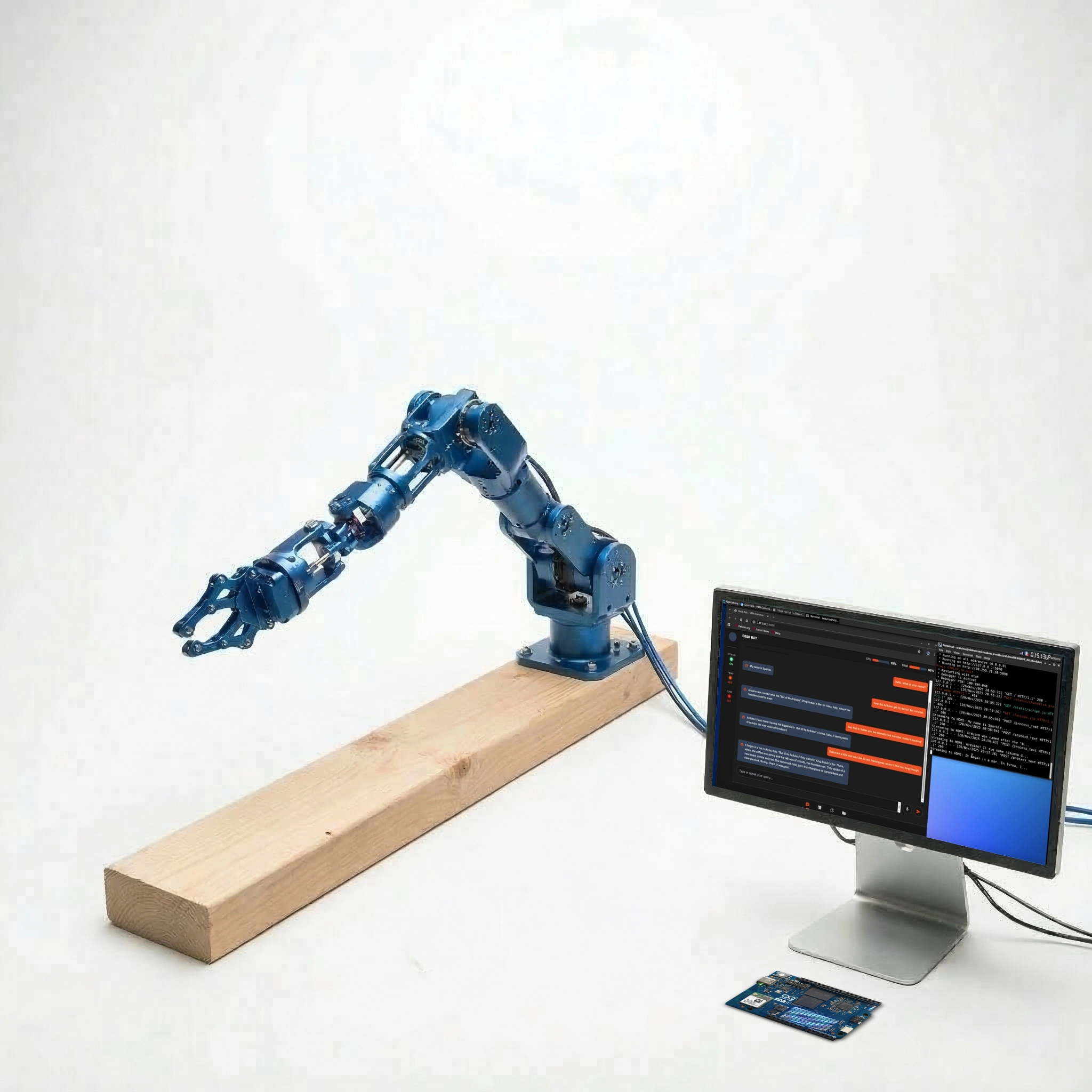
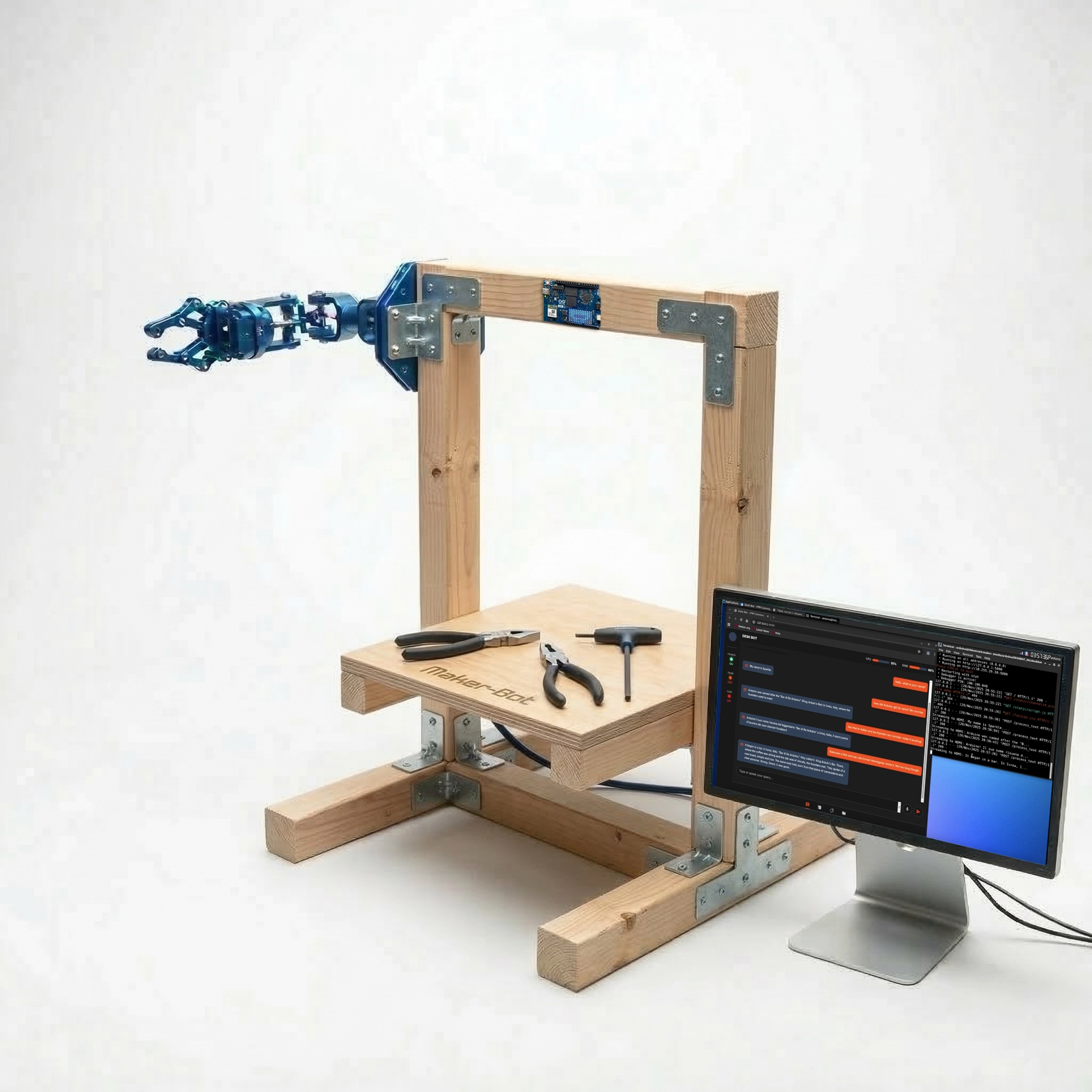
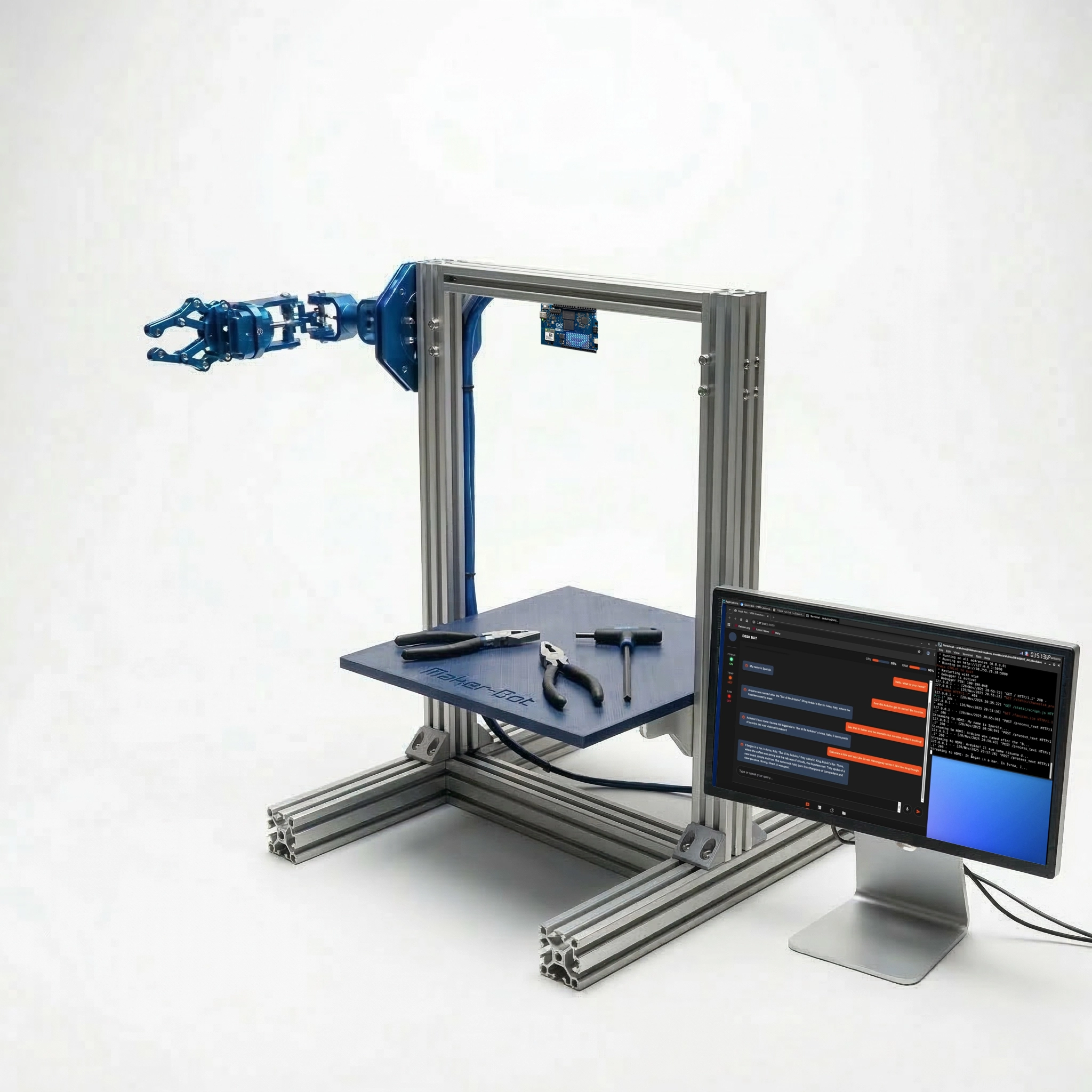
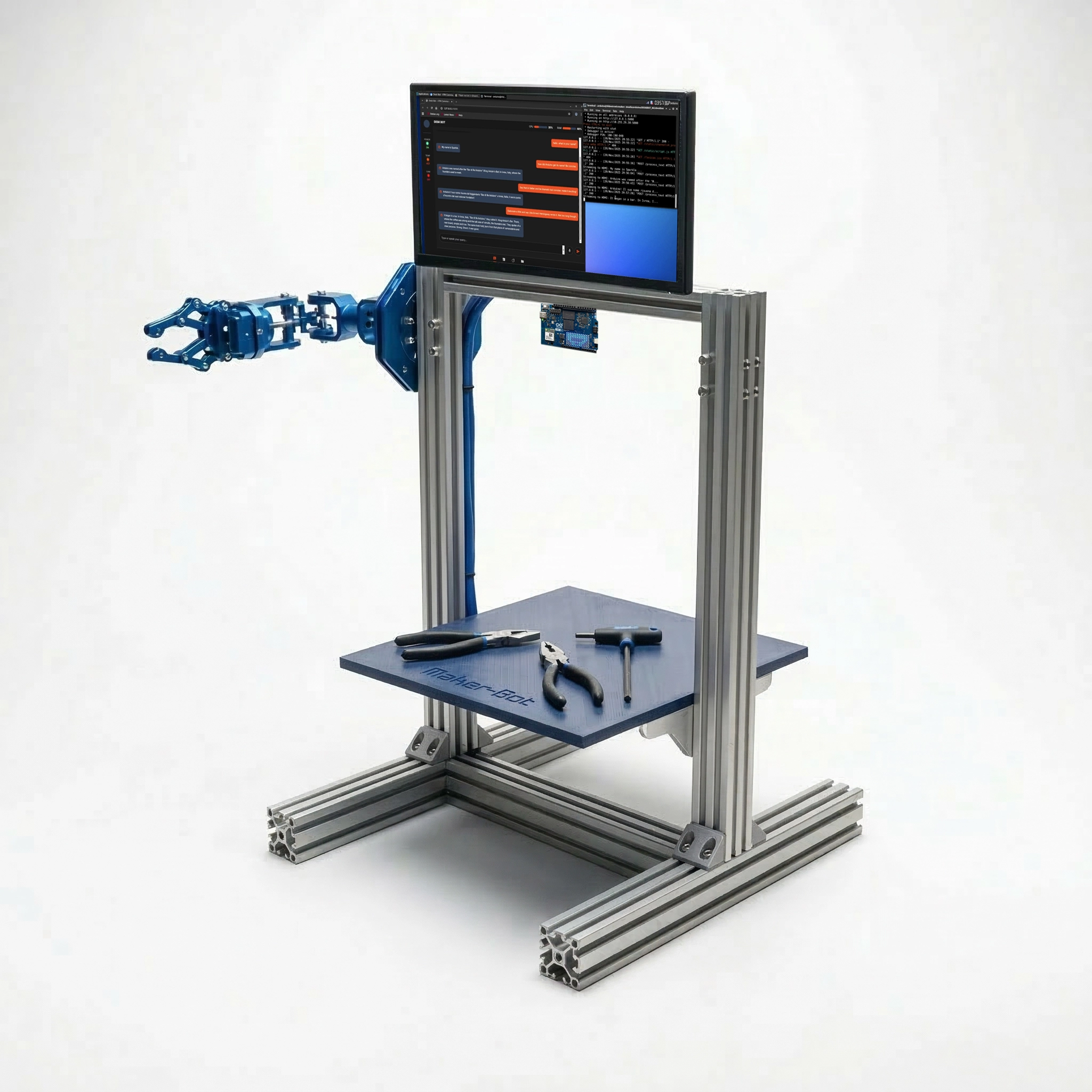
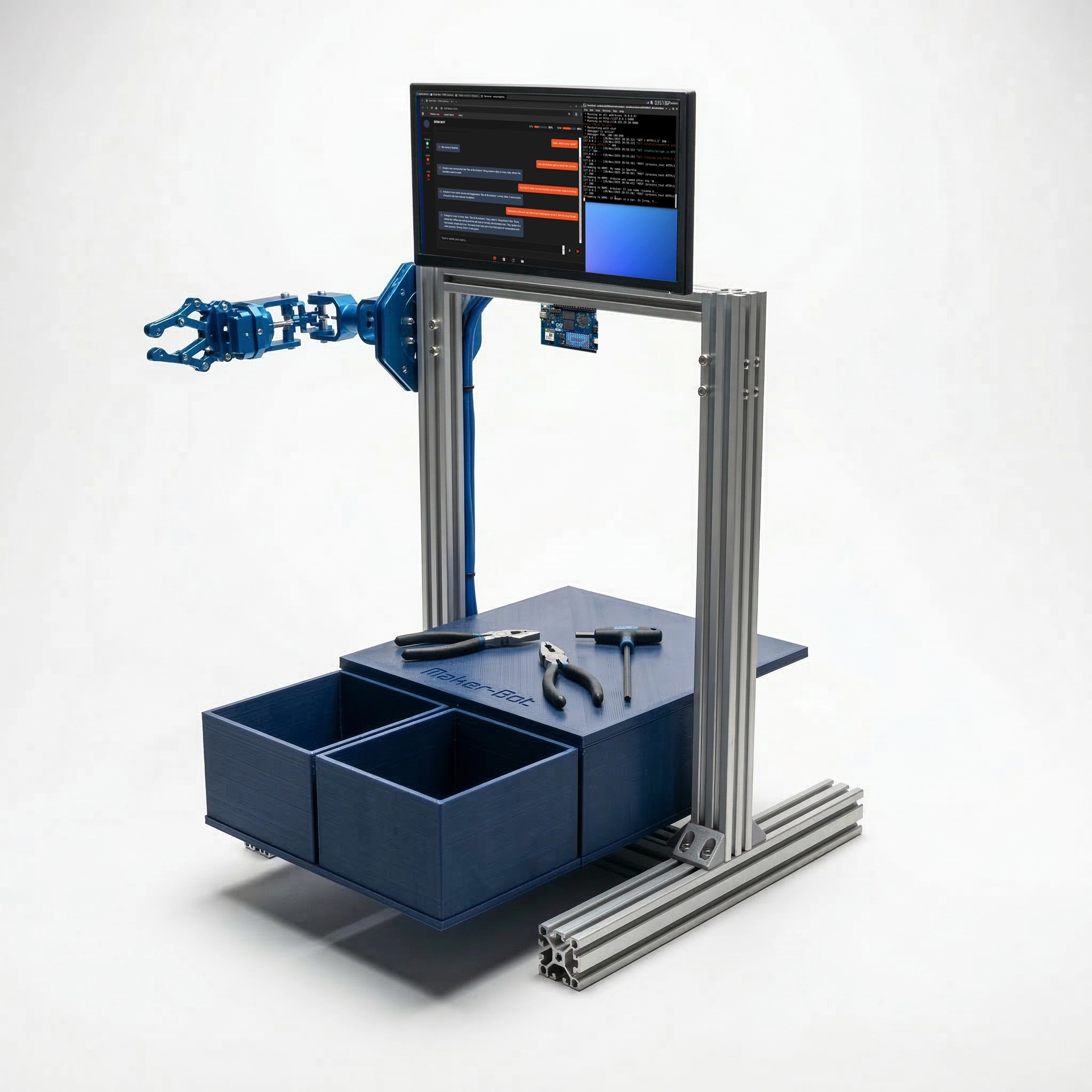
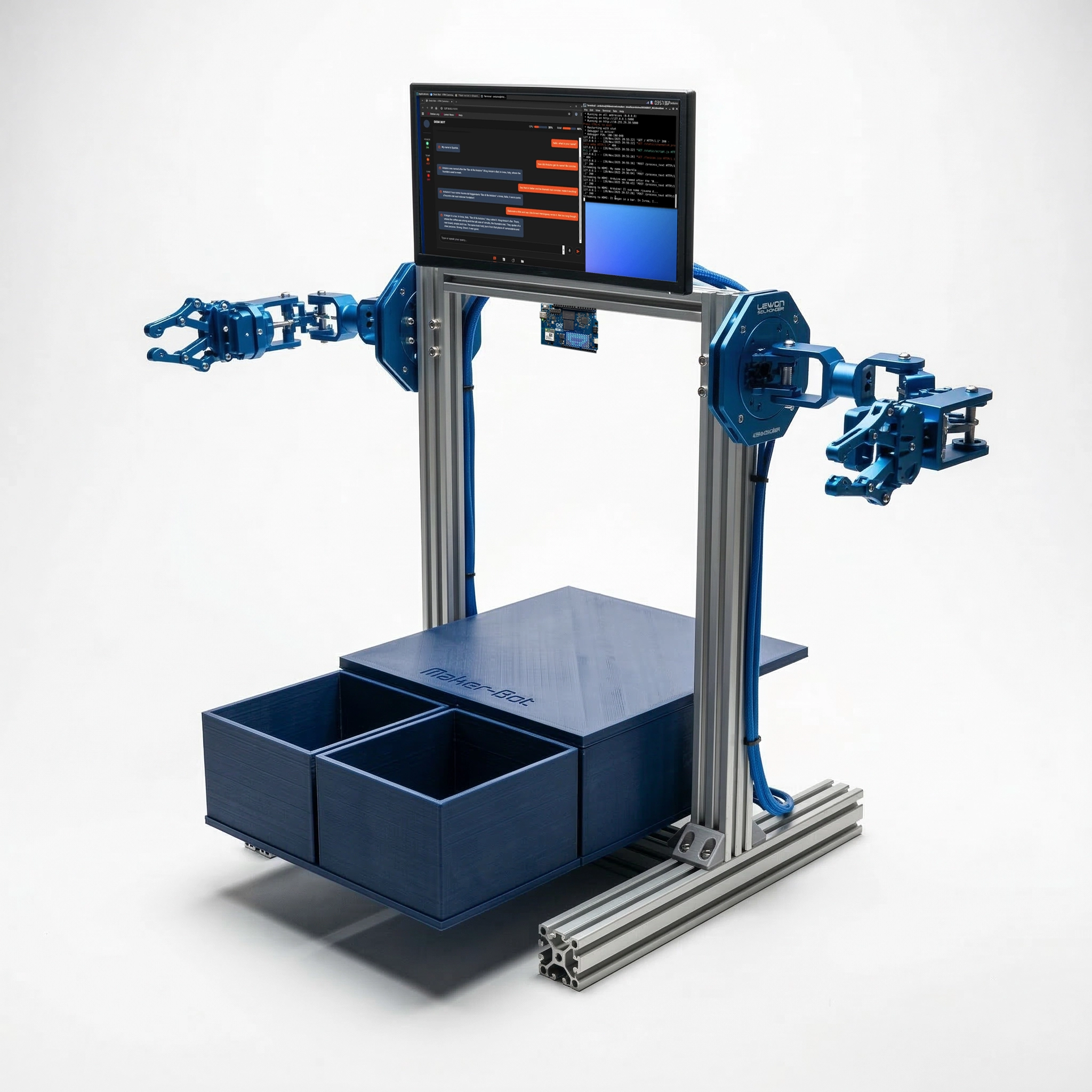
The Maker
You know how to work with sensors and motors, but you don't know how to add AI. You have the hardware, but you need this platform to help you build the intelligence that makes it react.
The AI Developer
You know how to build AI, but you don't know how to work with physical hardware. Your work is stuck on a screen. You need this platform to give your AI a body so it can move in the real world.
Select Your Build
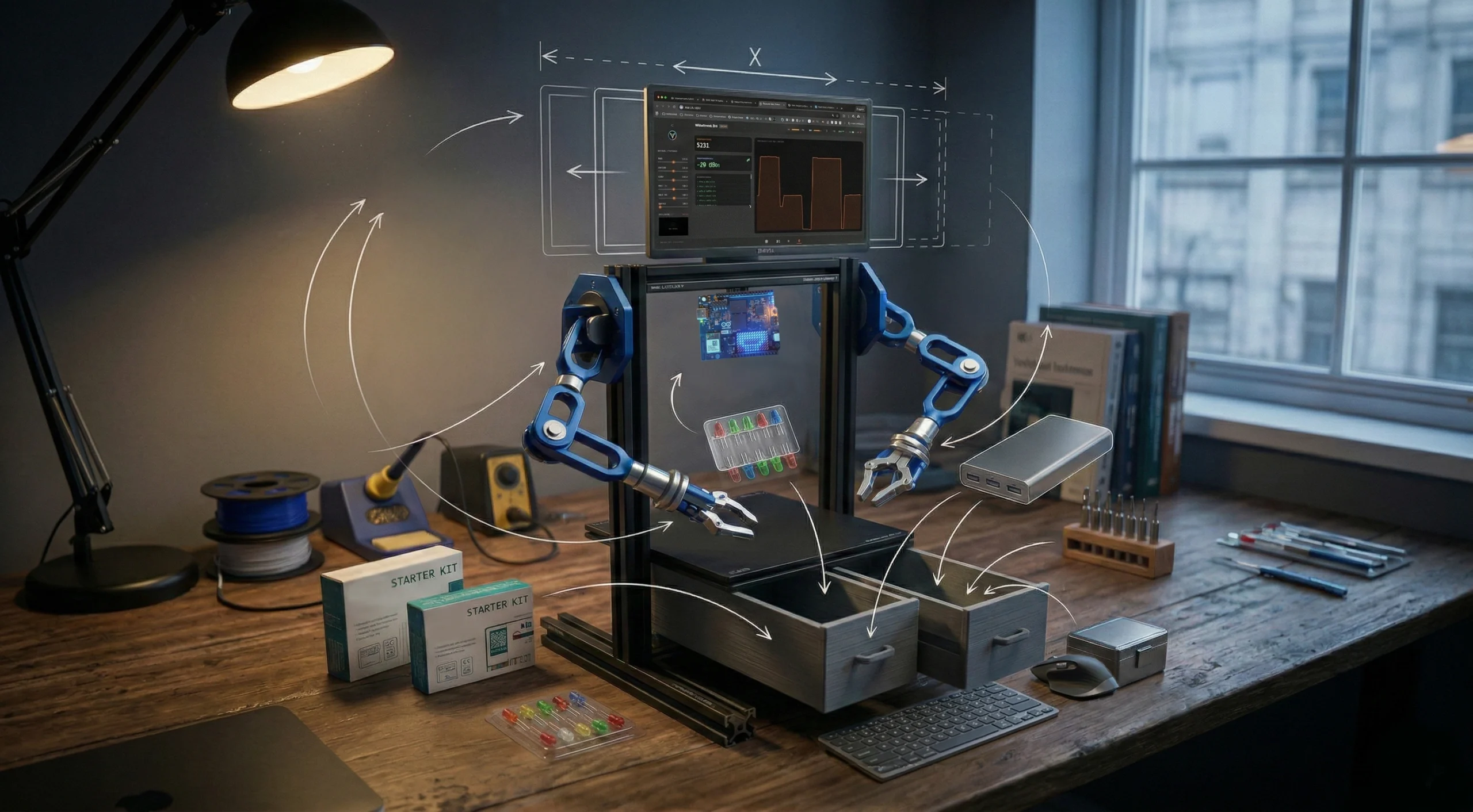
Choose the structure that fits your budget and resources. You can build with wood for a professional setup using accessible materials, or use aluminum rails for an industrial-style machine. Both provide a stable, permanent frame for your work.
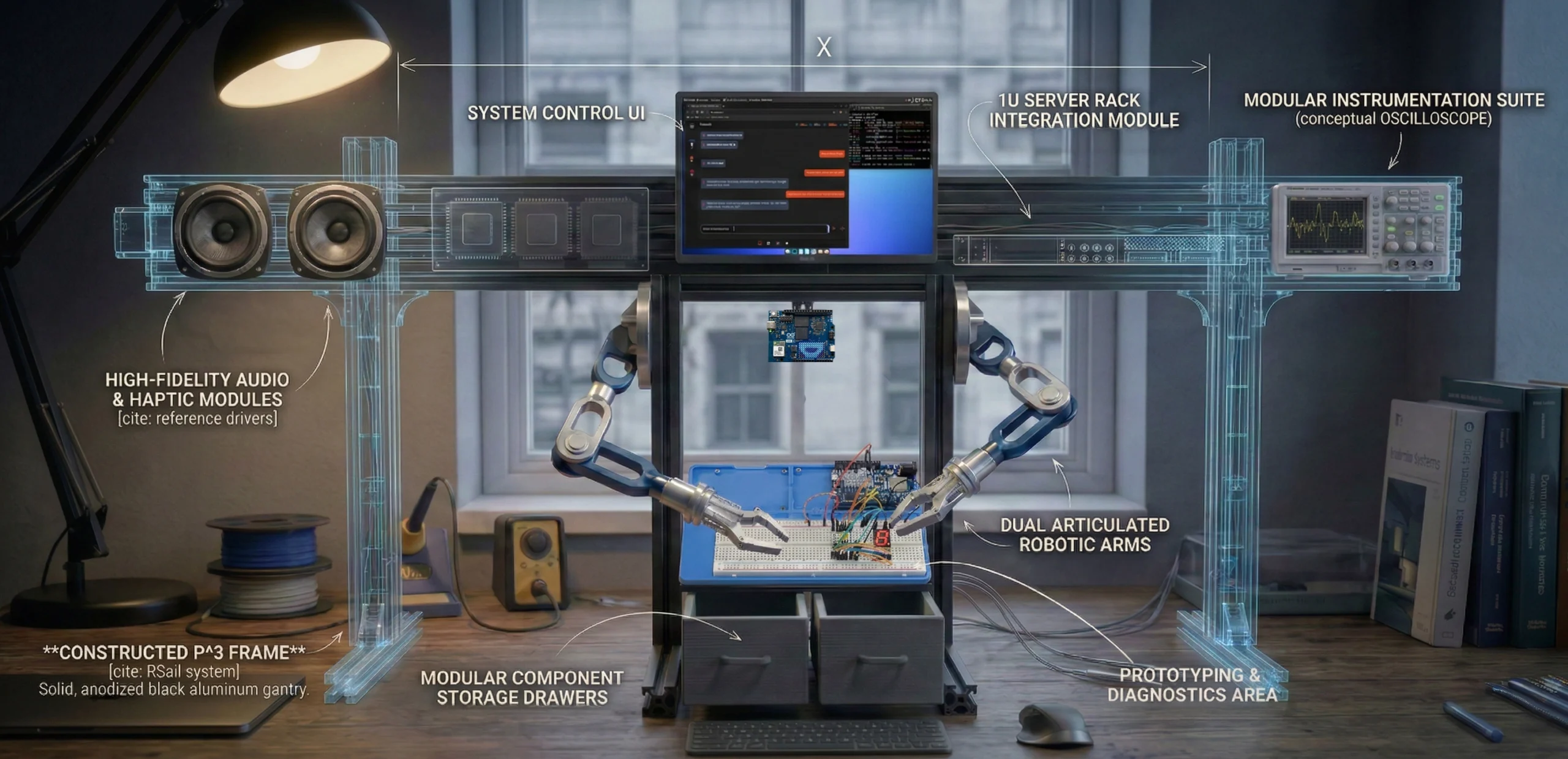
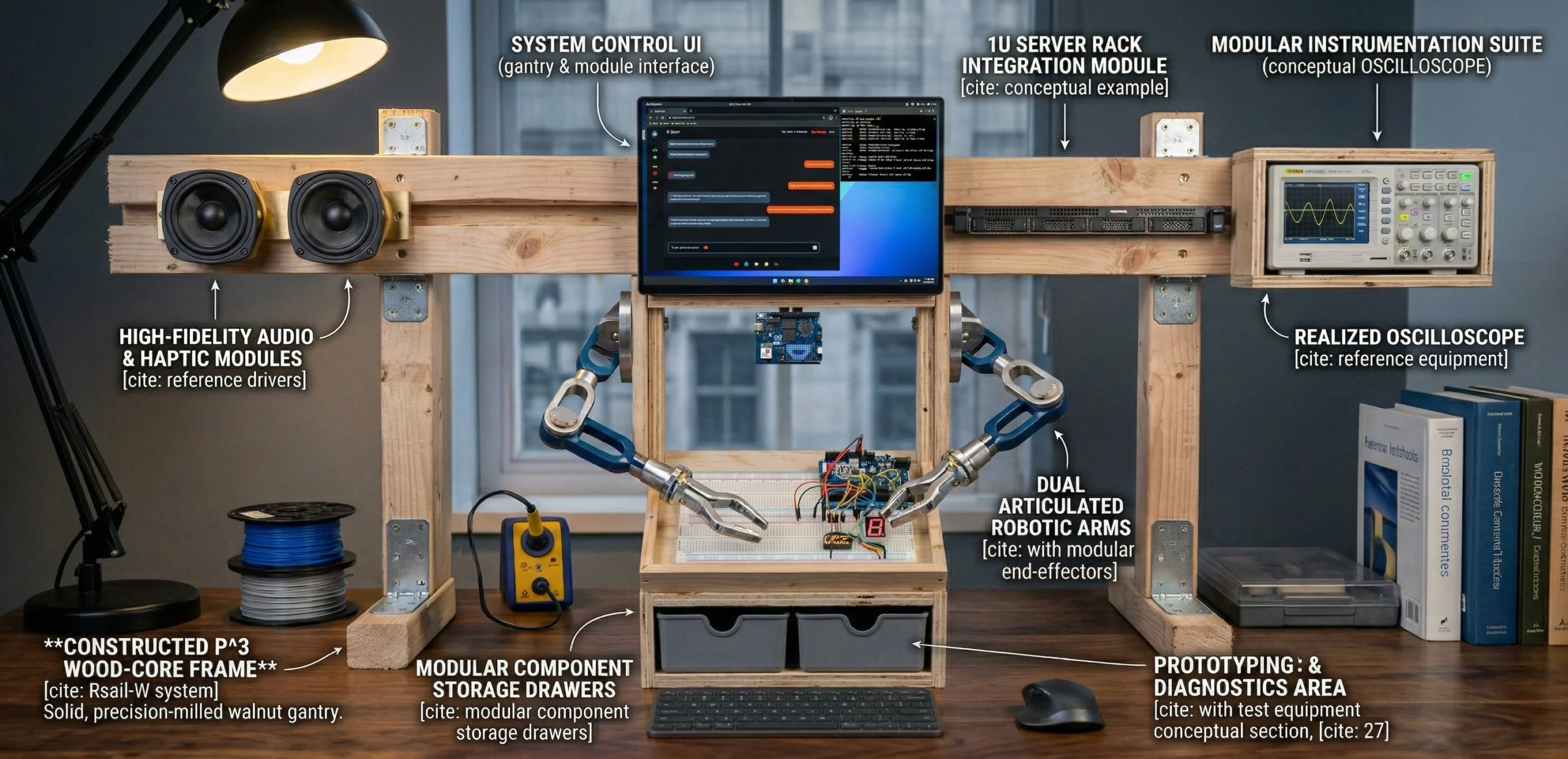
Ways to Build
> START WITH THESE OR MIX AND MATCH
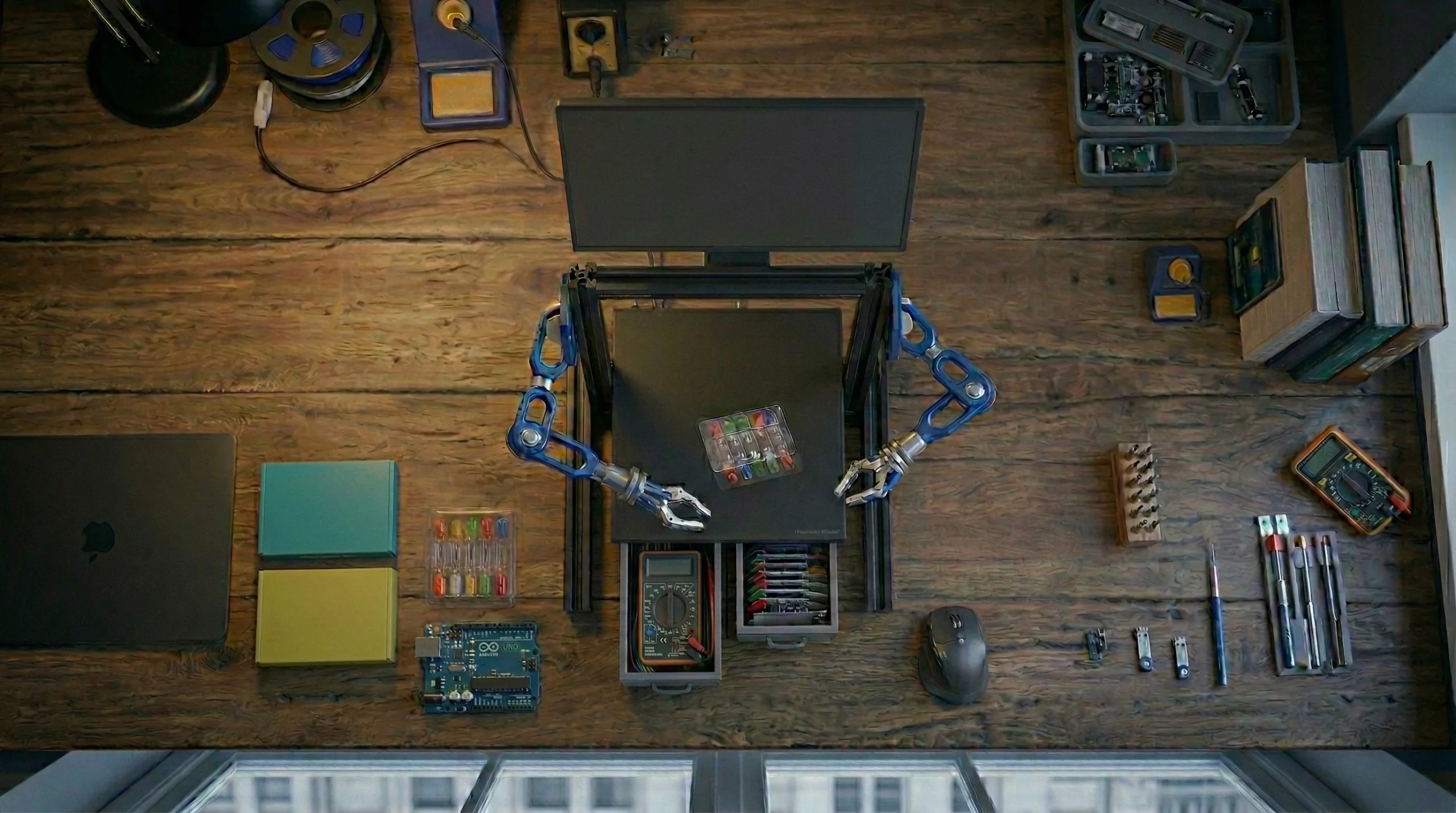
Maker Bot
(Basic)
~$120
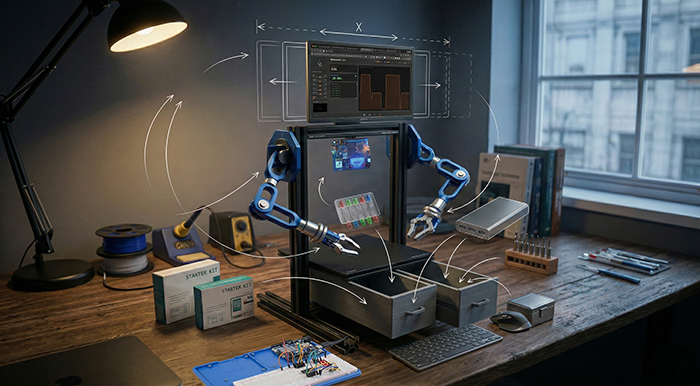
Science
Bot
~$250
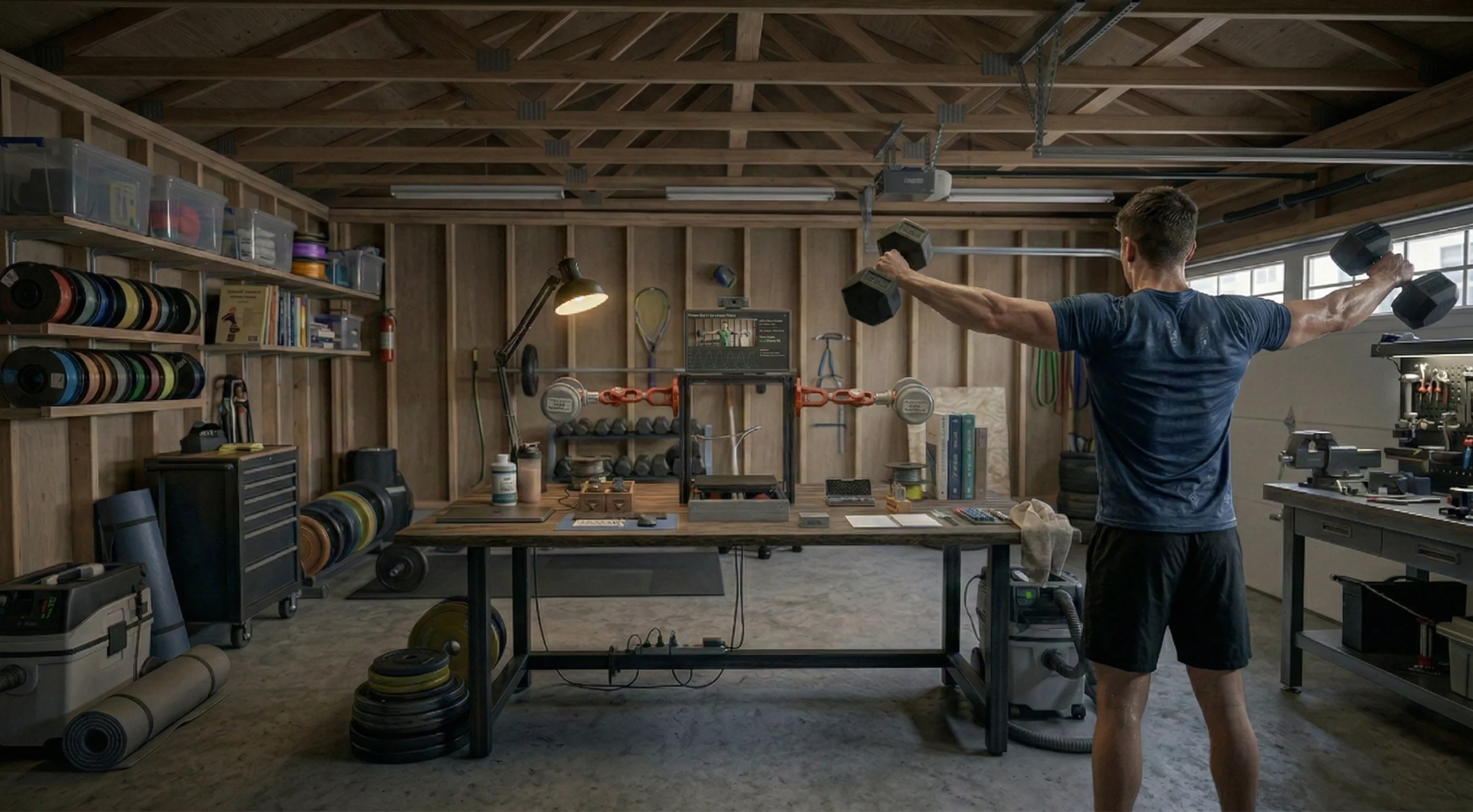
Fitness
Bot
~$400
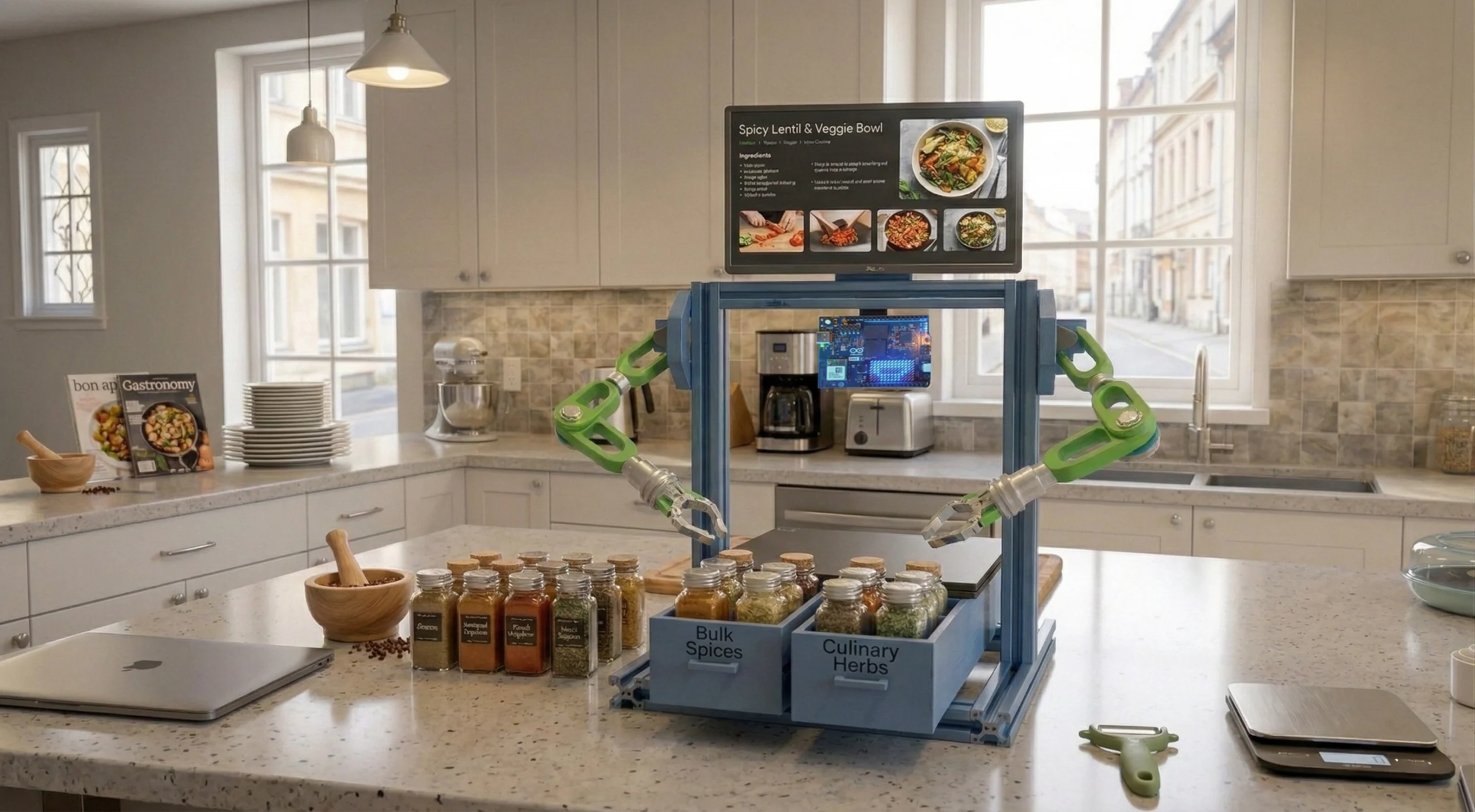
Chef
Bot
~$350
Maker Bot
(Pro)
~$500+
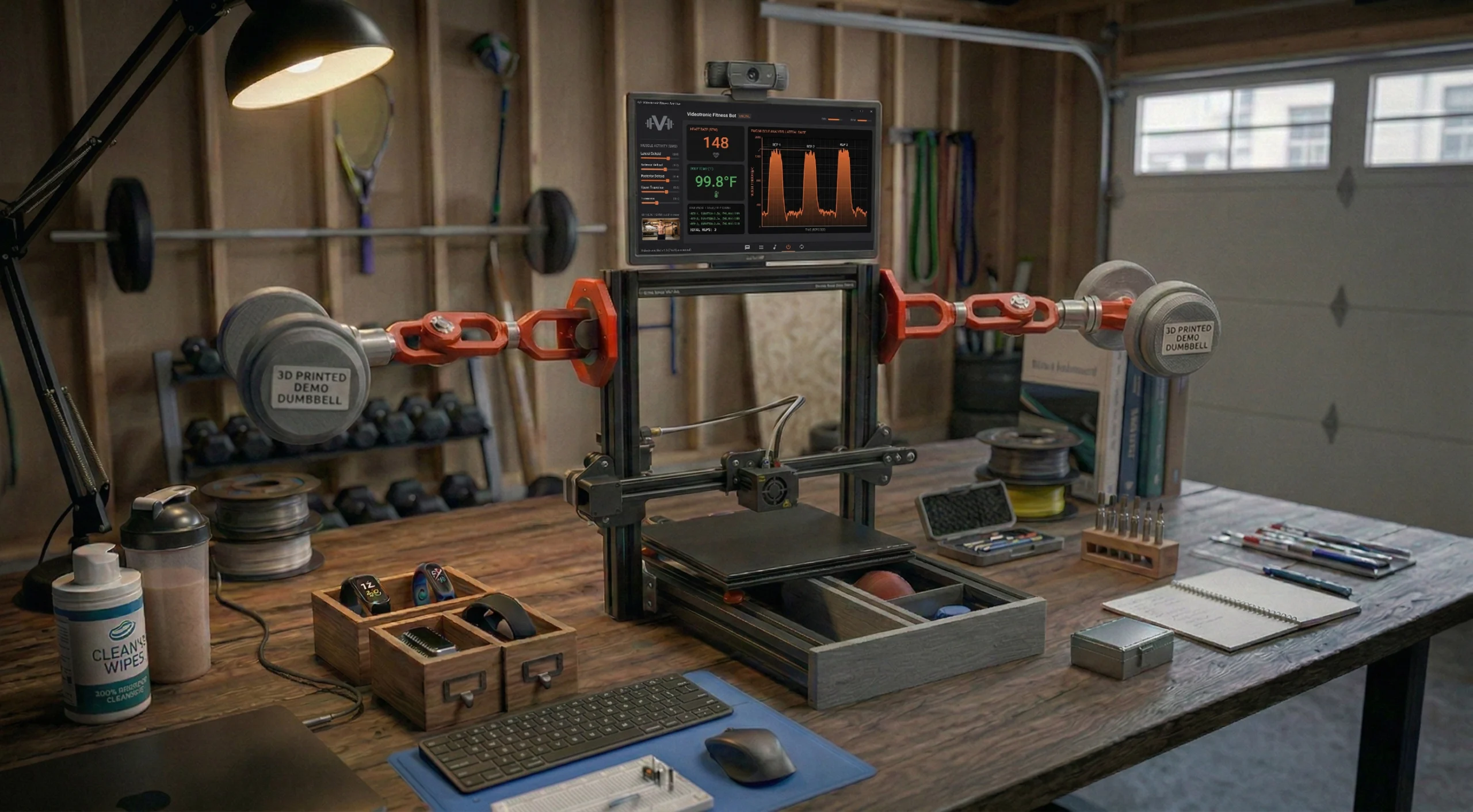
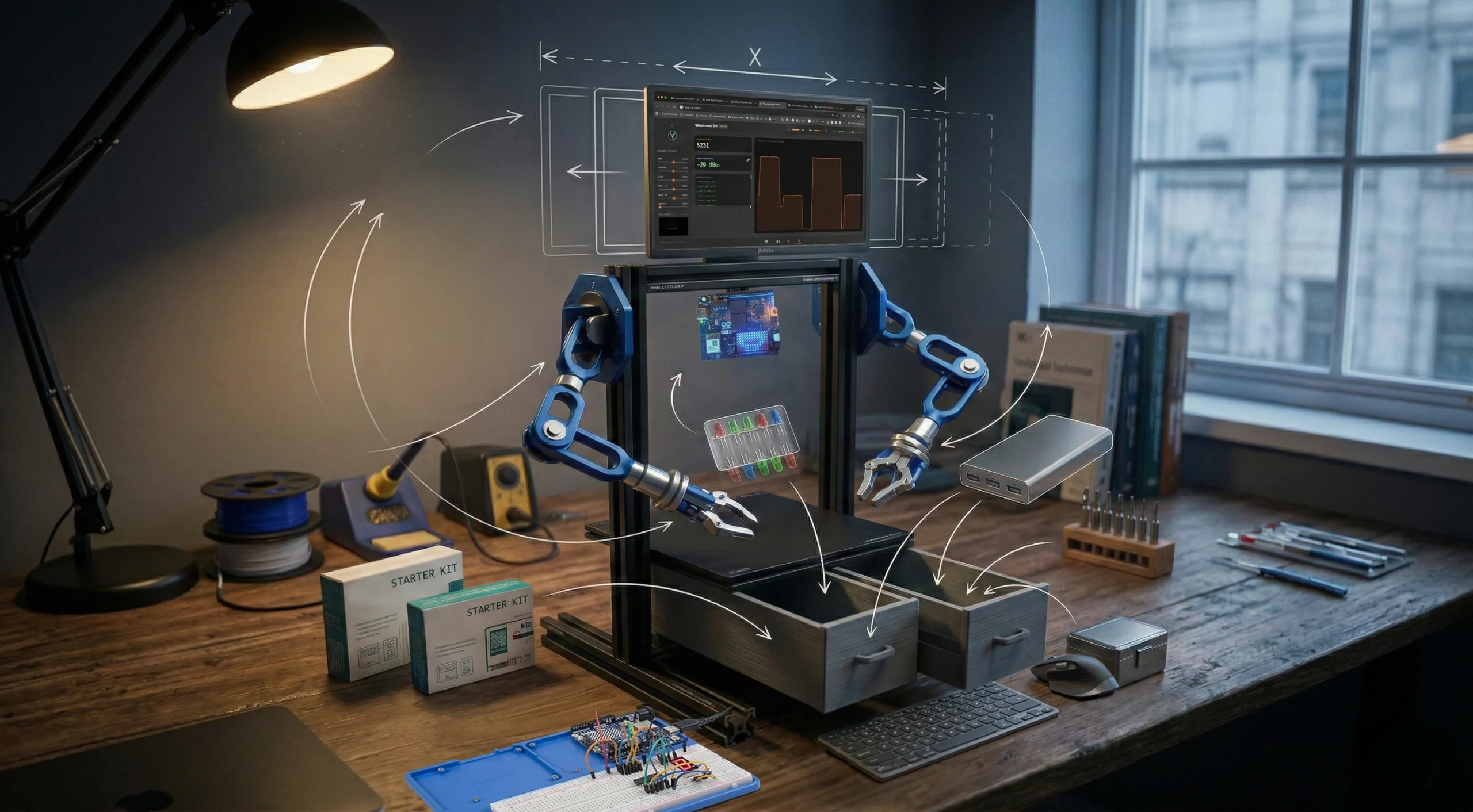
Whether it is a mechanical witness to your physical endurance or a specialized hand for the laboratory, the workbench is the unyielding geometry upon which you may bolt whatever purpose your mind has finally authored.
The Build Momentum: VTM OS™ Alpha
GitHub Repository Pulse Initial 33-Day Deployment Cycle
Total Views
1,232Total Clones
727Unique Devs
396Velocity
4.95xStart Your Bench
> A PRACTICAL WAY TO BEGIN
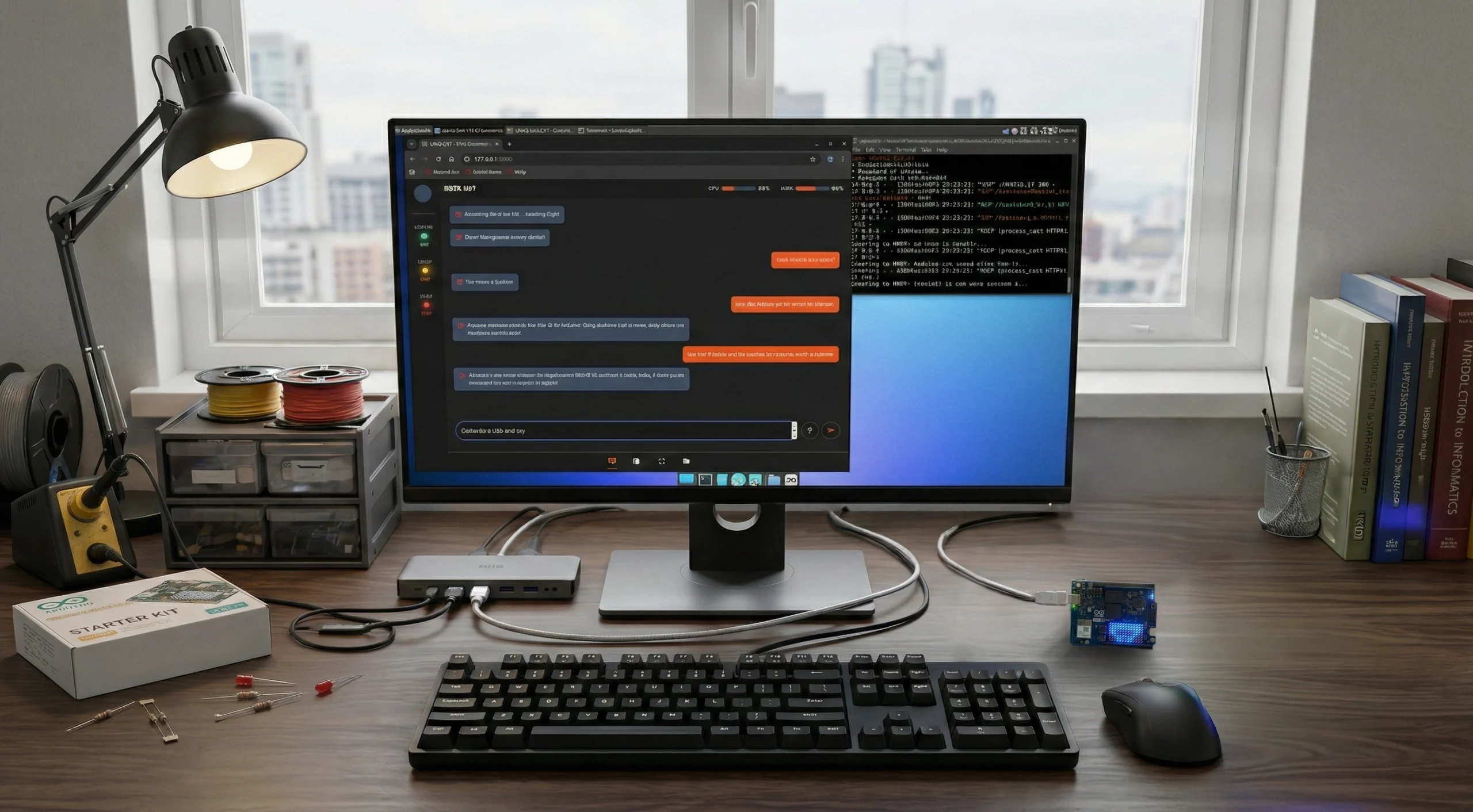
Initialize the Uno Q as a standalone logic hub using the VTM OS to bridge the gap between AI and local hardware. This core manages your communication protocols and the Nexus shortcut engine.
The Evolution Sequence
> PRACTICUM_CURRICULUM_INITIATED
| Level | Milestone | Competency Focus |
|---|---|---|
| 101 | The Computer & OS | Initializing the Computer and the VTM OS ™ as the primary heart of the workbench. |
| 201 | Interface Control | Defining Nexus shortcuts and how the screen and controls respond to your hands. |
| 202 | Extended Telemetry | Integrating Lab mode and LoRA modules to manage data over long distances. |
| 301 | Structural Integrity | Assembling the 2040/4040 V-Slot frame and 3D printing custom mounts for a permanent lab. |
| 401 | Mechanical Motion | Programming the robotic arms to turn your instructions into physical action. |
The Learning Framework
Think of the building process in these terms. This isn't just a list of tasks; it is the roadmap for how you develop the ability to turn an idea into a working machine.
Mastery 01
Collaborative Generative Design
Realize the power of AI as a high-velocity partner. You aren't just "using AI to code"; you are using it to brainstorm complex circuits and solve mechanical hurdles. This is how you multiply your productivity and build things once thought out of reach.
Mastery 02
Intelligent Information Flow
Master an interface that handles streaming data and code snippets. Learn to manage how information moves so the assistant provides exactly what is needed, removing the friction that usually kills the flow of a build.
Mastery 03
Signal Literacy
Move beyond just looking at a screen to using the Serial Plotter to read the raw heartbeat of your sensors. You learn to turn electrical noise into visual intelligence.
Mastery 04
The Mechanical Pulse
Understand the core of the build: learning exactly how a software command translates into the electrical signal that moves a motor. It’s the direct link between a line of code and a physical move.
Mastery 05
Functional Fabrication
Design 3D-printed parts—drawers, mounts, brackets—that aren't just plastic shapes, but functional components that integrate directly with industrial aluminum rails.