BENCH FAQ // HARDWARE TROUBLESHOOTING
Frequently Asked Questions
Lego brick cavity mounting, multi-sensor I2C integration, rotating screen state machines, long-term power delivery, and workbench layout tools.
1. How do you securely mount an Arduino Uno and 1602 LCD inside a Lego brick chassis?
+
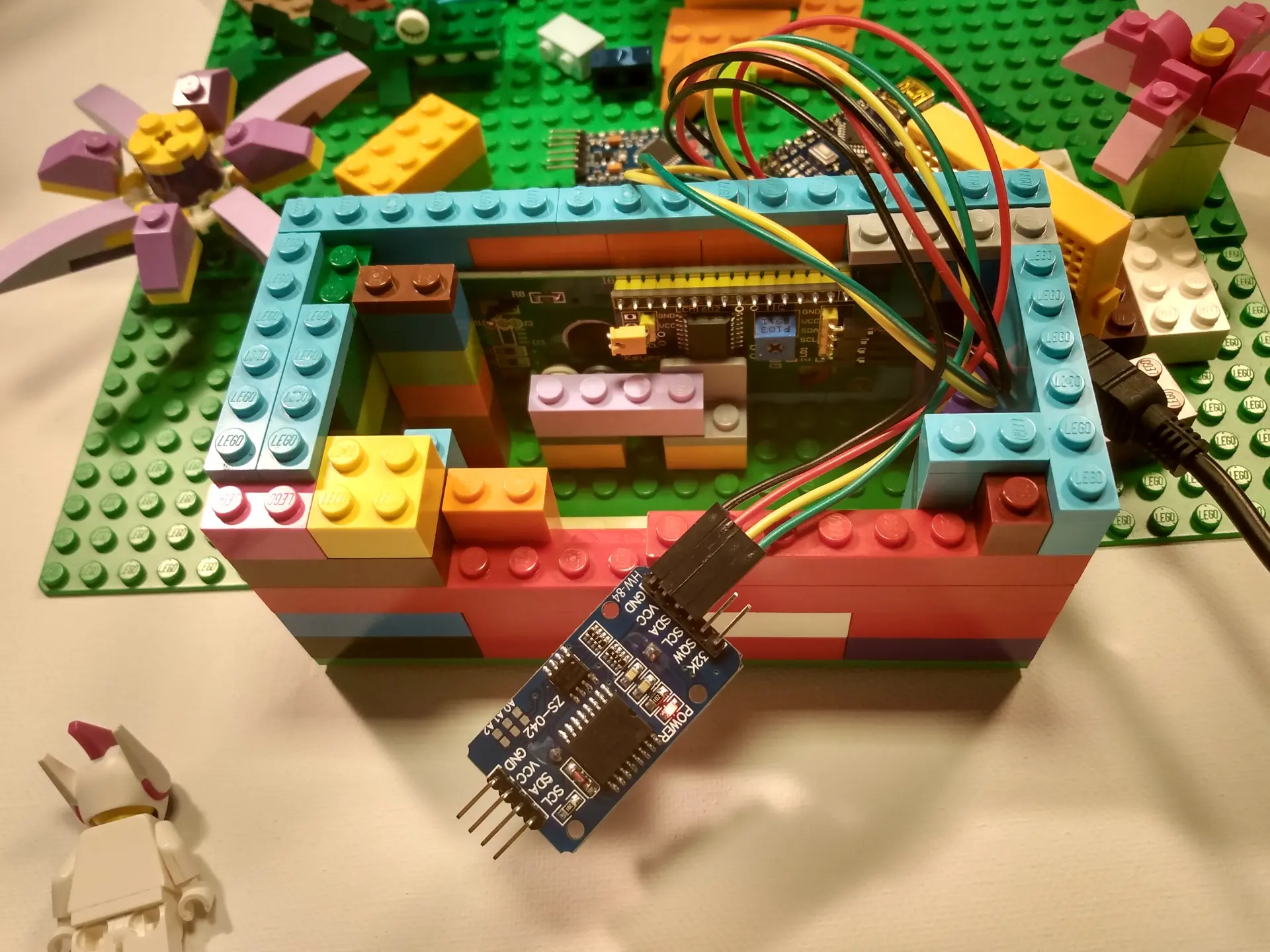
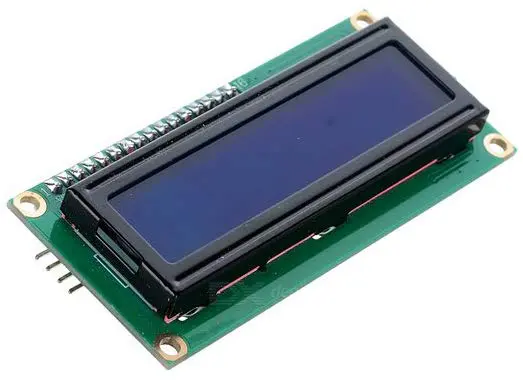
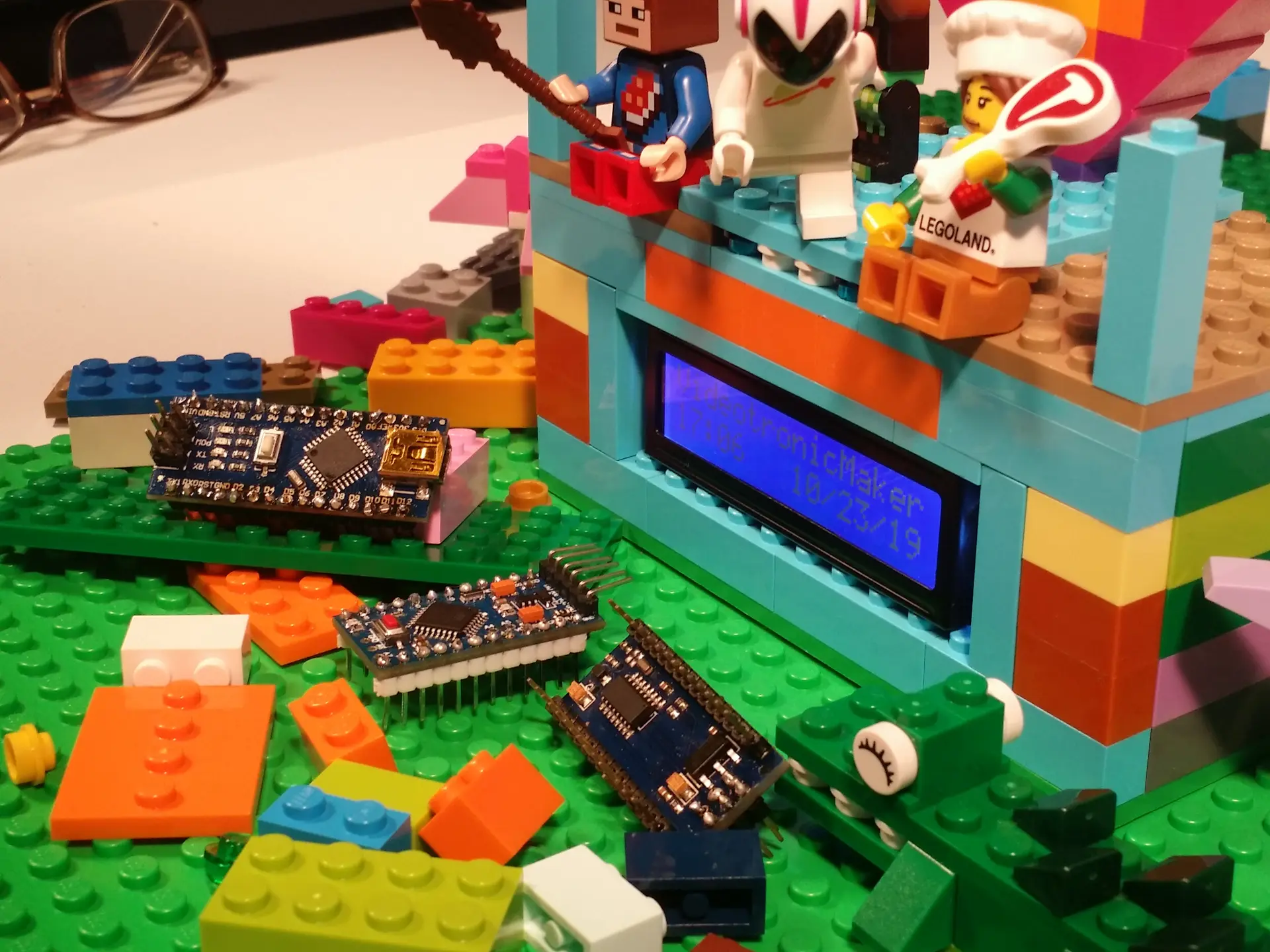
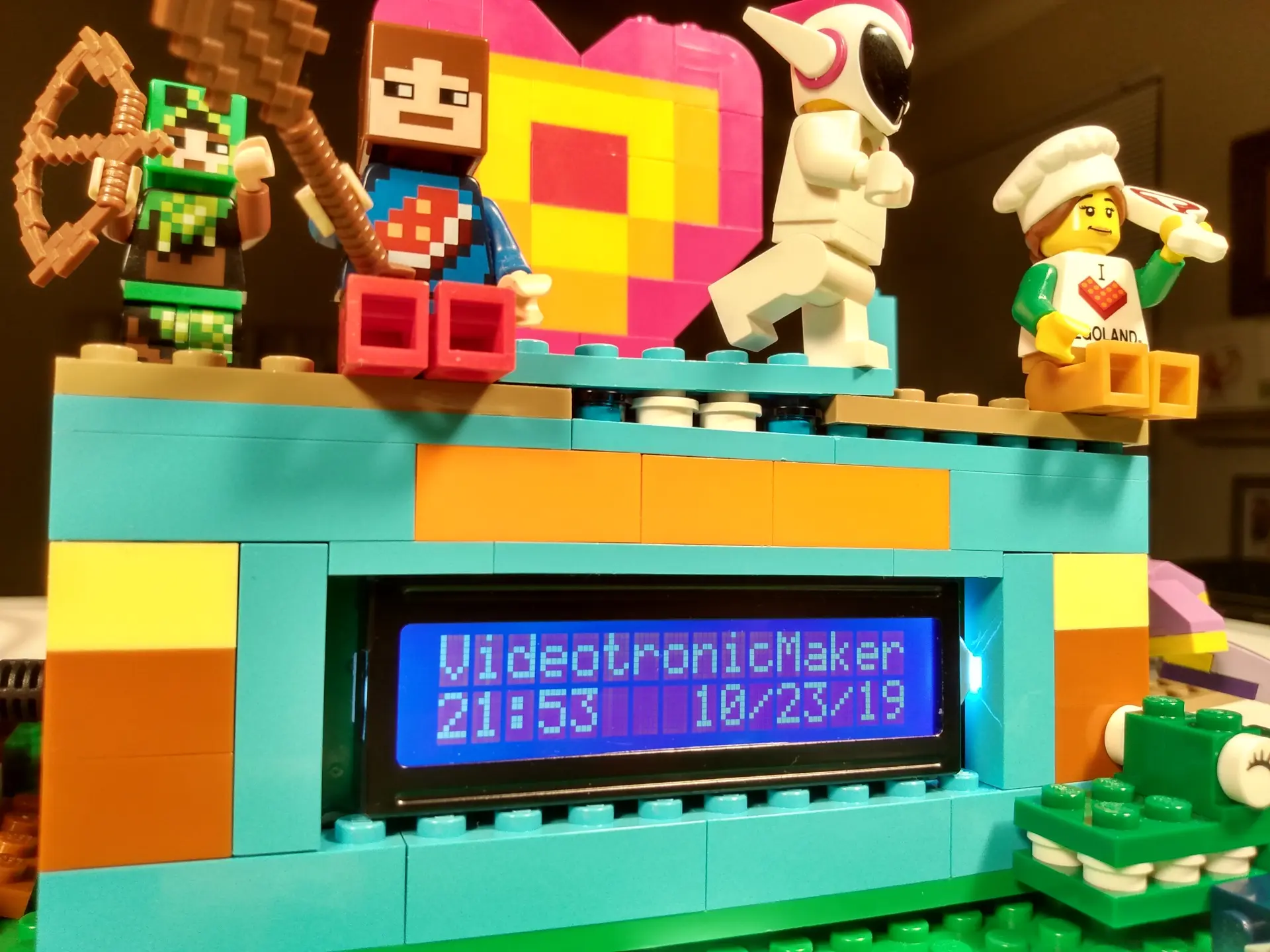
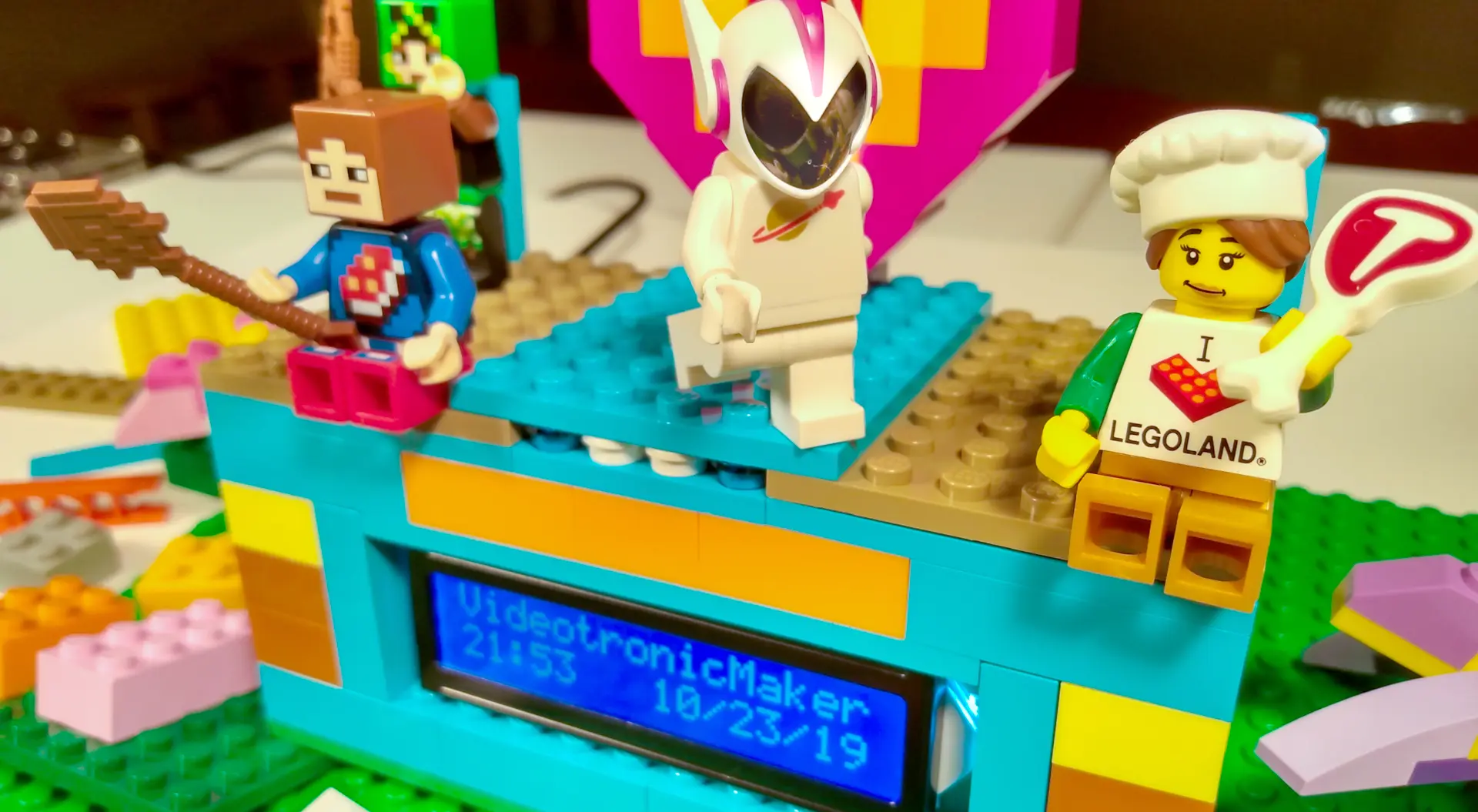
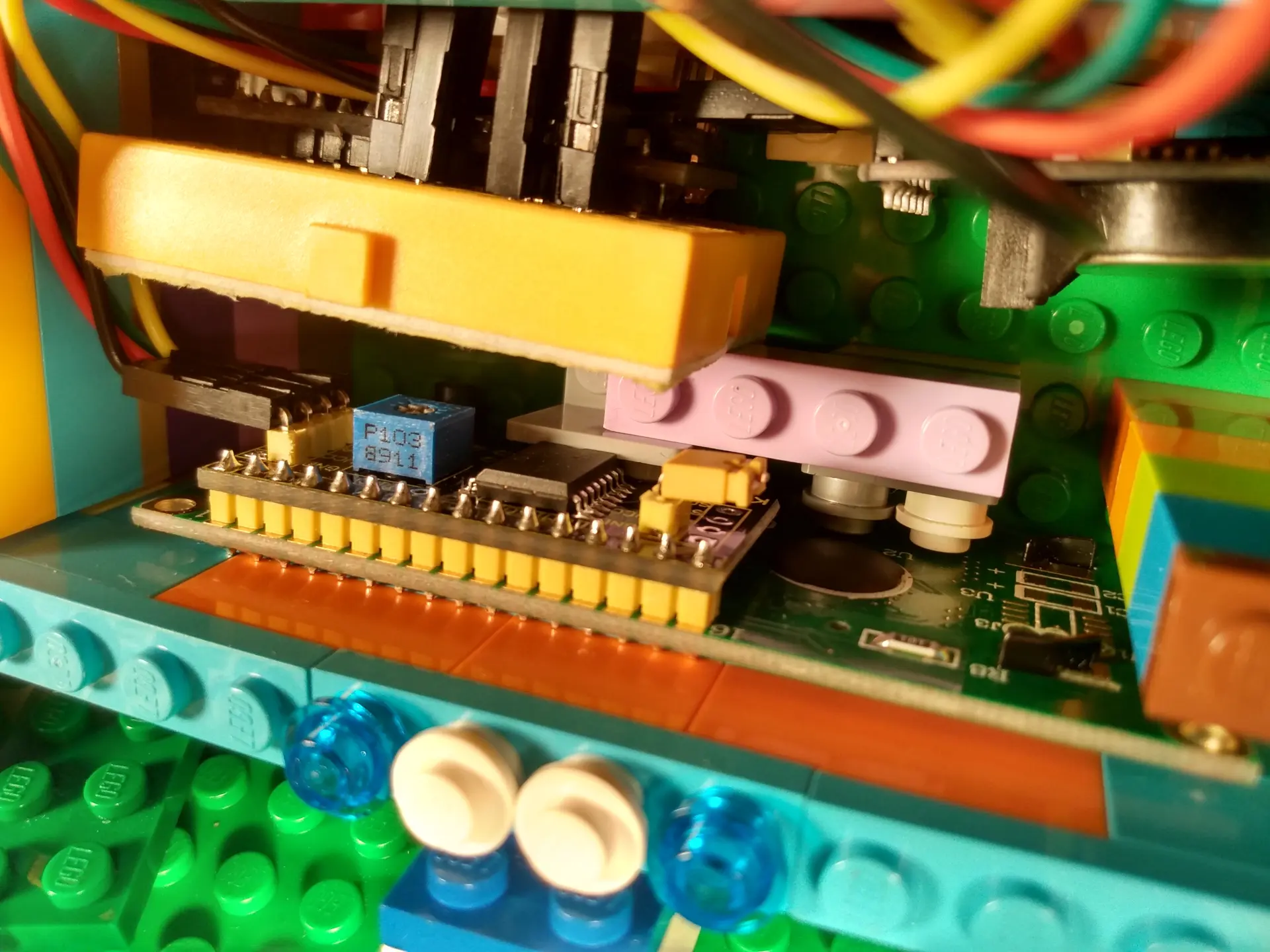
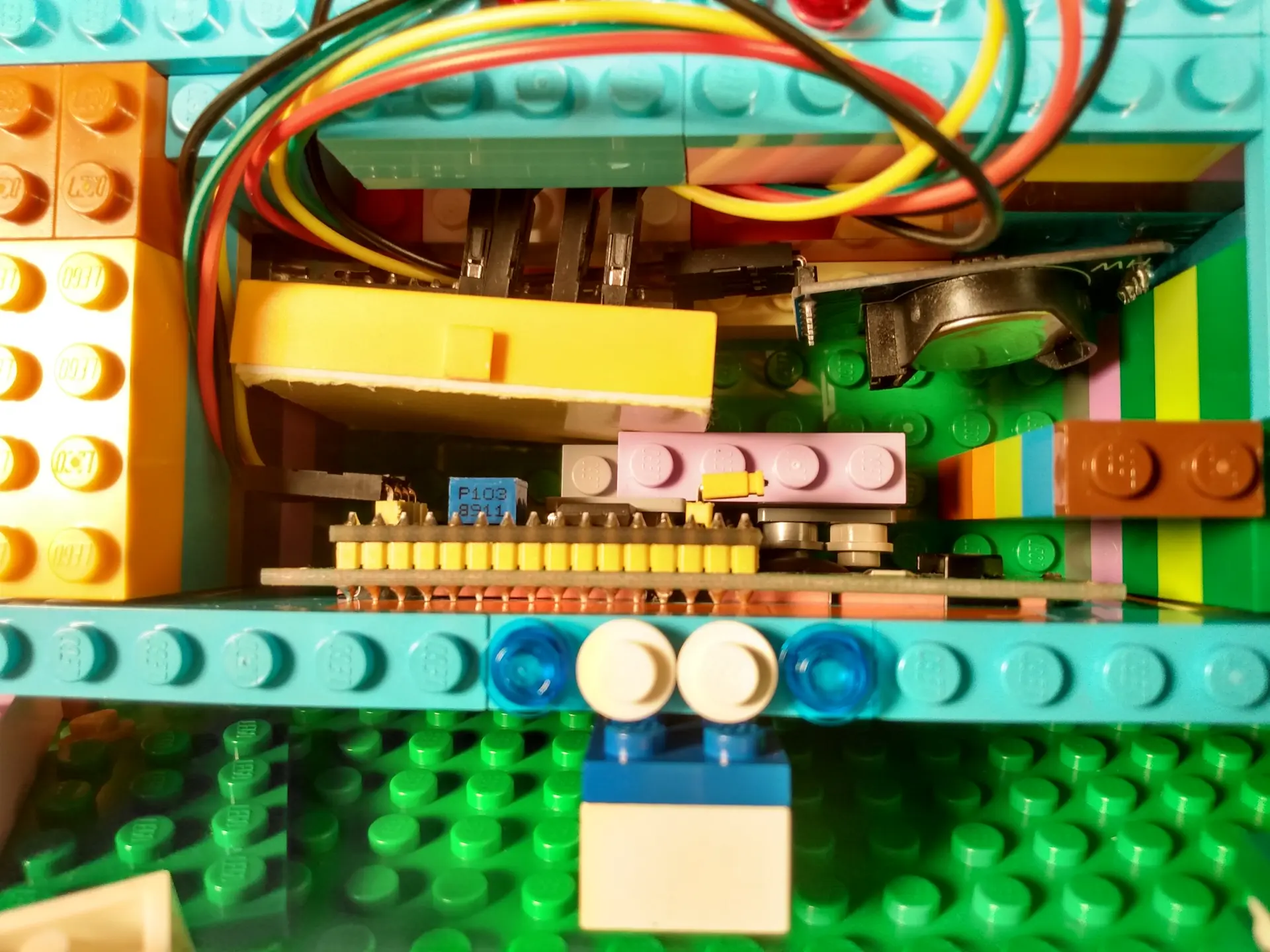
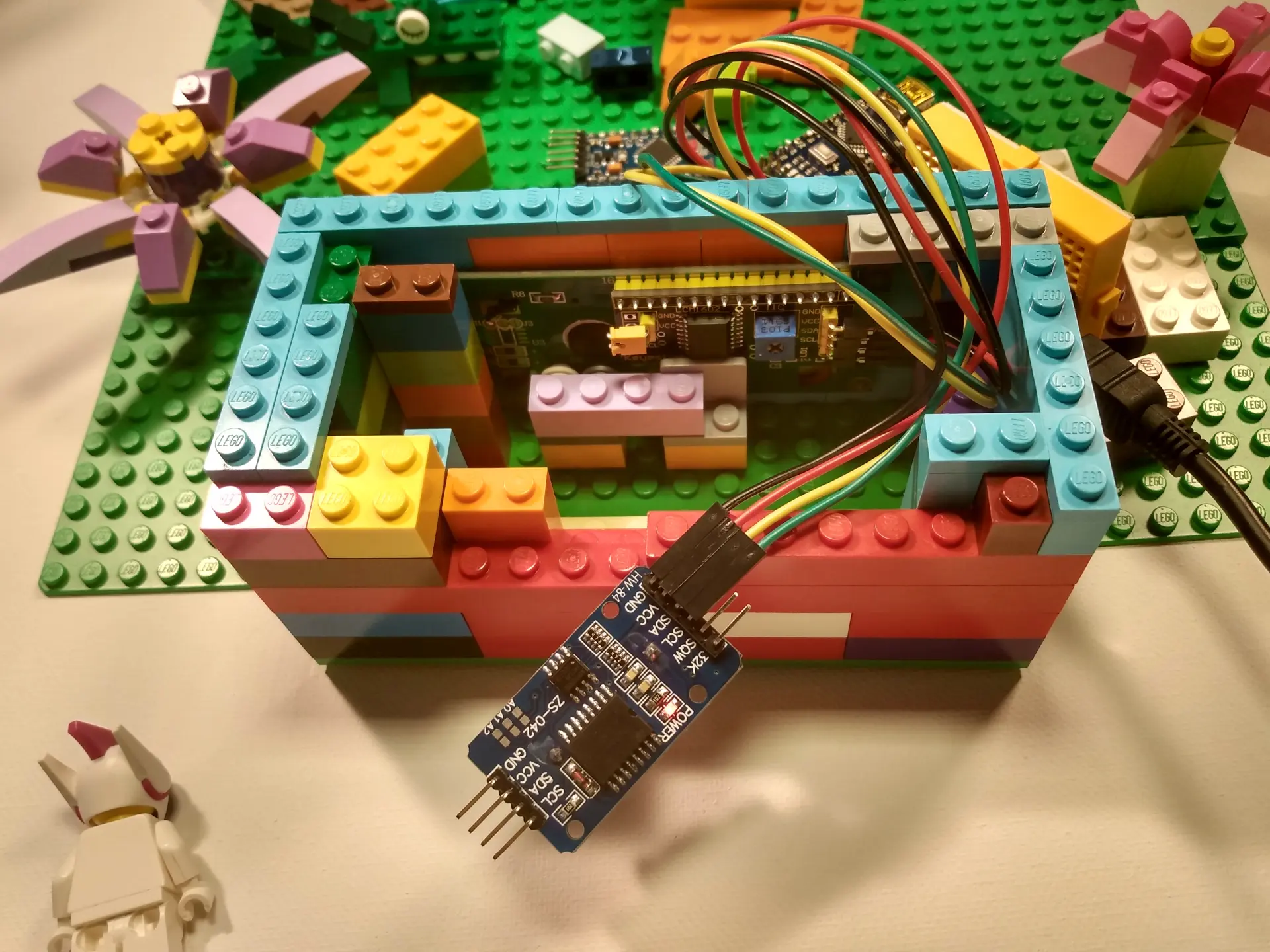
Standard Lego studs have an 8mm pitch spacing. An Arduino Uno PCB mounting hole spacing does not align perfectly with Lego stud dimensions, so makers use 3D-printed Lego-compatible mounting baseplates or build snug brick friction-fit framing walls. For the 1602 LCD, build a bezel frame that holds the PCB ears behind a 2-stud-wide border, leaving the active glass display recessed and protected.
2. How are multiple I2C and digital components wired inside the Lego clock?
+
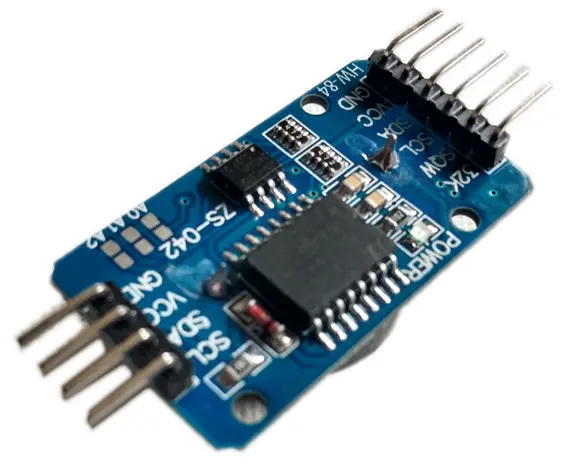
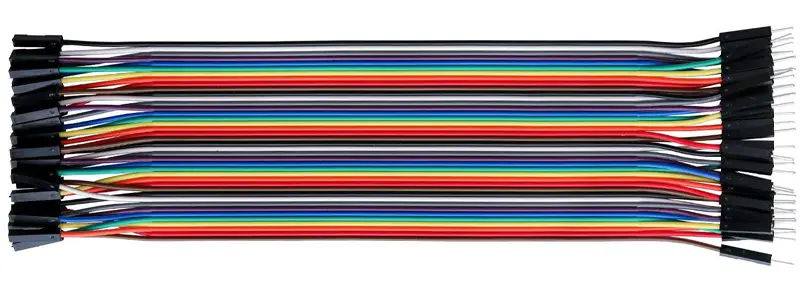
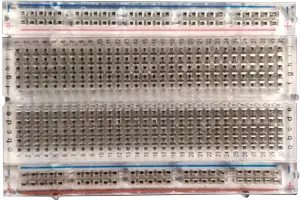
The DS3231 RTC and I2C LCD backpack share the Uno I2C bus on Analog Pin A4 (SDA) and Analog Pin A5 (SCL) with shared 5V and GND power rails. The DHT11 temperature and humidity sensor connects to a separate digital pin (Digital Pin 2) with a 10kΩ pull-up resistor. All power lines terminate at a compact mini-breadboard or soldered distribution bus inside the Lego housing.
3. How do you display Time, Date, Temperature, and Humidity across only two LCD rows?
+
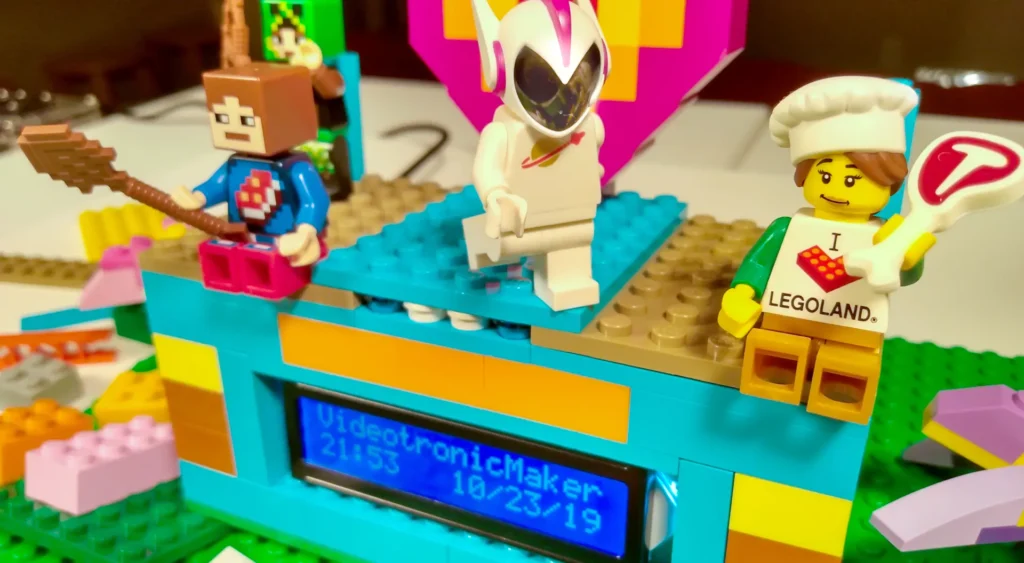
Use a non-blocking millis() timer state machine in your Arduino loop to alternate between display pages every 3 to 5 seconds. Page 1 displays "TIME: HH:MM:SS" on Row 0 and "DATE: MM/DD/YYYY" on Row 1. Page 2 displays "TEMP: 72F (22C)" on Row 0 and "HUMIDITY: 45%" on Row 1. This rotates all essential metrics without screen clutter or erratic text scrolling.
4. What is the recommended power supply for running this Lego clock 24/7 on a desk?
+
Power the Arduino Uno via its standard USB Type-B port using a regulated 5V 1A or 2A USB wall adapter (such as a standard phone charger). Avoid using a 9V PP3 alkaline battery for continuous operation, as an Arduino Uno and backlit LCD draw approximately 60mA–80mA, exhausting a standard 9V battery in less than 8 hours. The DS3231 coin cell ensures timekeeping continuity during power outages or unplugging.
5. How does this Lego clock build integrate with VTM Studio?
+
This project pairs with VTM Studio Layout Mode (for measuring Lego brick cavity dimensions and component clearances) and Reference Mode (for unified I2C wiring diagrams). Code Mode compiles and uploads the multi-page clock firmware, while Science Mode streams live temperature and humidity telemetry to calibrate sensor offsets.