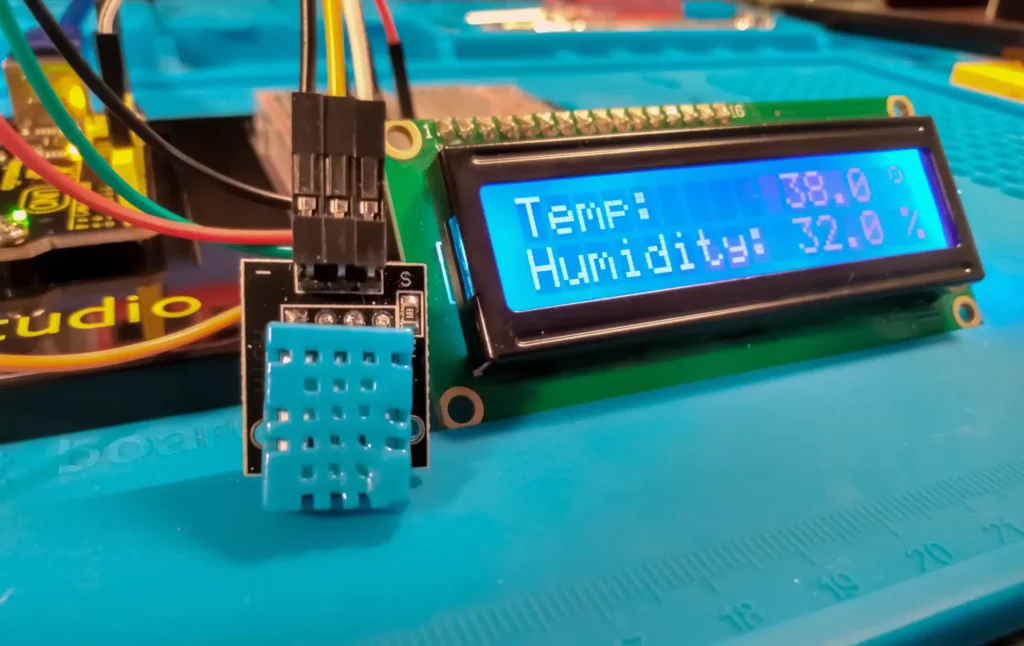

DHT11 Temperature and Humidity Displayed on I2C 1602 LCD
ARDUINO TUTORIAL · HARDWARE BUILD GUIDE

DHT11 Temperature and Humidity Displayed on I2C 1602 LCD - VTM Systems Store

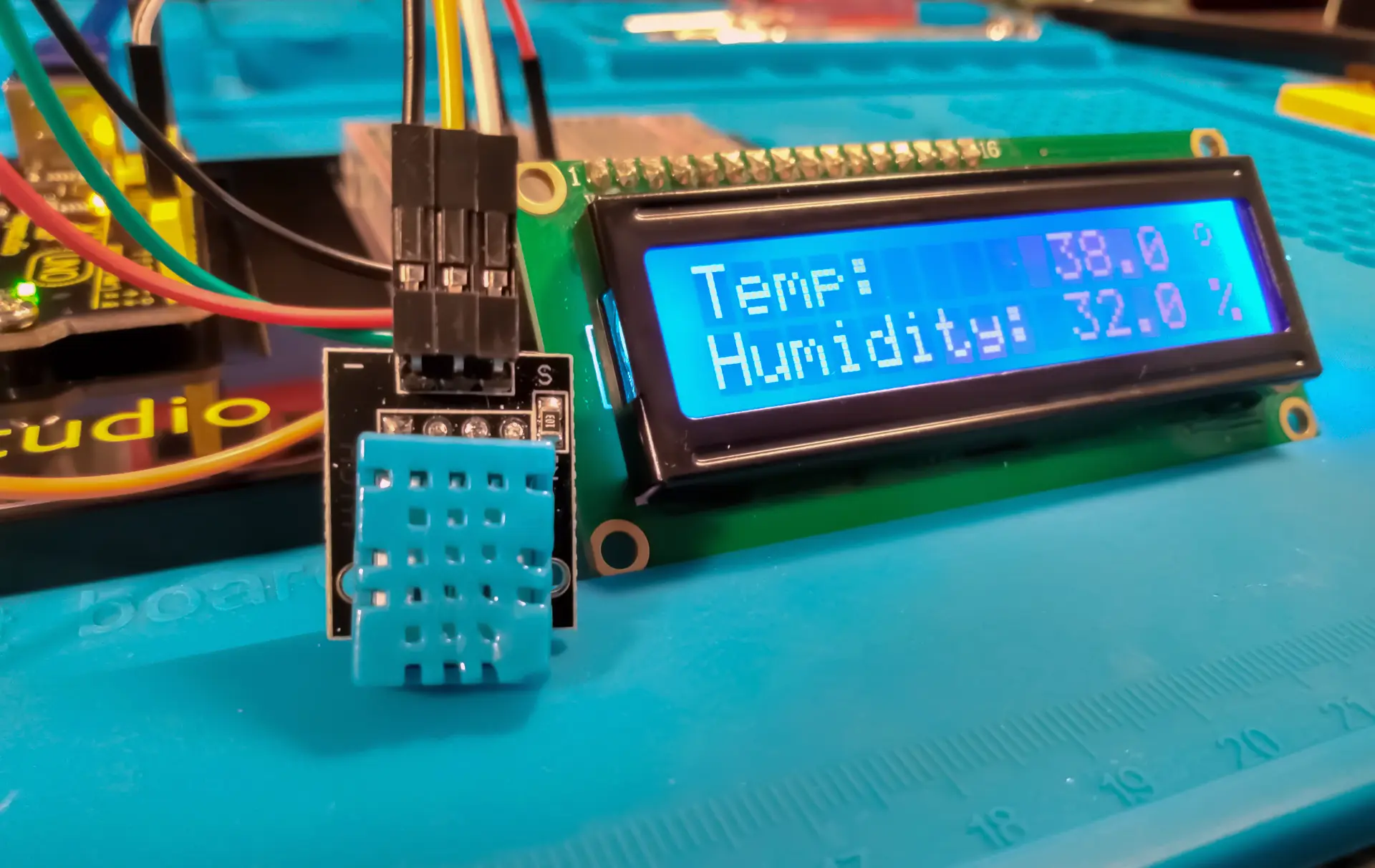
Direct Technical Summary In this Arduino tutorial we will use a dht11 temperature and humidity sensor with an printing to an I2C 16x02 LCD. The dht11 sensor measures ambient temperature and humidity. The date will be displayed on the LCD. This is a beginner Arduino beginner project great for beginners. DHT11 Temperature and Humidity Displayed on I2C 1602 LCD

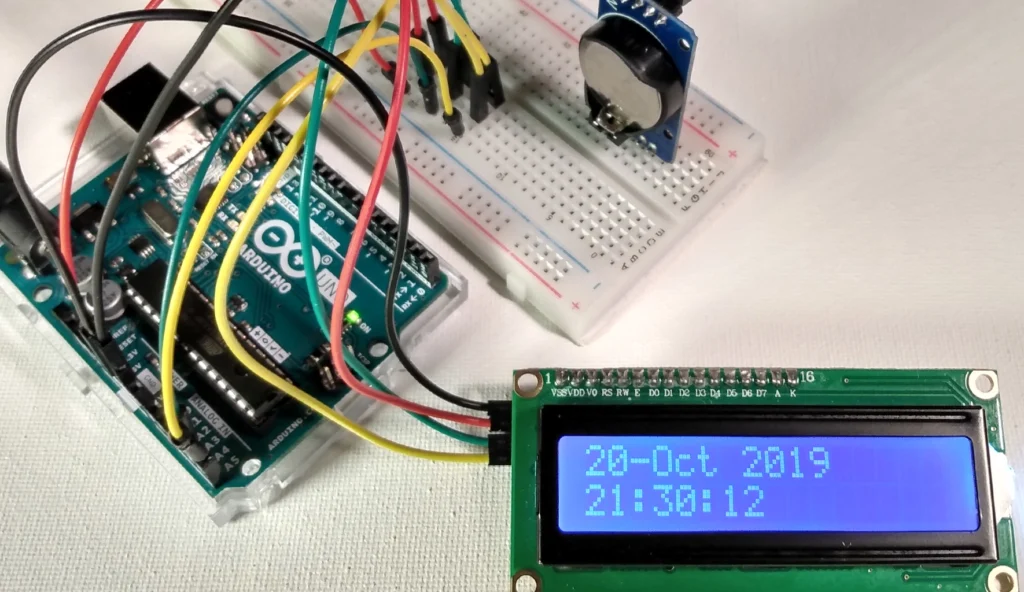
Time and Date -DS3231 & I2C LCD | Visuino

October 21, 2019

Lego Arduino Tutorial | Blink Sketch

November 14, 2019

Comments are closed.

BENCH FAQ // HARDWARE TROUBLESHOOTING

Frequently Asked Questions

DHT11 sampling timing intervals, pull-up resistor requirements, degree symbol CGRAM formatting, pinout separation, and workbench integration.

1. Why does reading the DHT11 sensor too quickly cause errors or stale data? +
The DHT11 uses a proprietary single-wire bi-directional digital protocol and has a maximum sampling rate of 0.5 Hz (one read every 2 seconds). Polling the sensor more frequently than once every two seconds will return checksum errors, NaN readings, or self-heating measurement drift. Your Arduino loop must include a minimum 2000ms delay or millis() timer between consecutive dht.readTemperature() and dht.readHumidity() calls.
2. Do I need a pull-up resistor on the DHT11 data pin? +
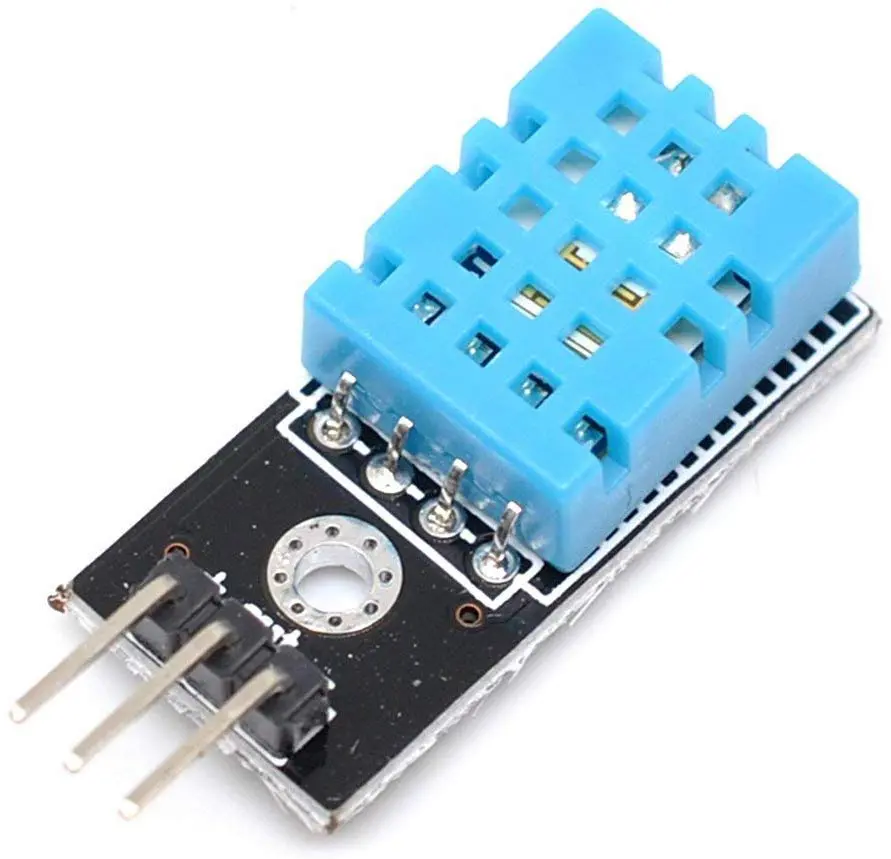
Yes. The single-wire data line operates on an open-drain bus and requires a 4.7kΩ to 10kΩ pull-up resistor tied between the VCC (5V) pin and the DATA pin. If you are using a 3-pin DHT11 breakout module on a small PCB, check the board: most 3-pin breakout modules already feature an onboard surface-mount pull-up resistor (marked 103 or 472), so no external resistor is required. If using a bare 4-pin blue sensor, an external resistor is mandatory.
3. How do you display a degree symbol (°C / °F) on a standard 1602 LCD? +
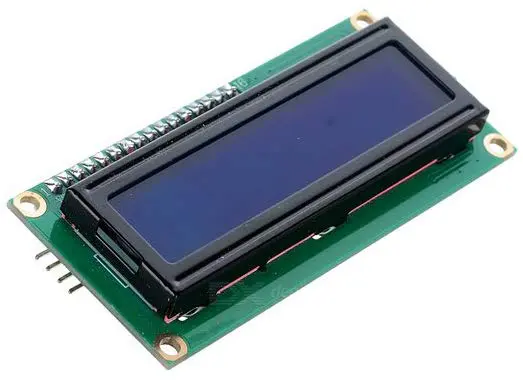
Standard HD44780 LCD ROMs store a Japanese Katakana degree symbol glyph at character address 0xDF. In Arduino C++, you can print the degree symbol directly using lcd.write(0xDF); lcd.print("C"); or by creating a custom 5×8 pixel glyph in CGRAM memory slot 0 with lcd.createChar(0, degreeSymbol) and printing it via lcd.write((uint8_t)0).
4. Can the DHT11 sensor and I2C LCD share the same Arduino pins? +
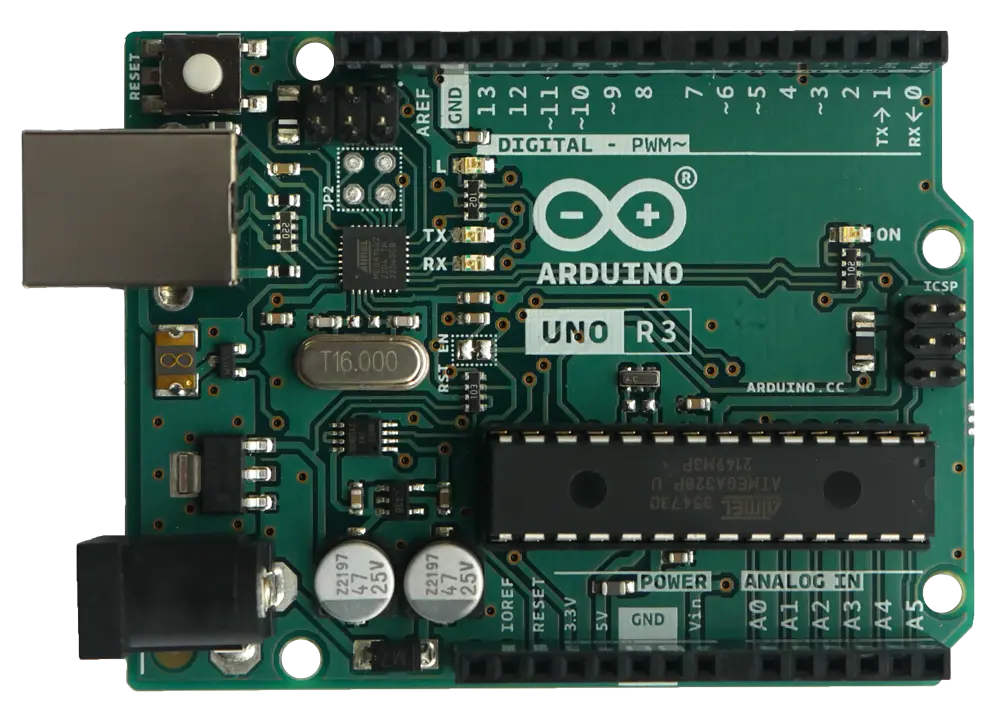
No. The I2C LCD backpack communicates over the dedicated synchronous 2-wire I2C bus using Analog Pin A4 (SDA) and Analog Pin A5 (SCL). The DHT11 uses a custom asynchronous single-wire pulse timing protocol that cannot operate on an I2C bus. Wire the DHT11 data pin to an independent digital GPIO (such as Digital Pin 2) while leaving A4 and A5 dedicated to the I2C LCD.
5. How does this DHT11 environmental monitor tutorial integrate with VTM Studio? +
This guide pairs directly with VTM Studio Reference Mode (for complete DHT11 pinout tables and I2C backpack schematics) and Code Mode (for uploading C++ sketches). In Science Mode, serial telemetry streams (TEMP:...,HUMID:...) automatically bind to live dial gauges, bar charts, and logging exports on your workbench.