Time and Date - DS3231 & I2C LCD | Visuino
ARDUINO TUTORIAL ยท HARDWARE BUILD GUIDE

Time and Date -DS3231 & I2C LCD | Visuino - VTM Systems Store

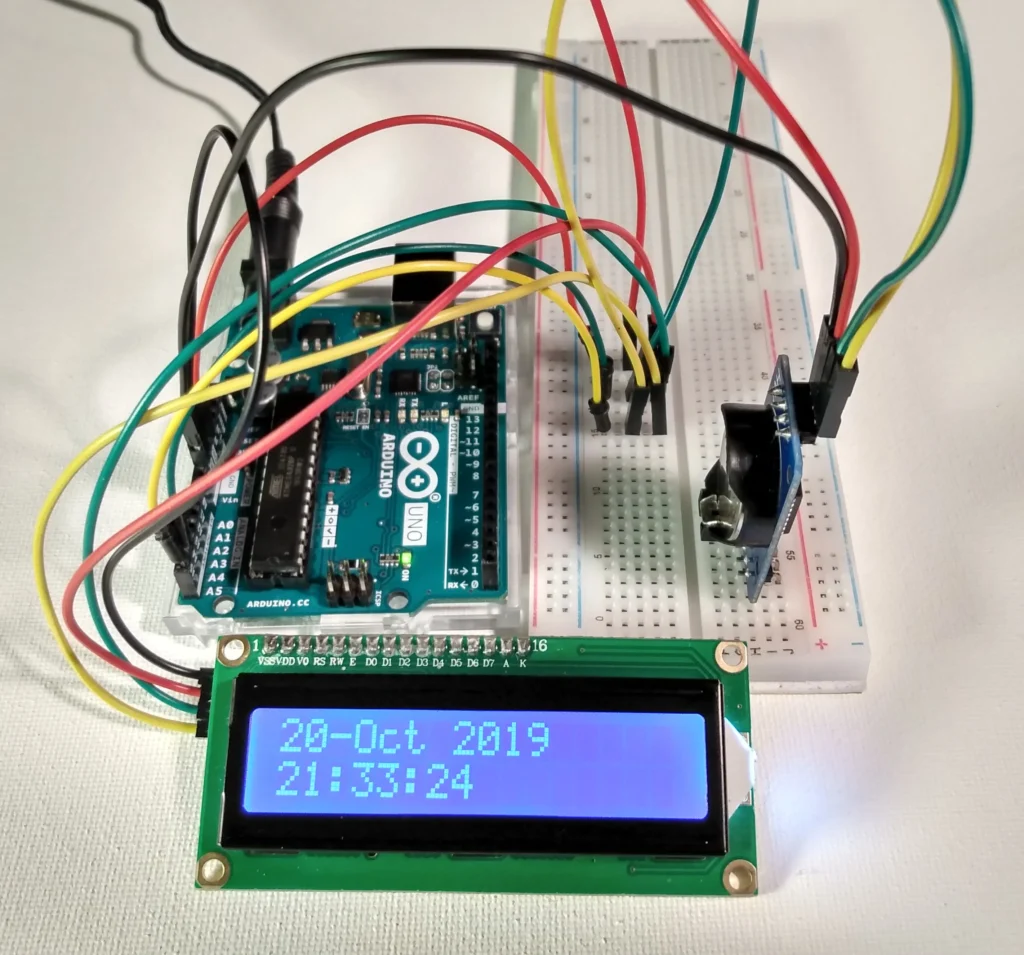
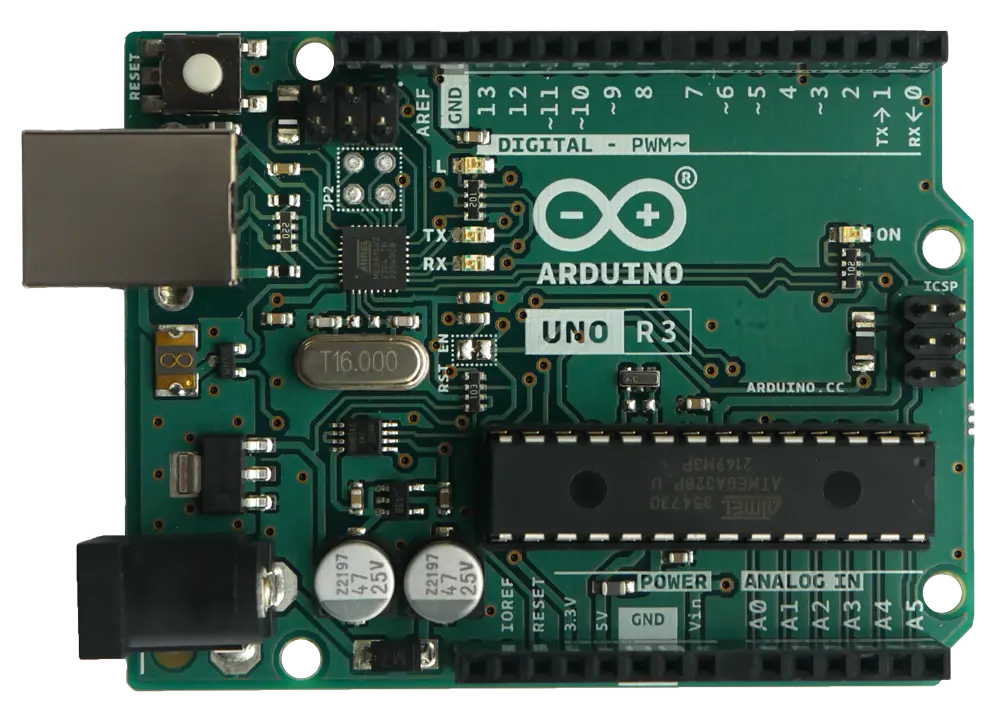
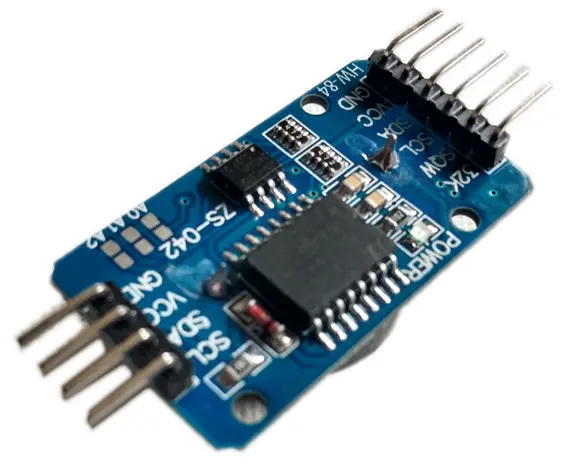
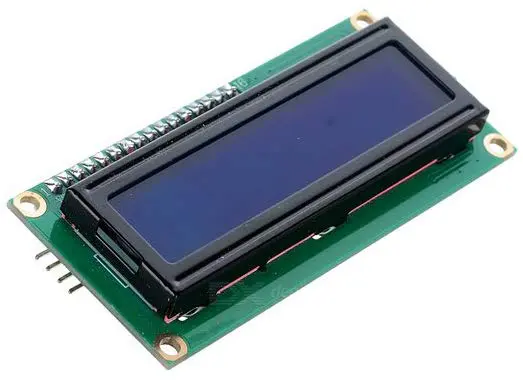
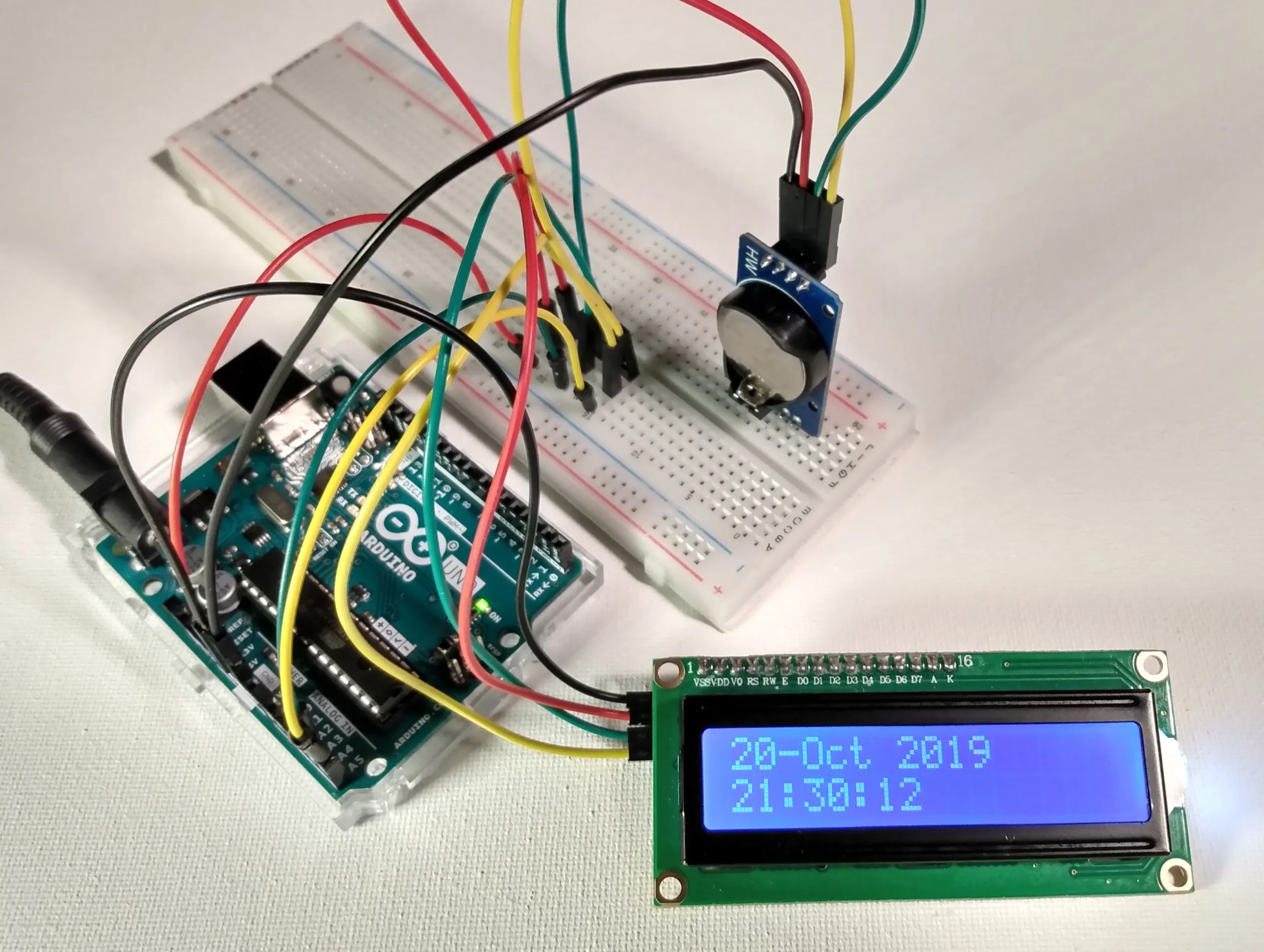
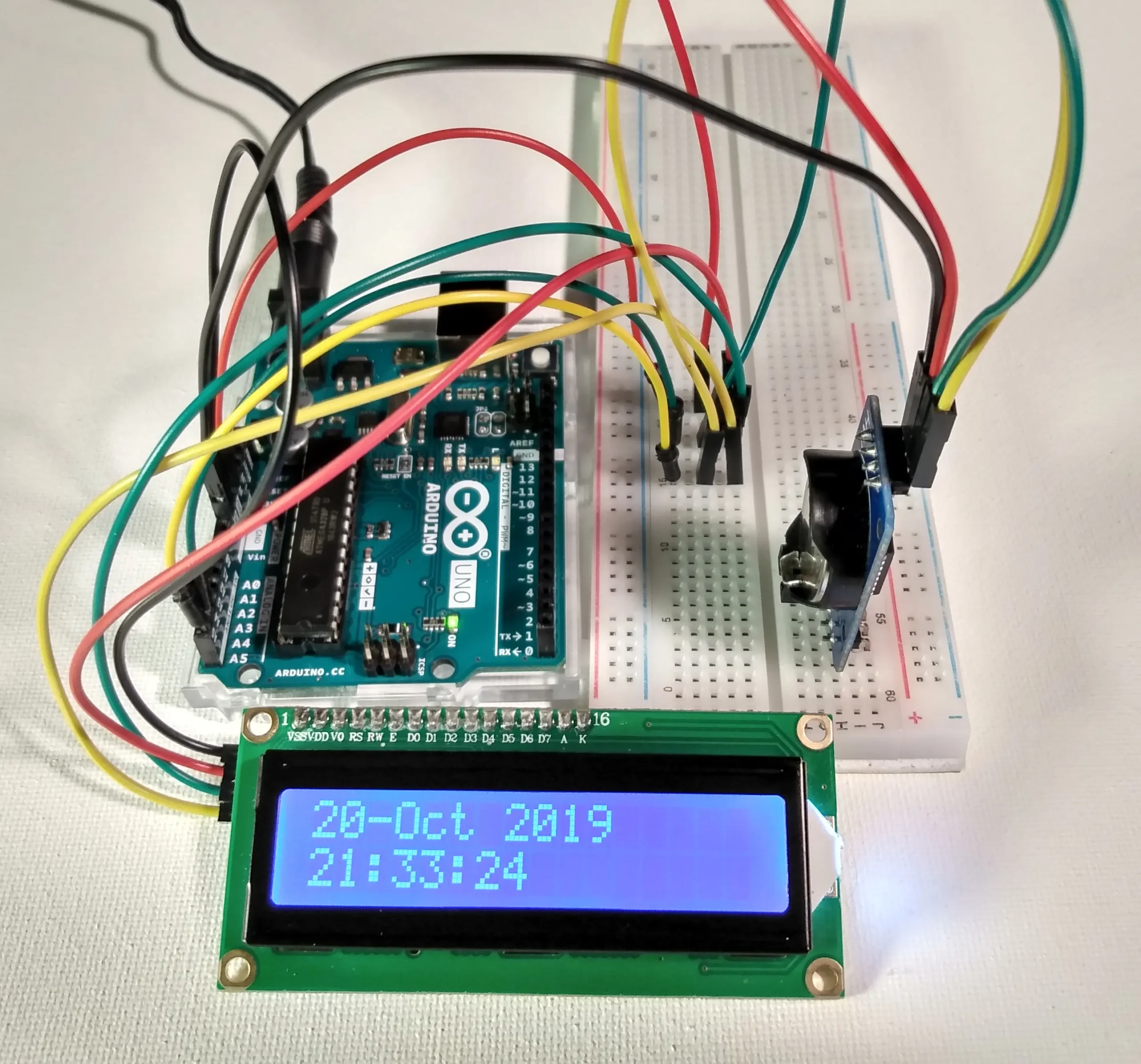
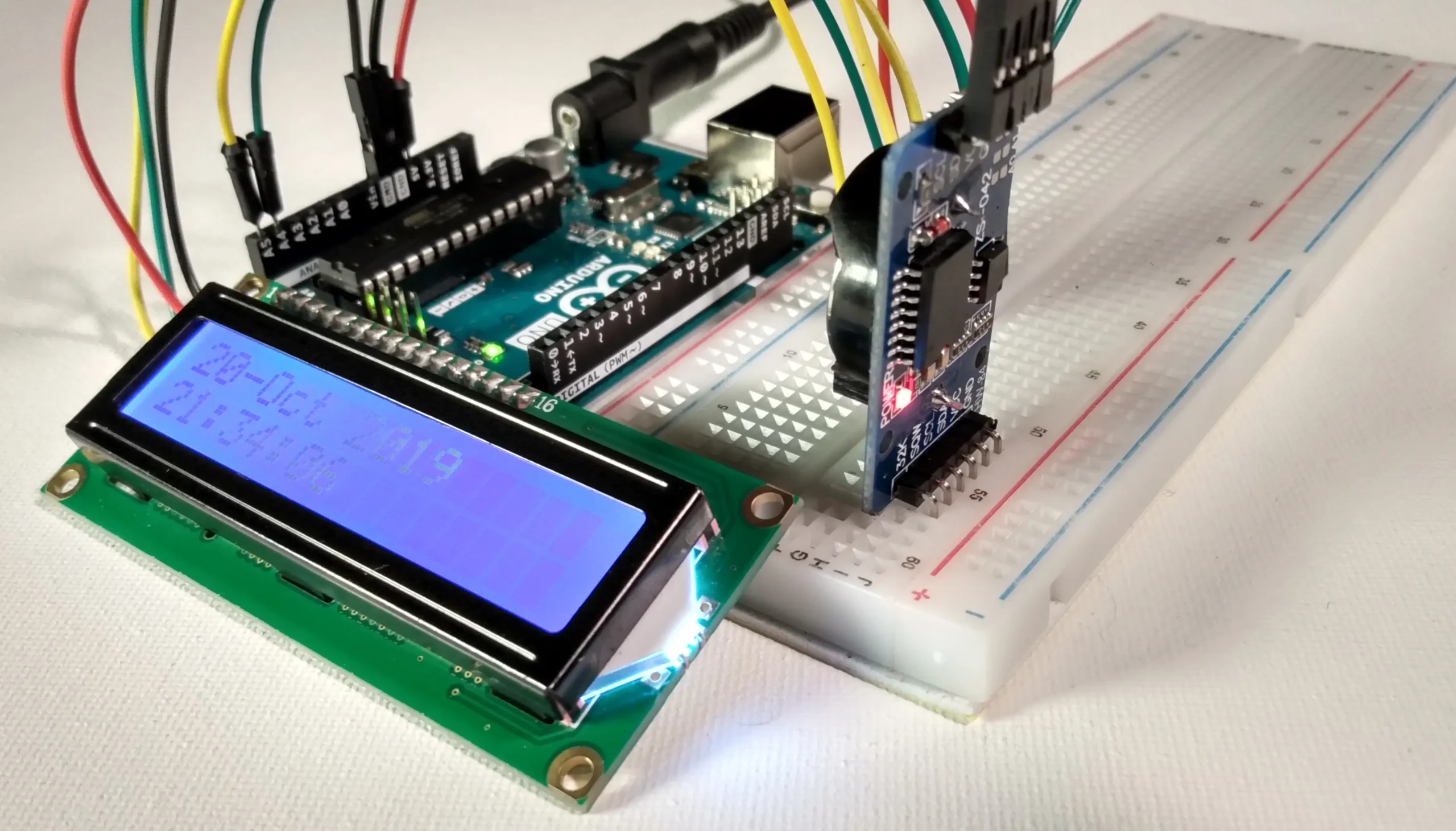
Direct Technical Summary Arduino time and date. The DS3231 Real Time Clock counts seconds, minutes, hours, date month, day, and year with leap-year compensation. The RTC module has a battery backup to charge. In this tutorial I will show you how to connect the DS3231 to an Arduino Uno and an I2C 1602 LCD module to display the time and date.

Arduino LCD I2C Project-Visuino

October 14, 2019

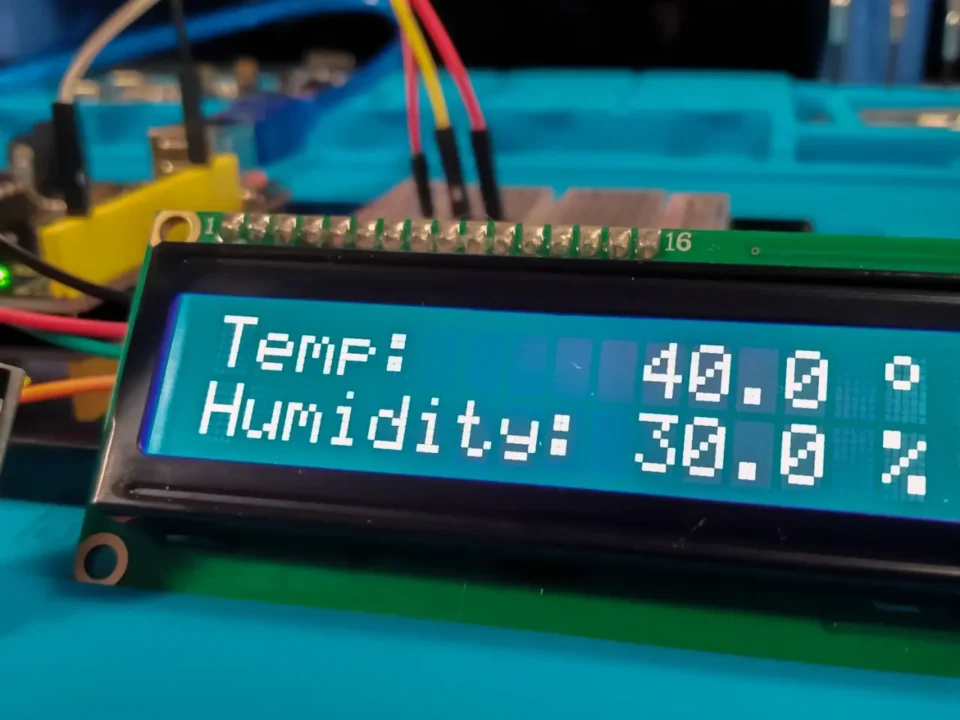
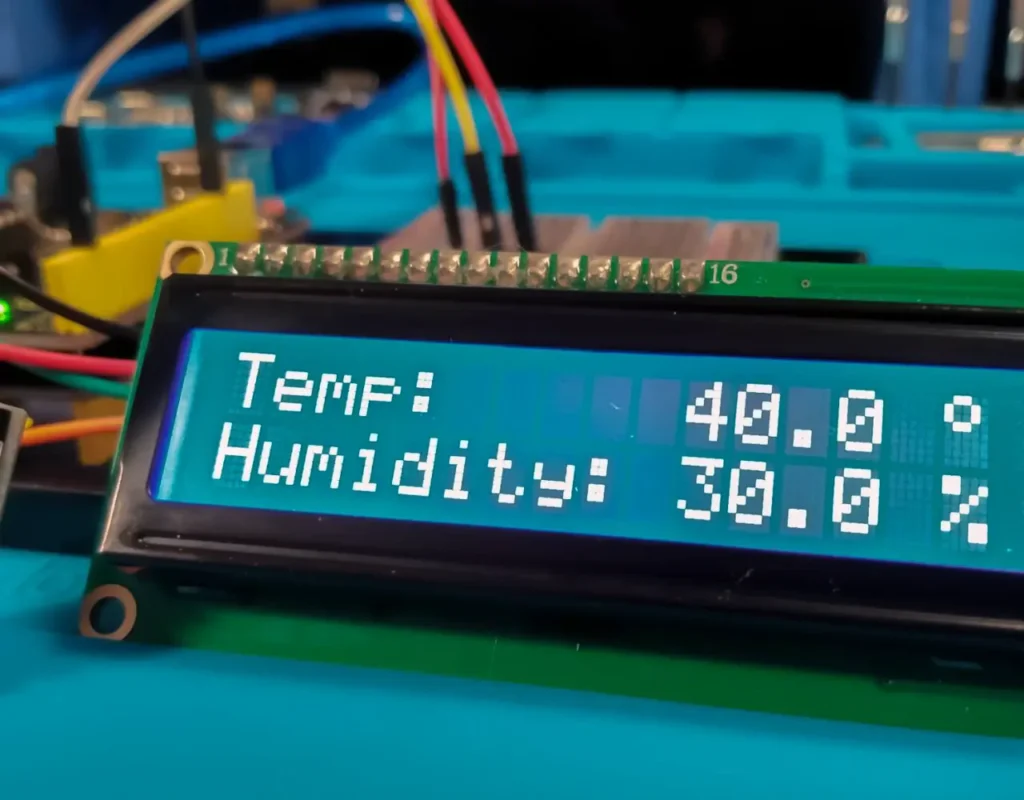
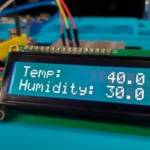
DHT11 Temperature and Humidity Displayed on I2C 1602 LCD

October 14, 2019

Comments are closed.

BENCH FAQ // HARDWARE TROUBLESHOOTING

Frequently Asked Questions

Multi-device I2C bus sharing, leading-zero timestamp formatting, Visuino visual compilation, LCD anti-flicker refresh, and workbench integration.

1. How do the DS3231 RTC and I2C LCD share the same SDA and SCL lines without conflict? +
The I2C bus is a multi-drop synchronous serial bus where each connected slave device possesses a unique 7-bit hardware address. The DS3231 RTC responds exclusively to address 0x68, while the PCF8574 LCD backpack responds to address 0x27 (or 0x3F). Both modules connect in parallel to Analog Pin A4 (SDA) and Analog Pin A5 (SCL); the Arduino addresses each device individually without any data collision.
2. Why do single-digit minutes or seconds display as 12:5:2 instead of 12:05:02 on the LCD? +
Standard integer print routines omit leading zeros. When time transitions from 10 to 9 seconds, printing an unpadded single digit leaves the old trailing character on screen or shifts character columns. To display proper timestamps, format your buffer with a leading zero check (e.g. if (second < 10) lcd.print('0'); lcd.print(second); or use sprintf(buf, "%02d:%02d:%02d", hour, minute, second)).
3. What is the benefit of using Visuino for this RTC and LCD clock project? +
Visuino provides visual component blocks for the Maxim DS3231 Real Time Clock and the Liquid Crystal Display (I2C), allowing makers to wire visual clock-output pins directly to LCD formatted text elements without writing manual I2C register byte-shifting code. Visuino compiles this visual graph directly into clean, optimized native Arduino C++ code that flashes onto the board.
4. How do you prevent the 1602 LCD screen from flickering when updating the clock every second? +
Never call lcd.clear() inside your main loop. Clearing the entire HD44780 controller matrix takes several milliseconds and turns all pixel segments off before re-drawing, producing visible stutter and backlight flashing. Instead, set the cursor to the exact coordinates (lcd.setCursor(0, 0)) and overwrite only the changing time characters in-place.
5. How does this time and date project integrate with VTM Studio? +
This guide pairs with VTM Studio Reference Mode (for multi-device I2C bus wiring topology and address reference) and Code Mode (for flashing C++ clock sketches). It also provides high-precision timestamping for Science Mode telemetry logs and Maker Log Mode project documentation.