Display Text via Serial Monitor
Arduino Tutorial
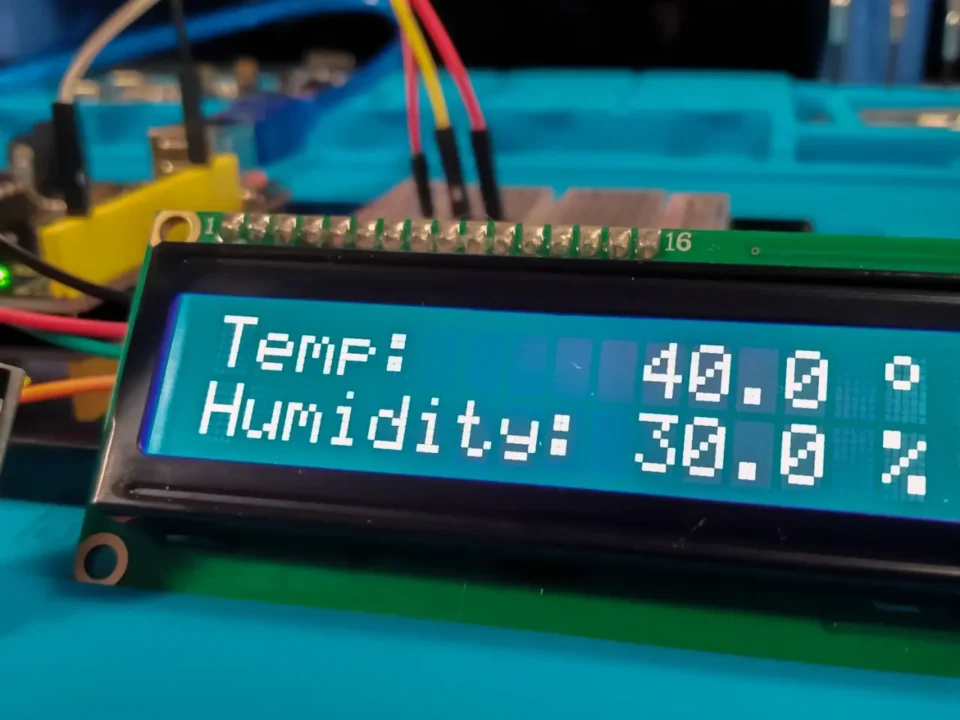
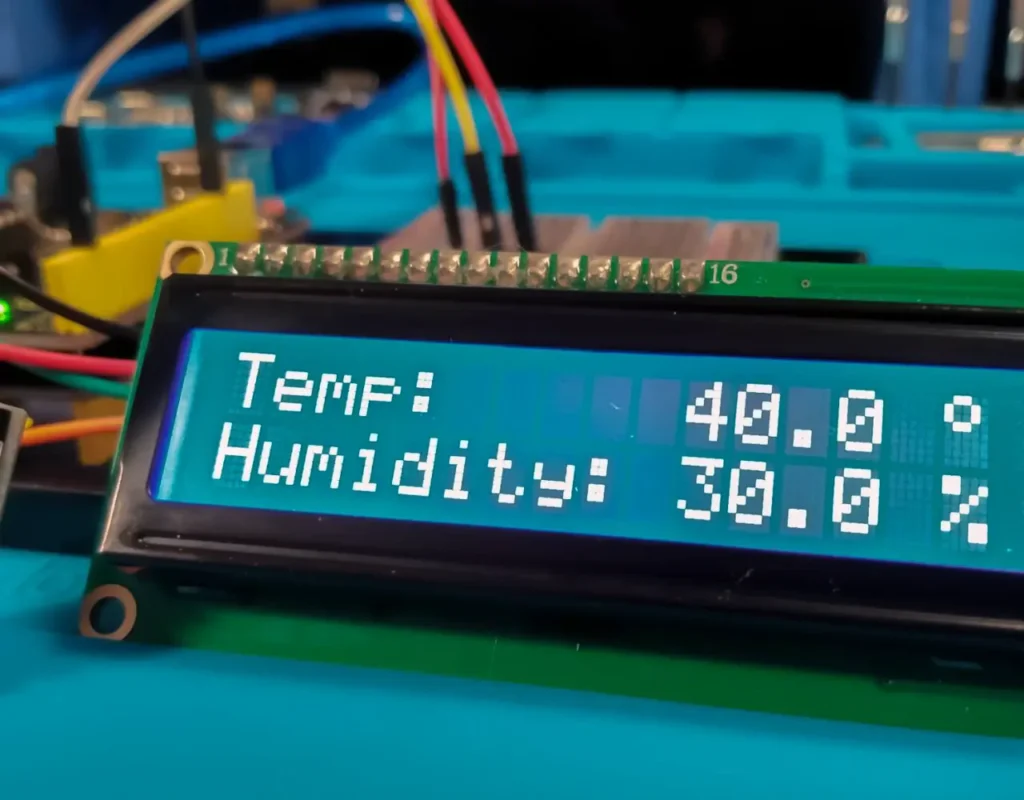
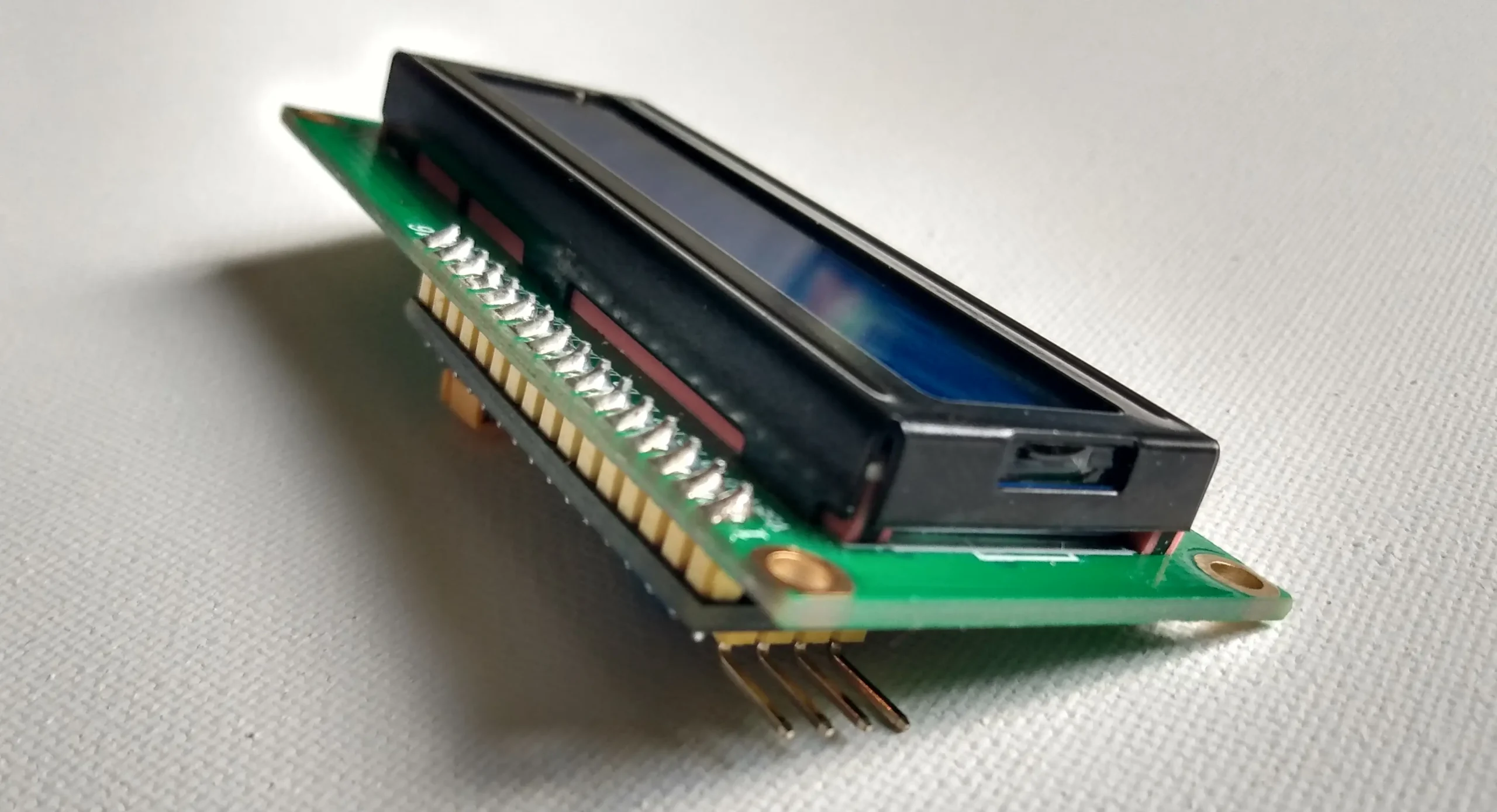
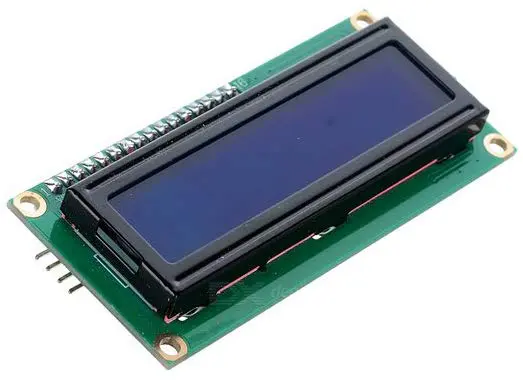
A 16x2 I2C module displays 16 characters on two lines. The I2C LCD has an Arduino IIC (inter-integrated communication) interface that eliminates 5 of it's predecessor's IO ports. It needs only 4 pins for the LCD display: VCC (power), GND, SDA (Data) and SCL (Clock). This 1602 LCD works with the Arduino Liquid Crystal Library.
Connecting an I2C to an Arduino Uno is not difficult. Finding a sketch that allows you to display text is not hard either. But what I didn't know was that you could use the serial monitor to type your text onto the screen. I thought that this was worth sharing. Thank you to the Boian Mitov for making the Visuino software and tutorials to make learning and using Arduino much easier for non coders.

Type text right in the serial monitor.
Arduino Tutorial Video
Skills Practice
Electronics
Visuino
Arduino IDE
LCD Practice
Components, Boards and Parts
Software and Apps

The Code

Download the Visuino Project File
Using the sketch below is not recommended. The Visuino libraries are updated regularly so they might not work. The Visuino project file will always work and generate the latest code and libraries. The download link will open a new GitHub page where you can download the Visuino project file.
Type Text in the Serial Monitor
After you use the Visuino project file above or create your own and compile to Arduino, open your serial monitor in Arduino and type the text. Then click "send". This is a feature that I didn't know existed.
Now your Arduino is programmed and your screen will display your text. If you power off your Arduino board and power it back on, the text you previously uploaded to your board will still be displayed on the LCD.