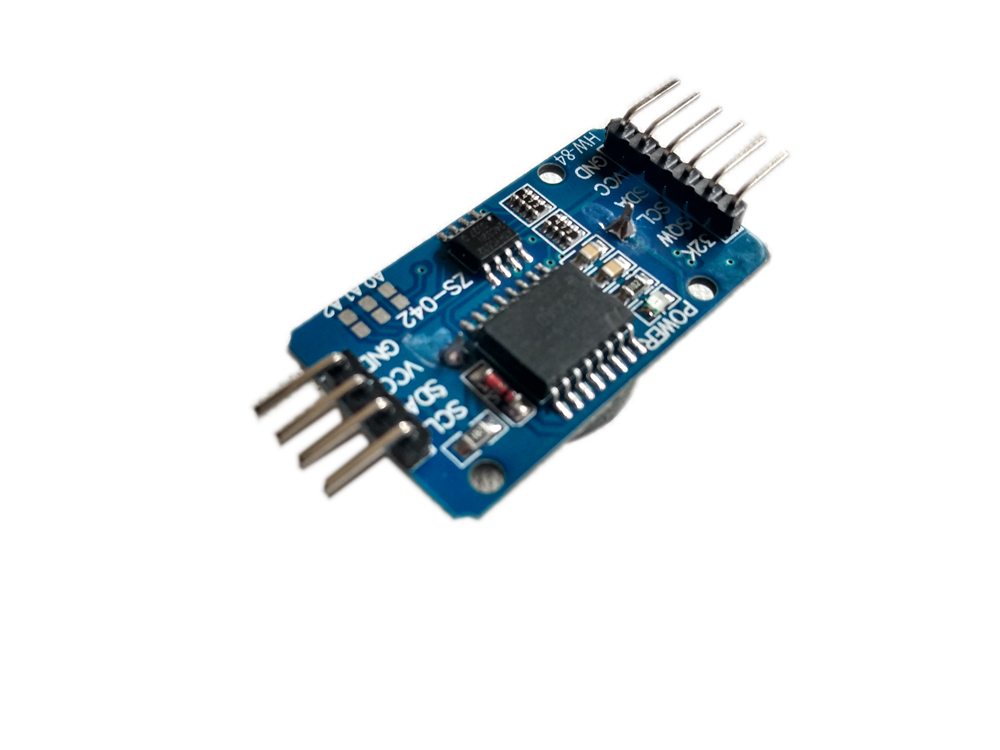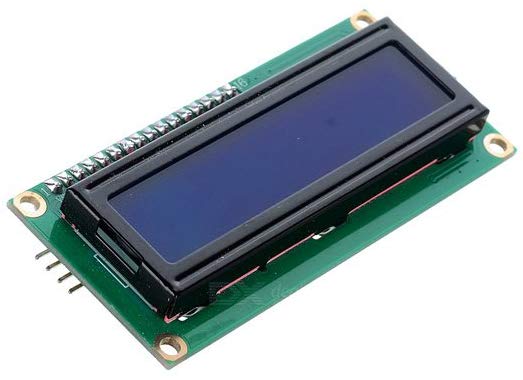
RTC-DS3231 with 1602 LCD I2C
ARDUINO TUTORIAL · HARDWARE BUILD GUIDE

RTC-DS3231 with 1602 LCD I2C - VTM Systems Store

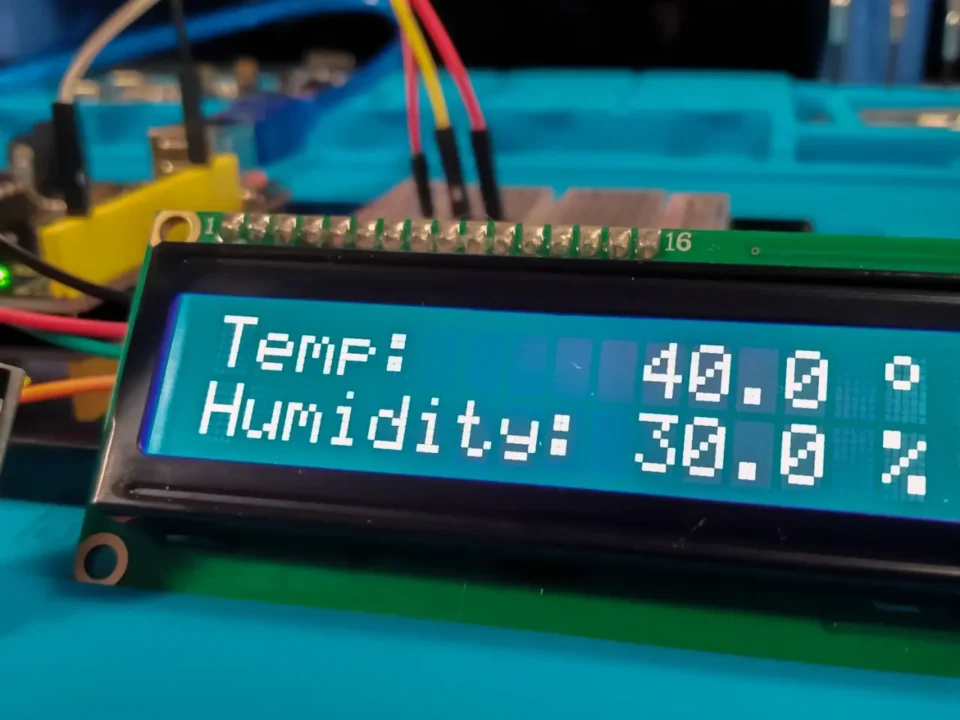
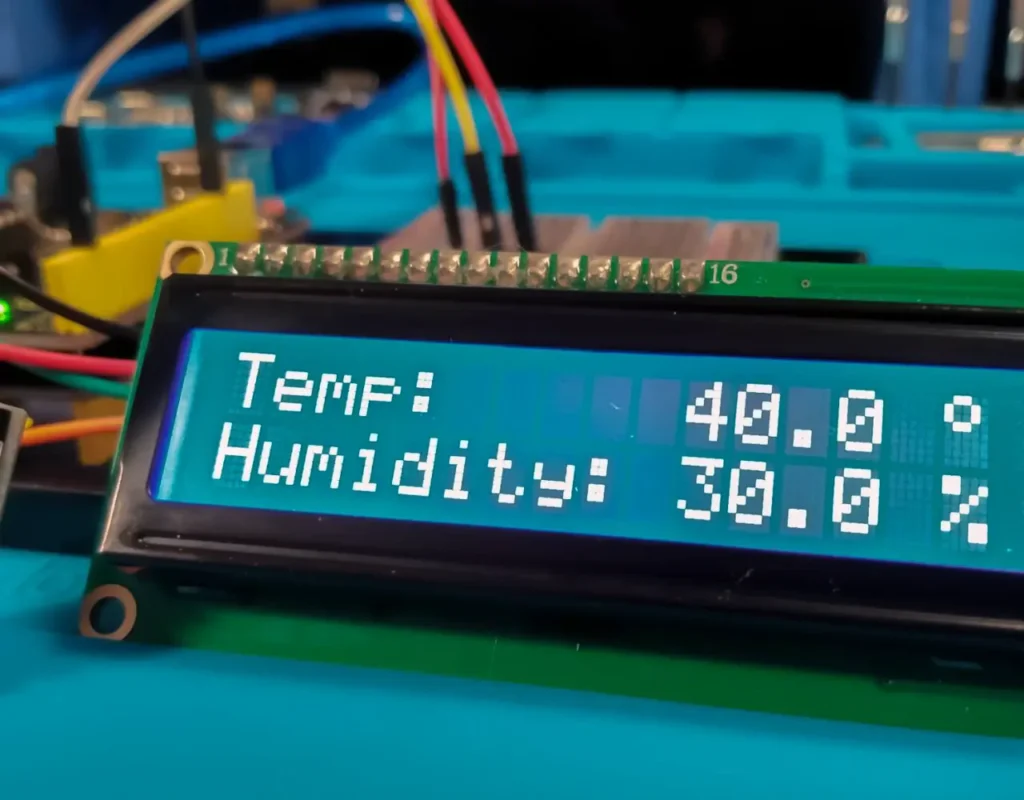
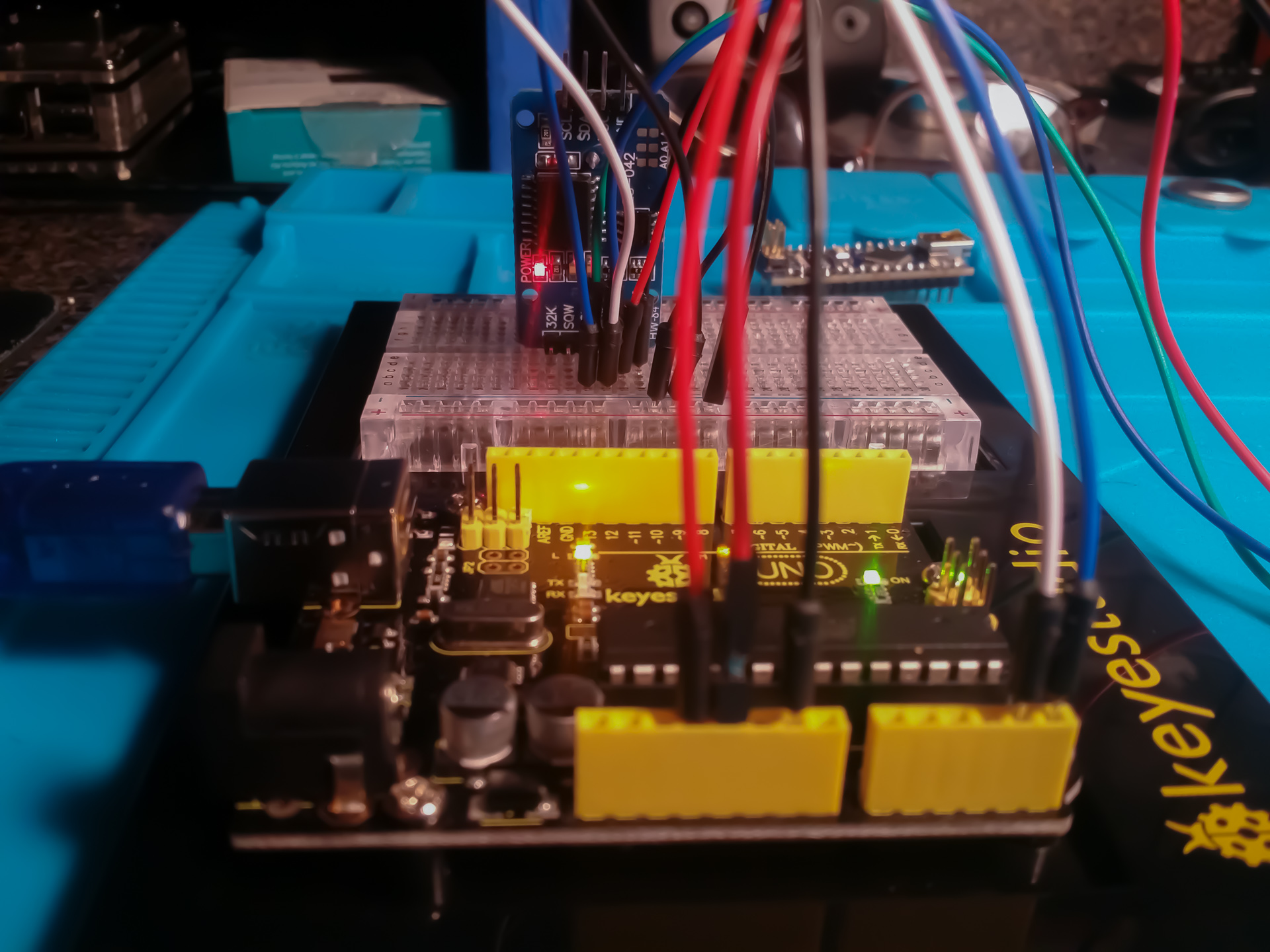
Direct Technical Summary I have only been using Arduino for about 2 months now. I bought a Keyestudio starter kit and I couldn't get Project 31: DS1302 Real Time Clock Module to work so I tried using a RTC DS3231. I wanted to be able to do a basic thing like print the time and date on a 1602 LCD i2C screen. I tried many sites and different code but I couldn't get it to work.

Set Time with DS3231 RTC-Arduino

October 27, 2019

Arduino LCD I2C Project-Visuino

October 14, 2019

Comments are closed.

BENCH FAQ // HARDWARE TROUBLESHOOTING

Frequently Asked Questions

DS1302 vs DS3231 stability, breadboard power distribution, conflicting RTC C++ libraries, 16×2 character layouts, and workbench integration.

1. Why is the DS3231 preferred over the DS1302 found in many Arduino starter kits? +
The basic DS1302 uses a non-standard 3-wire SPI-like protocol (RST, DAT, CLK), requires 3 dedicated digital pins, and relies on an uncompensated external crystal that easily drifts several minutes a week. The DS3231 operates on the standard 2-wire I2C bus (sharing SDA and SCL with other sensors) and features an internal temperature-compensated crystal oscillator (TCXO) that guarantees timing accuracy within seconds per year.
2. What is the cleanest way to wire both the DS3231 and I2C LCD to a single Arduino Uno? +
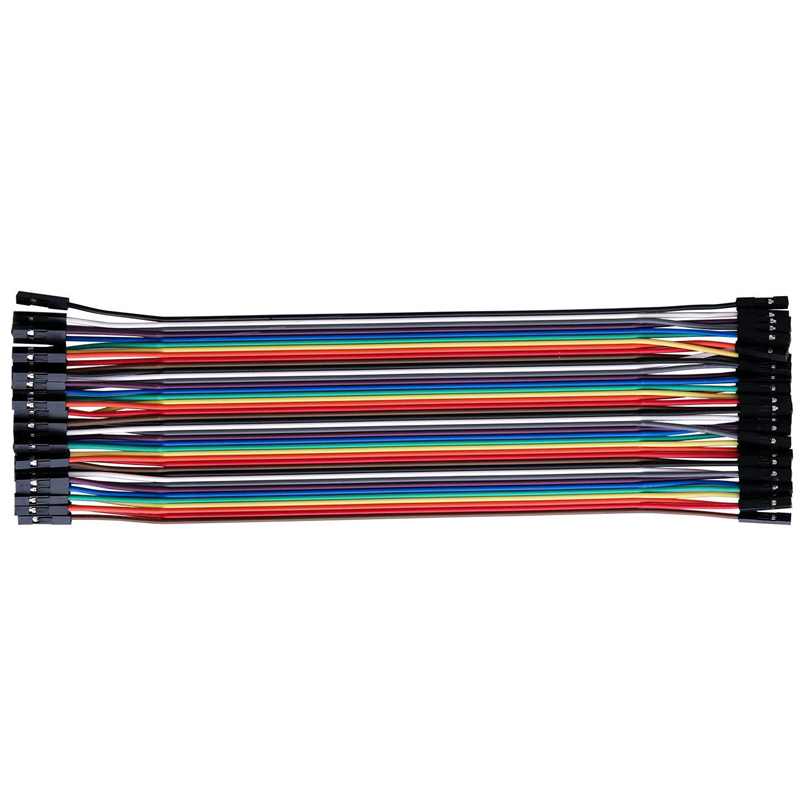
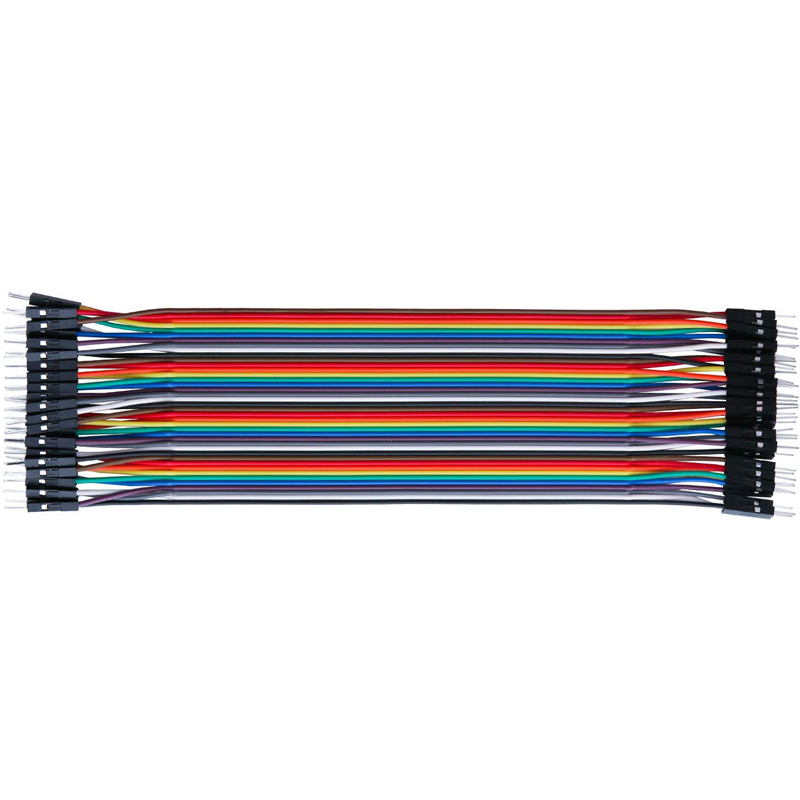
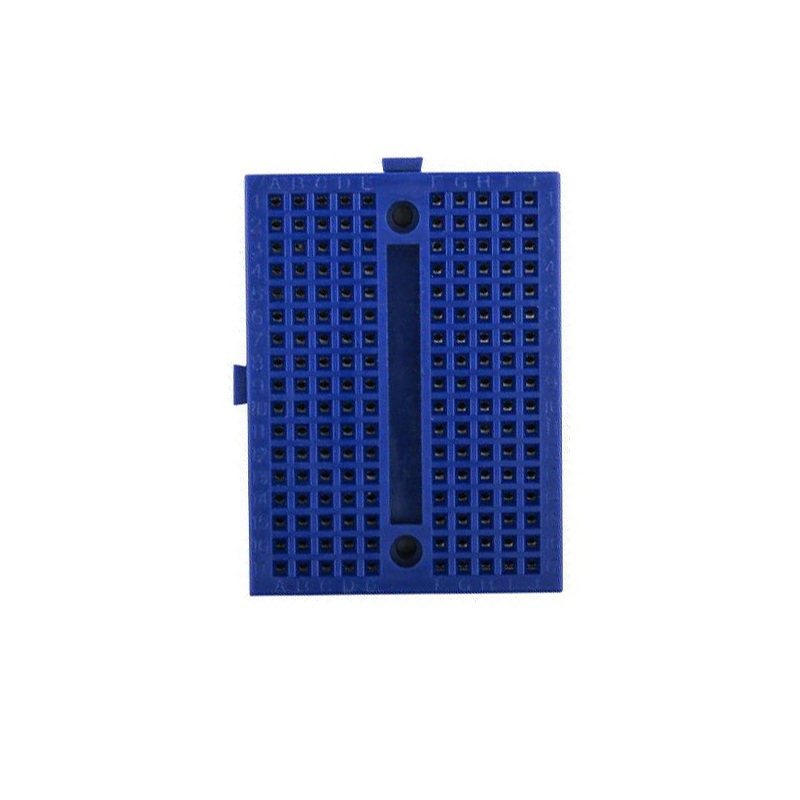
Use the side power distribution rails on your breadboard. Run a jumper from the Arduino 5V pin to the red (+) rail and Arduino GND to the blue (-) rail. Connect the VCC and GND pins of both the DS3231 and the 1602 LCD backpack to these rails. Then tie both SDA pins to Uno Analog Pin A4 and both SCL pins to Uno Analog Pin A5.
3. Why do so many online RTC example sketches fail to compile or throw errors? +
Several legacy RTC libraries share similar header names (DS1307RTC.h, RTClib.h, TimeLib.h, DS3231.h) but use completely different object methods (e.g. rtc.getTimeStr() vs rtc.now() vs RTC.read(tm)). For modern Arduino C++, using the Adafruit RTClib or Michael Margolis TimeLib library provides the most stable, standardized API. Always remove older conflicting library folders from your Arduino libraries/ directory before compiling.
4. How do you arrange Time and Date on a 1602 LCD screen without running out of columns? +
A 1602 LCD provides exactly 16 characters across 2 rows. Dedicate Row 0 (lcd.setCursor(0, 0)) to the time string: "TIME: HH:MM:SS". Dedicate Row 1 (lcd.setCursor(0, 1)) to the date string: "DATE: MM/DD/YYYY". This 16-character layout utilizes the exact screen geometry with centered labels and avoids text wrapping artifacts.
5. How does this beginner RTC & LCD project integrate with VTM Studio? +
This tutorial pairs with VTM Studio Reference Mode (for instant starter kit pinout cross-referencing and I2C address maps) and Code Mode (for uploading cleanly formatted C++ clock firmware). Telemetry output can also be forwarded into Science Mode to log physical temperature readings from the DS3231 internal sensor.