BENCH FAQ // HARDWARE TROUBLESHOOTING
Frequently Asked Questions
Coin cell charging circuit safety, compile-time clock synchronization, TCXO precision, Uno I2C wiring, and workbench integration.
1. Can I safely use a non-rechargeable CR2032 coin battery in a DS3231 ZS-042 module?
+
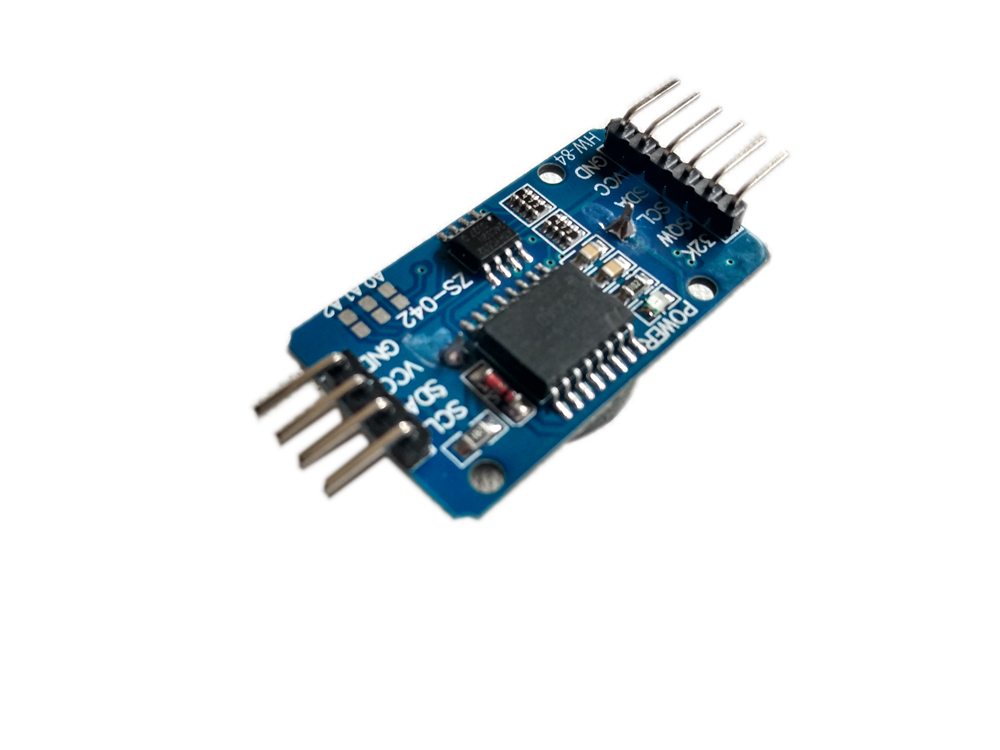
Common DS3231 ZS-042 modules ship with an active onboard trickle-charge circuit designed for rechargeable LIR2032 lithium-ion cells. If you insert a standard non-rechargeable CR2032 3V lithium coin cell without modifying the board, the charging circuit will force current into the battery, causing swelling, electrolyte leakage, or rupture. To safely use a ubiquitous CR2032, desolder or cut the trace to the surface-mount charging diode or the 200Ω resistor (marked 201) next to the battery holder.
2. How does Arduino code automatically set the initial time on the DS3231?
+
Sketches use the compiler preprocessor macros __DATE__ and __TIME__ to capture the exact system timestamp from your computer at the instant of compilation. When uploaded, the sketch parses this string into hours, minutes, seconds, day, month, and year, and writes it to the DS3231 RTC registers over I2C. After flashing this setup sketch, immediately upload your main display sketch so that subsequent power cycles or resets do not overwrite the current time with the old compilation timestamp.
3. Why is the DS3231 significantly more accurate than the older DS1307 RTC?
+
The DS1307 relies on an external 32.768 kHz tuning fork quartz crystal that drifts significantly with ambient temperature changes (often losing or gaining several minutes per month). The DS3231 features an integrated internal Temperature-Compensated Crystal Oscillator (TCXO) with an onboard temperature sensor. It automatically adjusts its internal load capacitance every 64 seconds to compensate for temperature shifts, maintaining timing accuracy within ±2 ppm (less than 1 minute of drift per year).
4. How do you connect the DS3231 module to an Arduino Uno?
+
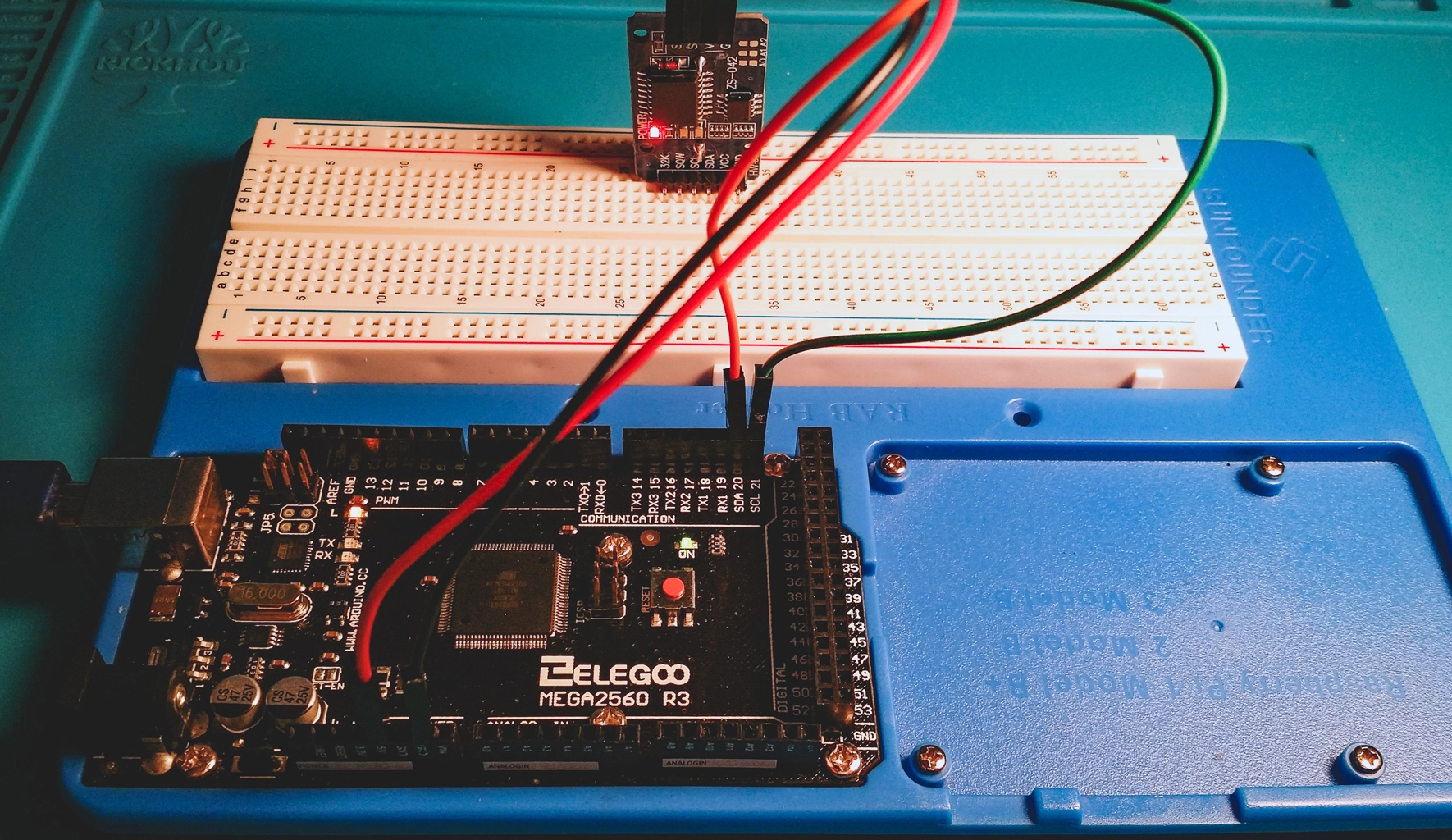
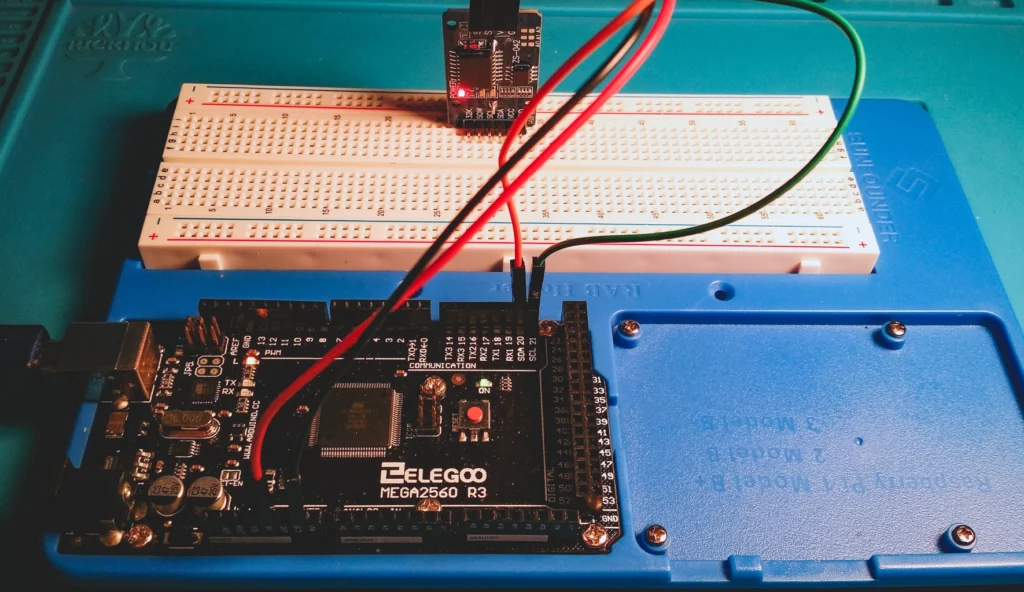
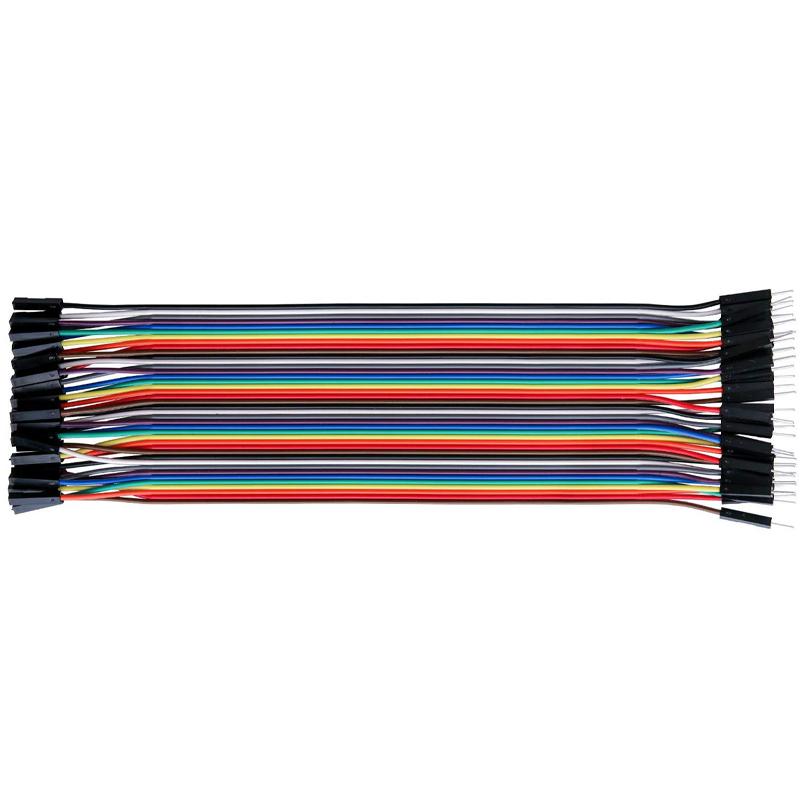
The DS3231 connects via the standard 2-wire I2C interface: connect VCC to 5V (or 3.3V), GND to Arduino GND, SDA to Analog Pin A4 (or dedicated SDA), and SCL to Analog Pin A5 (or dedicated SCL). The auxiliary 32K pin (raw 32.768 kHz square wave) and SQW pin (programmable square wave / alarm interrupt output) can be left disconnected for standard timekeeping projects.
5. How does this DS3231 RTC tutorial integrate with VTM Studio?
+
This guide pairs with VTM Studio Reference Mode (for complete I2C bus wiring schematics and pinouts) and Code Mode (for uploading time synchronization and display sketches). In Science Mode and Log Mode, the DS3231 provides microsecond-accurate real-world timestamps for multi-sensor serial telemetry logging without requiring internet NTP connectivity.